# koodo-reader
**Repository Path**: JerryFox/koodo-reader
## Basic Information
- **Project Name**: koodo-reader
- **Description**: 从github导入,阅读器
- **Primary Language**: JavaScript
- **License**: AGPL-3.0
- **Default Branch**: master
- **Homepage**: None
- **GVP Project**: No
## Statistics
- **Stars**: 0
- **Forks**: 0
- **Created**: 2024-05-16
- **Last Updated**: 2025-07-01
## Categories & Tags
**Categories**: Uncategorized
**Tags**: 电子书, 阅读器
## README
[简体中文](https://github.com/koodo-reader/koodo-reader/blob/master/README_cn.md) | [हिंदी](https://github.com/koodo-reader/koodo-reader/blob/master/README_hi.md)
|[Português](https://github.com/koodo-reader/koodo-reader/blob/master/README_pt.md) | [Indonesian](https://github.com/koodo-reader/koodo-reader/blob/master/README_id.md) | English
Koodo Reader
A cross-platform ebook reader
[Download](https://koodoreader.com/en) | [Preview](https://web.koodoreader.com) | [Roadmap](https://koodoreader.com/en/roadmap) | [Document](https://koodoreader.com/en/document) | [Plugins](https://koodoreader.com/en/plugin)
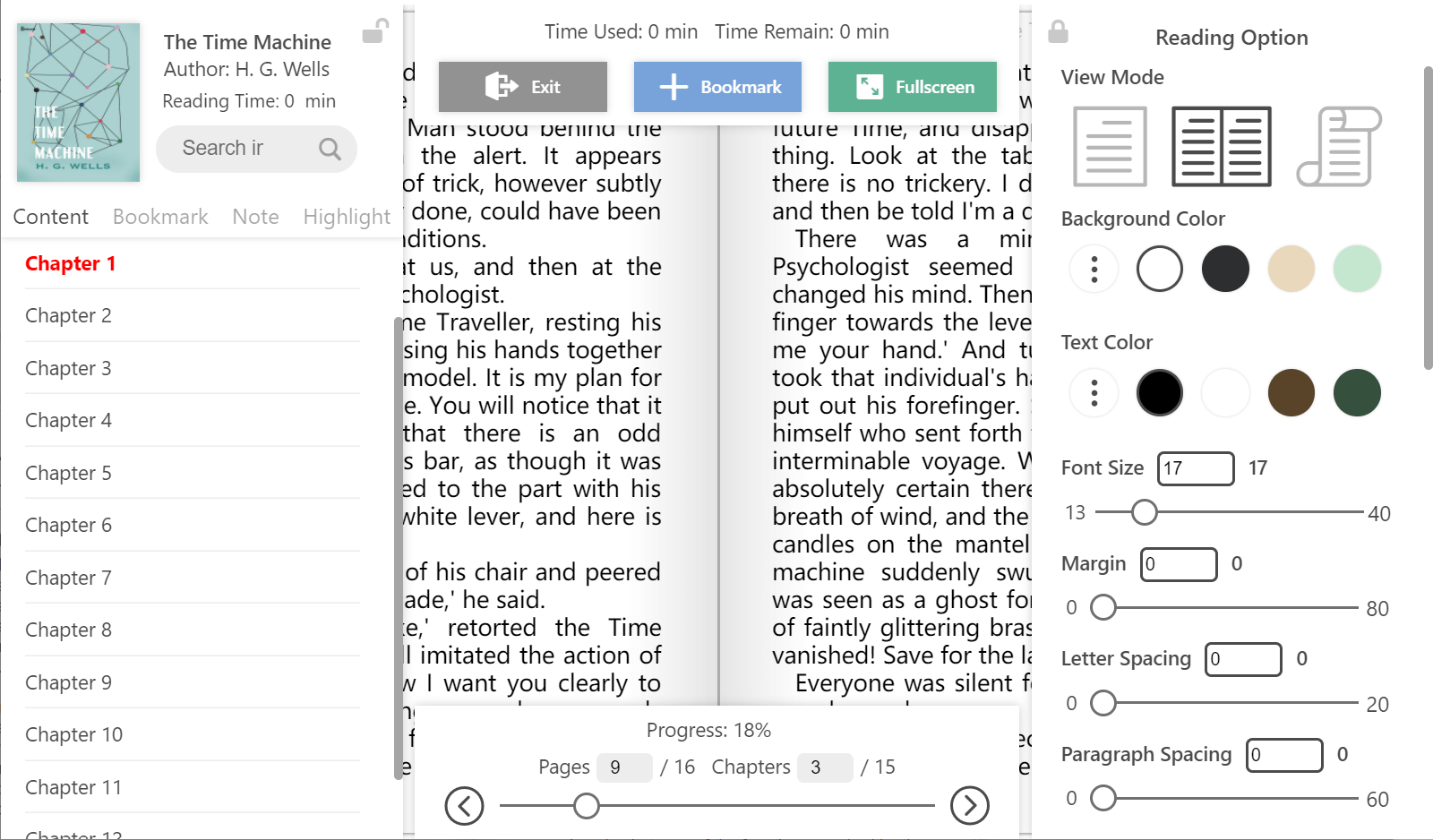
## Preview
## Feature
- Format support:
- EPUB (**.epub**)
- PDF (**.pdf**)
- DRM-free Mobipocket (**.mobi**) and Kindle (**.azw3**, **.azw**)
- Plain text (**.txt**)
- FictionBook (**.fb2**)
- Comic book archive (**.cbr**, **.cbz**, **.cbt**, **.cb7**)
- Rich text (**.md**, **.docx**)
- Hyper Text (**.html**, **.xml**, **.xhtml**, **.mhtml**, **.htm**)
- Platform support: **Windows**, **macOS**, **Linux**, **Android**, **iOS** and **Web**
- Utilize **OneDrive**, **Google Drive**, **Dropbox**, **MEGA**, **pCloud**, **Aliyun Drive**, **Box**, **FTP**, **SFTP**, **WebDAV**, **Object Storage** to sync and backup your data.
- Easily import books from **OneDrive**, **Google Drive**, **MEGA**, **Aliyun Drive**, **Box**, **FTP**, **SFTP**, **WebDAV**, **Object Storage**
- AI Translation, AI Dictionary, AI Summarization
- Single-column, two-column, or continuous scrolling layouts
- Text-to-speech, translation, dictionary, touch screen support, batch import
- Add bookmarks, notes, highlights to your books
- Adjust font size, font family, line-spacing, paragraph spacing, background color, text color, margins, and brightness
- Night mode and theme color
- Text highlight, underline, boldness, italics and shadow
## Installation
### Desktop Version:
- Stable Version (Recommended): [Download](https://koodoreader.com/en)
- Developer version: [Download](https://github.com/koodo-reader/koodo-reader/releases/latest) ( With new feature and bug fix, but may induce some unknown bugs)
### Web Version:[Visit](https://web.koodoreader.com)
### Android Version (works with developer version):[Download](https://koodoreader.com/en/download)
### iOS Version (works with developer version):[Download](https://koodoreader.com/en/download)
### Install with Scoop:
```shell
scoop bucket add extras
scoop install extras/koodo-reader
```
### Install with Homebrew:
```shell
brew install --cask koodo-reader
```
### Install with Docker:
If you only need to deploy the web version, simply use the command below.
```bash
docker run -d \
--name koodo-reader \
-p 80:80 \
-p 8080:8080 \
-e ENABLE_HTTP_SERVER=false \
-e SERVER_USERNAME=admin \
-e SERVER_PASSWORD=securePass123 \
-v /path/to/host/uploads:/app/uploads \
ghcr.io/koodo-reader/koodo-reader:master
```
If you also want to enable the **data source feature**, please:
1. Set **`ENABLE_HTTP_SERVER`** to **`true`**
2. Change **`SERVER_USERNAME`** and **`SERVER_PASSWORD`** to a secure username and password
3. Replace **`/path/to/host/uploads`** with the folder where you want to store reading data
Then, select **Docker** as the data source in Koodo Reader.
Data source functionality use port 8080, and web version use port 80 by default. If you want to switch to port 8090, just change **`-p 8080:8080`** to **`-p 8090:8080`**.
If you want to use Docker Secrets to set **`SERVER_PASSWORD`**, please refer to [docker-compose-secret.yml](https://github.com/koodo-reader/koodo-reader/blob/master/docker-compose-secret.yml)
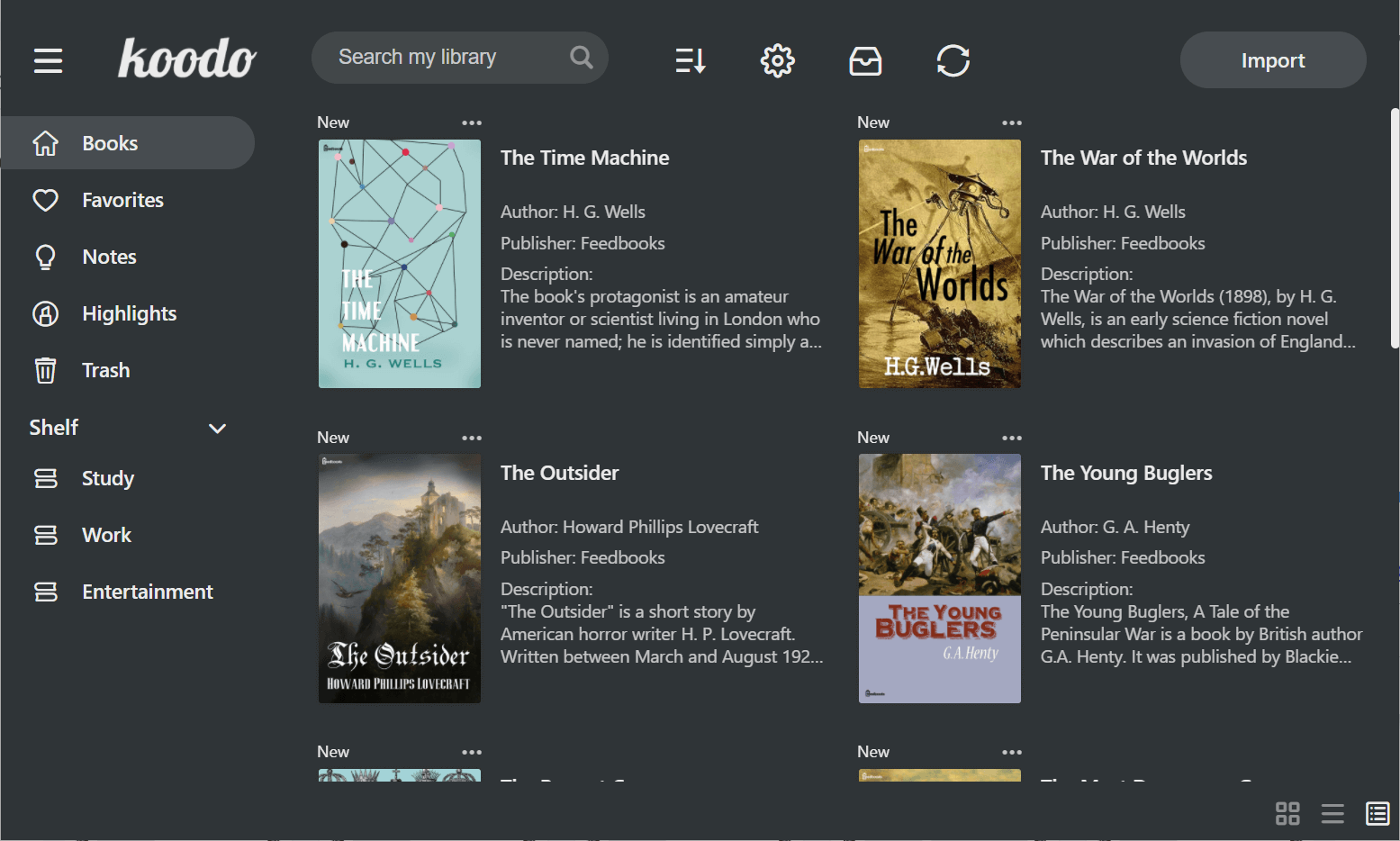
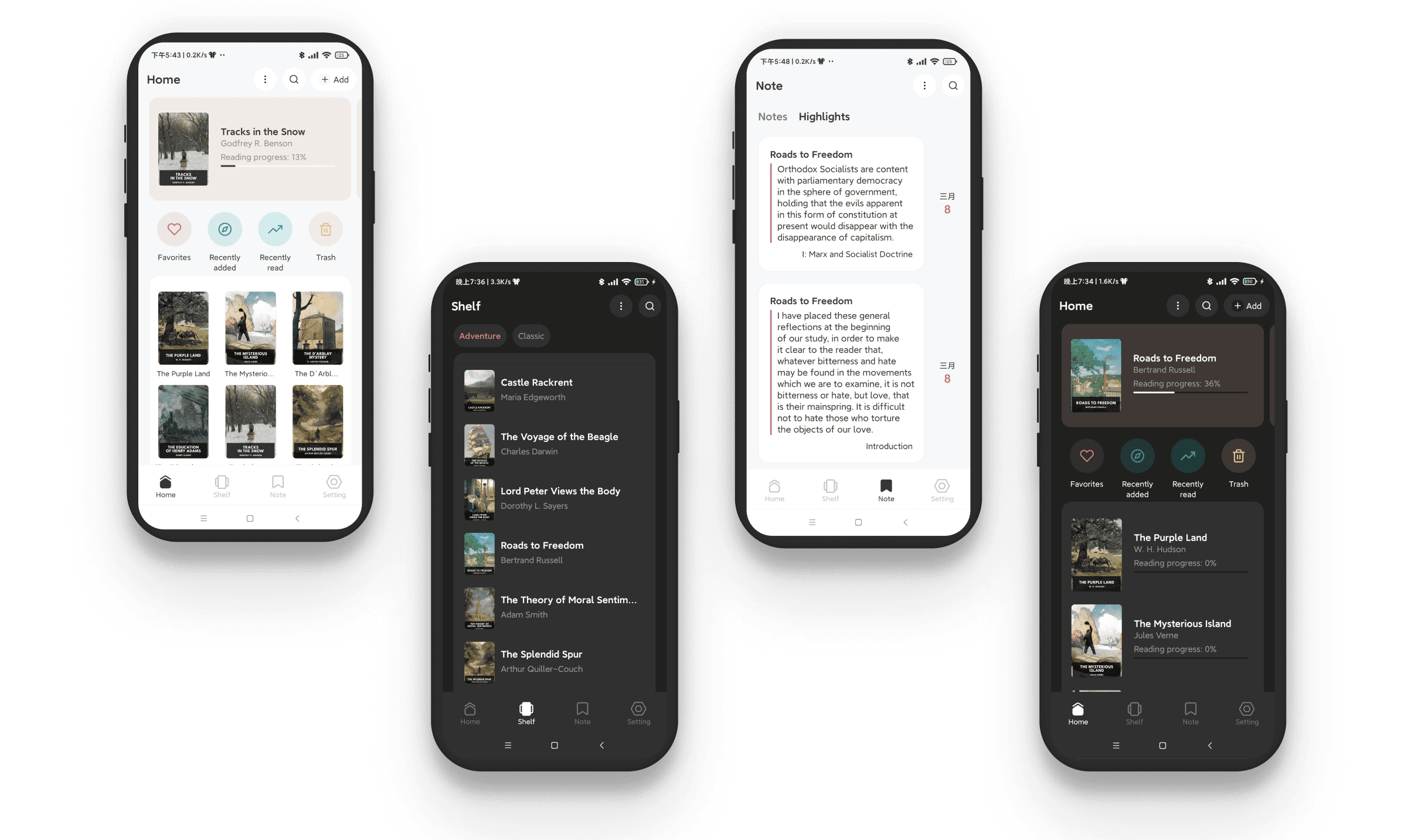
## Screenshot
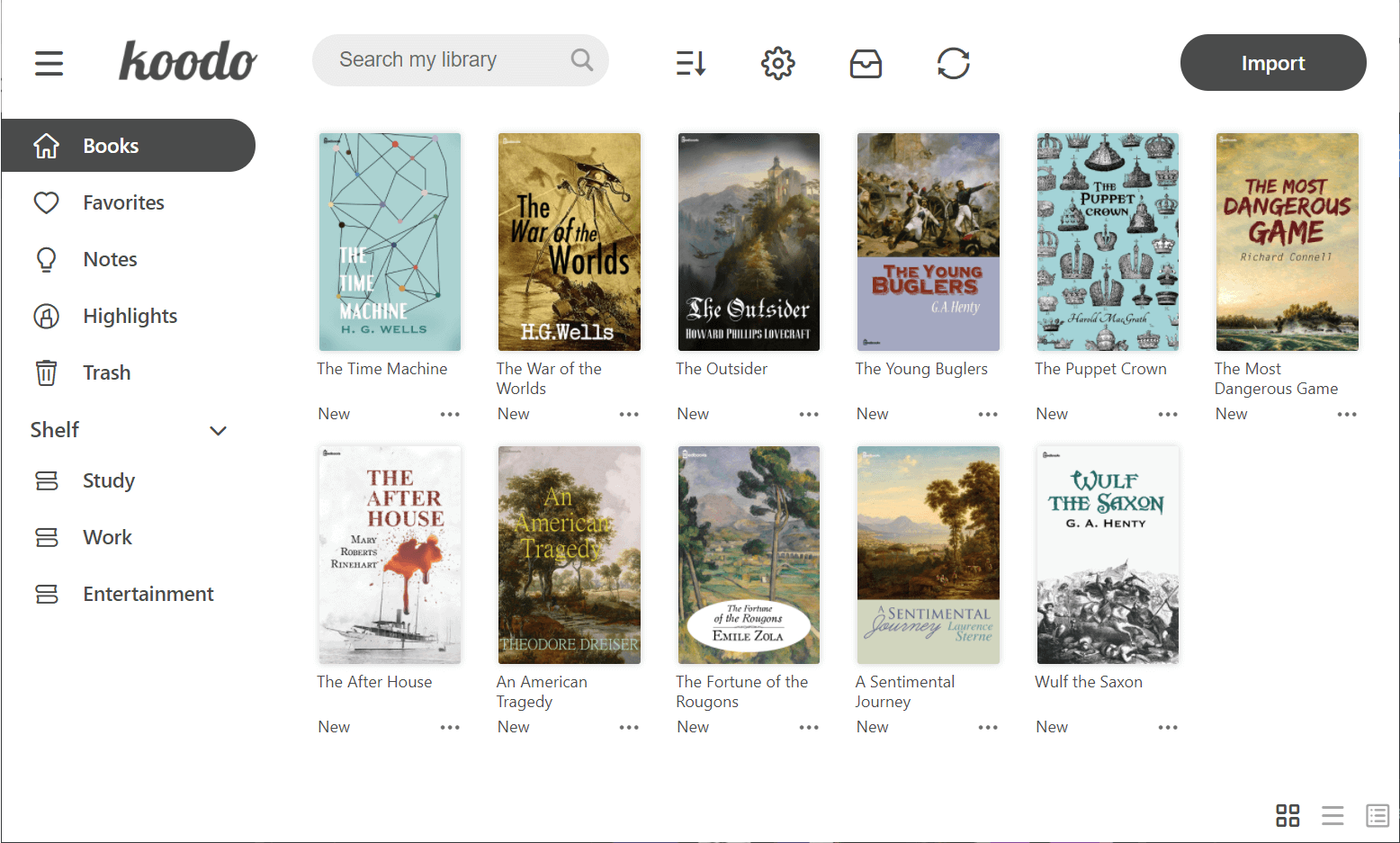
Book list
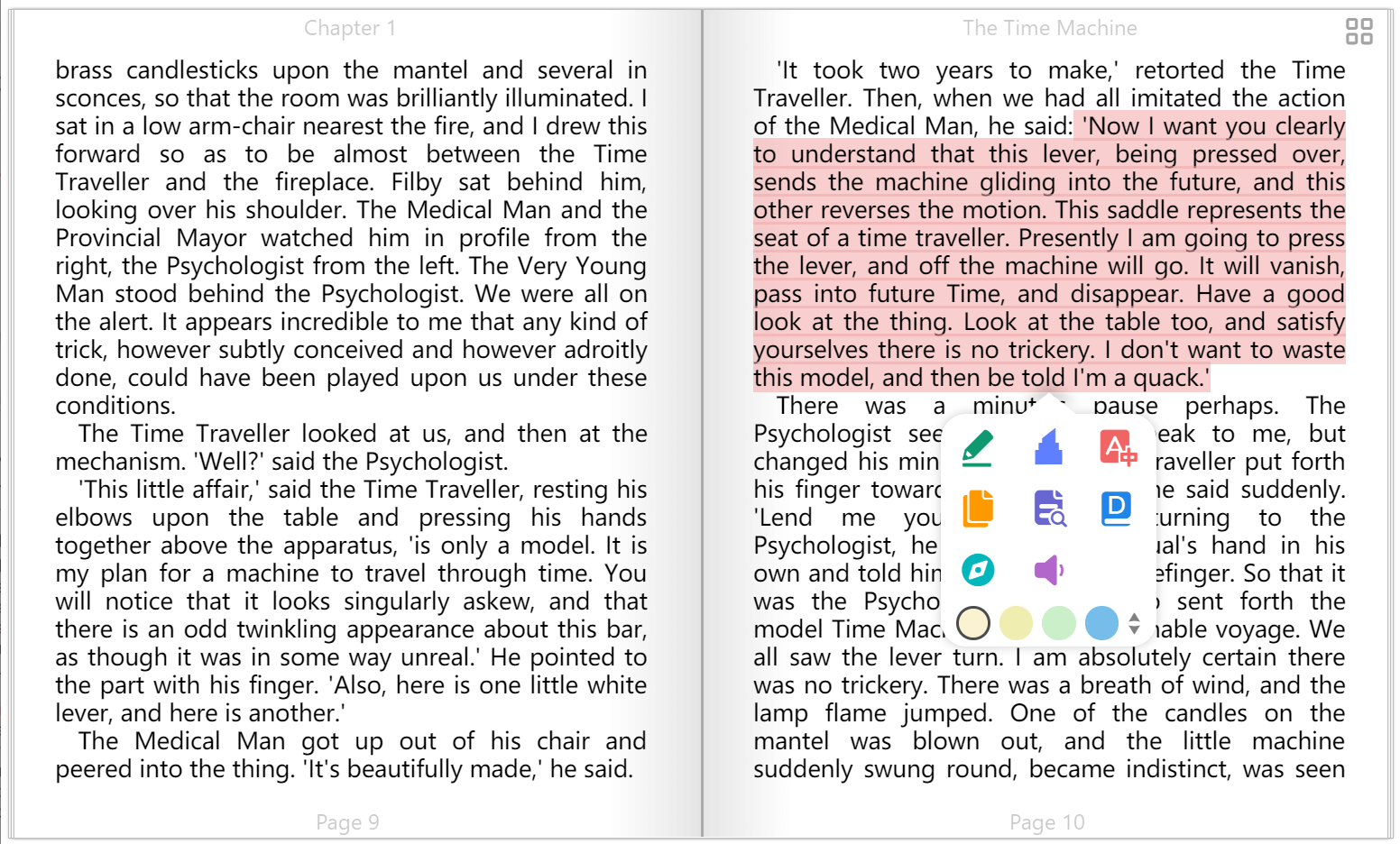
Book display
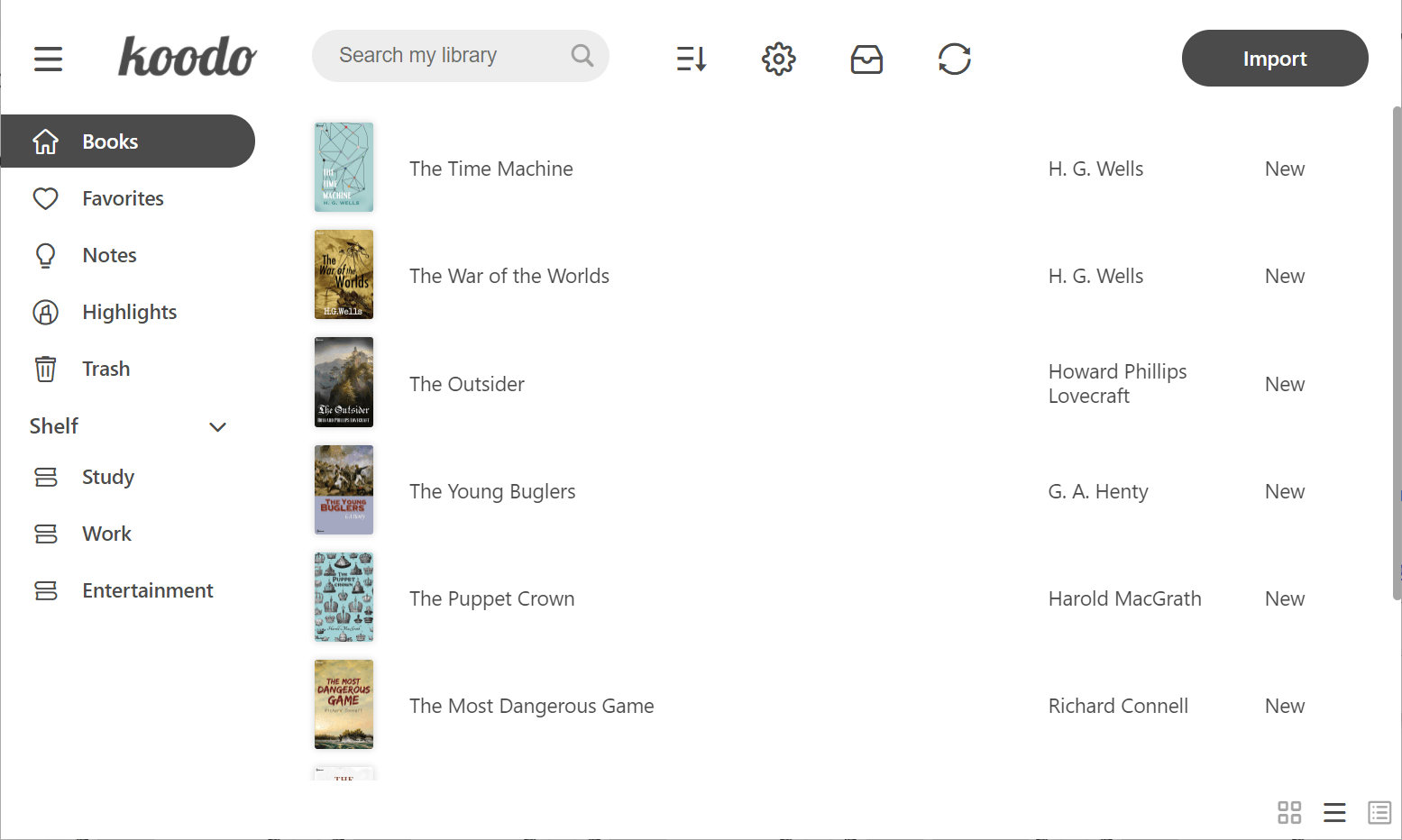
List mode
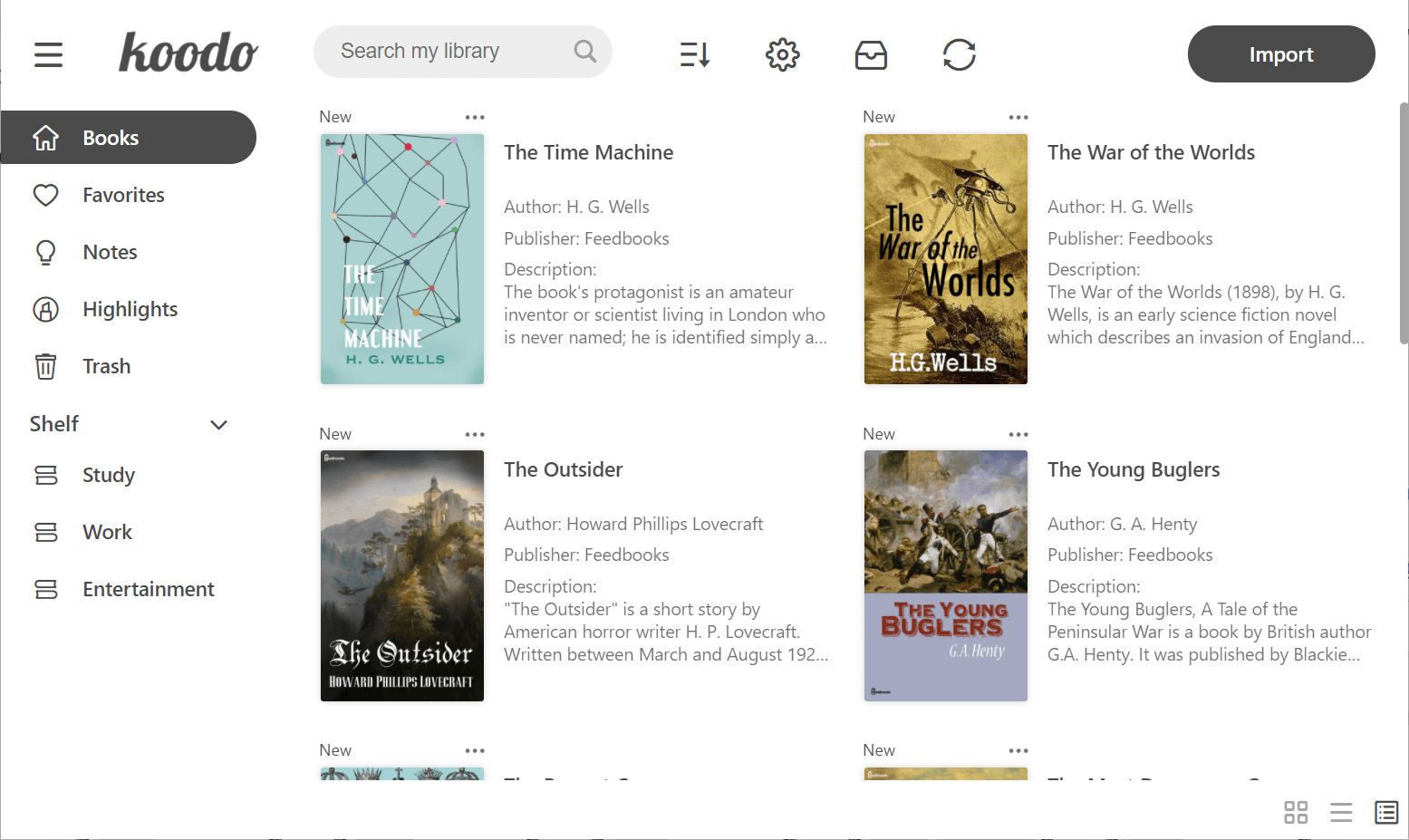
Cover mode
Reader menu
Dark mode
## Develop
Make sure that you have installed yarn and git
1. Download the repo
```
git clone https://github.com/koodo-reader/koodo-reader.git
```
2. Enter desktop mode
```
yarn
yarn dev
```
3. Enter web mode
```
yarn
yarn start
```
## Translation
### Edit current language
1. Select your target language from the following list.
2. Click the view button to examine the source file. The untranslated terms are listed at the bottom of each file.
3. Translate the terms to your target language based on the given English reference
4. Sumbit the translation file or just translation snippets based on the amount of your translation to [this link](https://github.com/koodo-reader/koodo-reader/issues/new?assignees=&labels=submit+translation&projects=&template=3_submit_translation.yml). Pull request is also welcomed.
| Language(A-Z) | Code | View |
| --------------- | ----- | --------------------------------------------------- |
| Amharic | am | [View](./src/assets/locales/am/translation.json) |
| Arabic | ar | [View](./src/assets/locales/ar/translation.json) |
| Armenian | hy | [View](./src/assets/locales/hy/translation.json) |
| Bengali | bn | [View](./src/assets/locales/bn/translation.json) |
| Bulgarian | bg | [View](./src/assets/locales/bg/translation.json) |
| Chinese (CN) | zh-CN | [View](./src/assets/locales/zh-CN/translation.json) |
| Chinese (MO) | zh-MO | [View](./src/assets/locales/zh-MO/translation.json) |
| Chinese (TW) | zh-TW | [View](./src/assets/locales/zh-TW/translation.json) |
| Czech | cs | [View](./src/assets/locales/cs/translation.json) |
| Danish | da | [View](./src/assets/locales/da/translation.json) |
| Dutch | nl | [View](./src/assets/locales/nl/translation.json) |
| English | en | [View](./src/assets/locales/en/translation.json) |
| Esperanto | eo | [View](./src/assets/locales/eo/translation.json) |
| Finnish | fi | [View](./src/assets/locales/fi/translation.json) |
| French | fr | [View](./src/assets/locales/fr/translation.json) |
| German | de | [View](./src/assets/locales/de/translation.json) |
| Greek | el | [View](./src/assets/locales/el/translation.json) |
| Hindi | hi | [View](./src/assets/locales/hi/translation.json) |
| Hungarian | hu | [View](./src/assets/locales/hu/translation.json) |
| Indonesian | id | [View](./src/assets/locales/id/translation.json) |
| Interlingue | ie | [View](./src/assets/locales/ie/translation.json) |
| Irish | ga | [View](./src/assets/locales/ga/translation.json) |
| Italian | it | [View](./src/assets/locales/it/translation.json) |
| Japanese | ja | [View](./src/assets/locales/ja/translation.json) |
| Korean | ko | [View](./src/assets/locales/ko/translation.json) |
| Persian | fa | [View](./src/assets/locales/fa/translation.json) |
| Polish | pl | [View](./src/assets/locales/pl/translation.json) |
| Portuguese | pt | [View](./src/assets/locales/pt/translation.json) |
| Portuguese (BR) | pt-BR | [View](./src/assets/locales/pt-BR/translation.json) |
| Romanian | ro | [View](./src/assets/locales/ro/translation.json) |
| Russian | ru | [View](./src/assets/locales/ru/translation.json) |
| Slovenian | sl | [View](./src/assets/locales/sl/translation.json) |
| Spanish | es | [View](./src/assets/locales/es/translation.json) |
| Swedish | sv | [View](./src/assets/locales/sv/translation.json) |
| Tamil | ta | [View](./src/assets/locales/ta/translation.json) |
| Thai | th | [View](./src/assets/locales/th/translation.json) |
| Tagalog | tl | [View](./src/assets/locales/tl/translation.json) |
| Tibetan | bo | [View](./src/assets/locales/bo/translation.json) |
| Turkish | tr | [View](./src/assets/locales/tr/translation.json) |
| Ukrainian | uk | [View](./src/assets/locales/uk/translation.json) |
| Vietnamese | vi | [View](./src/assets/locales/vi/translation.json) |
### Add new language
1. If you can't find your target language from the above list, Download the Engish source file from [this link](./src/assets/locales/en/translation.json)
2. When you finish translation, submit the source file to [this link](https://github.com/koodo-reader/koodo-reader/issues/new?assignees=&labels=submit+translation&projects=&template=3_submit_translation.yml). Pull request is also welcomed.