# DearPyGui
**Repository Path**: bobo_learn/DearPyGui
## Basic Information
- **Project Name**: DearPyGui
- **Description**: No description available
- **Primary Language**: Python
- **License**: MIT
- **Default Branch**: master
- **Homepage**: None
- **GVP Project**: No
## Statistics
- **Stars**: 0
- **Forks**: 0
- **Created**: 2022-03-23
- **Last Updated**: 2022-03-24
## Categories & Tags
**Categories**: Uncategorized
**Tags**: None
## README
(This library is available under a free and permissive license however, if you are using Dear PyGui please consider becoming a Sponsor)

[](https://pypi.org/project/dearpygui/)
[](https://pepy.tech/project/dearpygui)
[](https://github.com/hoffstadt/DearPyGui/actions?workflow=Embedded%20Build)
[](https://github.com/hoffstadt/DearPyGui/actions?workflow=Static%20Analysis)
[](https://github.com/hoffstadt/DearPyGui/actions/workflows/Deployment.yml)
[](https://dearpygui.readthedocs.io/en/latest/?badge=latest)
**Dear PyGui** is a **simple to use (but powerful) Python GUI framework**. _Dear PyGui_ is **NOT** a wrapping of **[Dear ImGui](https://github.com/ocornut/imgui)** in the normal sense. It is a library built with _Dear ImGui_.

**Dear PyGui is fundamentally different than other Python GUI frameworks**. Under the hood, _Dear PyGui_
uses the immediate mode paradigm and your computer's GPU to facilitate extremely dynamic interfaces. _Dear PyGui_ is currently supported on
the following platforms:
| Platform | Graphics API | Newest Version |
|----------|---------------|----------------|
| **Windows 10** | _DirectX 11_ | [](https://pypi.org/project/dearpygui/) |
| **macOS** | _Metal_ | [](https://pypi.org/project/dearpygui/) |
| **Linux** | _OpenGL 3_ | [](https://pypi.org/project/dearpygui/) |
| **Raspberry Pi 4** | _OpenGL ES_ | [](https://img.shields.io/badge/pypi-v1.2-blue) |
In the same manner Dear ImGui provides a simple way to create tools for game developers, _Dear PyGui_ provides a
simple way for python developers to **create quick and powerful GUIs for scripts**.
| [Installation](#installation) - [Usage](#usage) - [Resources](#resources) - [Support](#support) |
:----------------------------------------------------------: |
| [Features](#features) - [Sponsors](#sponsors) - [Credits](#credits) - [License](#license) - [Gallery](#gallery) |
## Installation
Ensure you have at least Python 3.7 64bit.
```
pip install dearpygui
or
pip3 install dearpygui
```
## Resources
[](https://discord.gg/tyE7Gu4)
[](https://www.reddit.com/r/DearPyGui/)
- [Contributor Documentation](https://github.com/hoffstadt/DearPyGui/wiki)
- [User Documentation](https://dearpygui.readthedocs.io/en/latest/index.html) comprehensive documentation, tutorials, and examples.
- [Development Roadmap](https://github.com/hoffstadt/DearPyGui/projects/4) major future features and changes.
- [Feature Tracker](https://github.com/hoffstadt/DearPyGui/issues?q=is%3Aissue+is%3Aopen+label%3A%22type%3A+feature%22) all proposed new features.
- [Bug Tracker](https://github.com/hoffstadt/DearPyGui/issues?q=is%3Aissue+is%3Aopen+label%3A%22type%3A+bug%22) current bugs and issues.
- Internal Documentation: Run the `show_documentation` command from within the library to view a reference guide.
- Complete Demo: You can also view a mostly complete showcase of _Dear PyGui_ by running:
```python
import dearpygui.dearpygui as dpg
from dearpygui.demo import show_demo
dpg.create_context()
dpg.create_viewport()
dpg.setup_dearpygui()
show_demo()
dpg.show_viewport()
dpg.start_dearpygui()
dpg.destroy_context()
```
## Usage
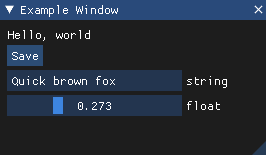
Using _Dear PyGui_ is as simple as creating a python script like the one below:
Code:
```Python
import dearpygui.dearpygui as dpg
def save_callback():
print("Save Clicked")
dpg.create_context()
dpg.create_viewport()
dpg.setup_dearpygui()
with dpg.window(label="Example Window"):
dpg.add_text("Hello world")
dpg.add_button(label="Save", callback=save_callback)
dpg.add_input_text(label="string")
dpg.add_slider_float(label="float")
dpg.show_viewport()
dpg.start_dearpygui()
dpg.destroy_context()
```
Result:
## Features
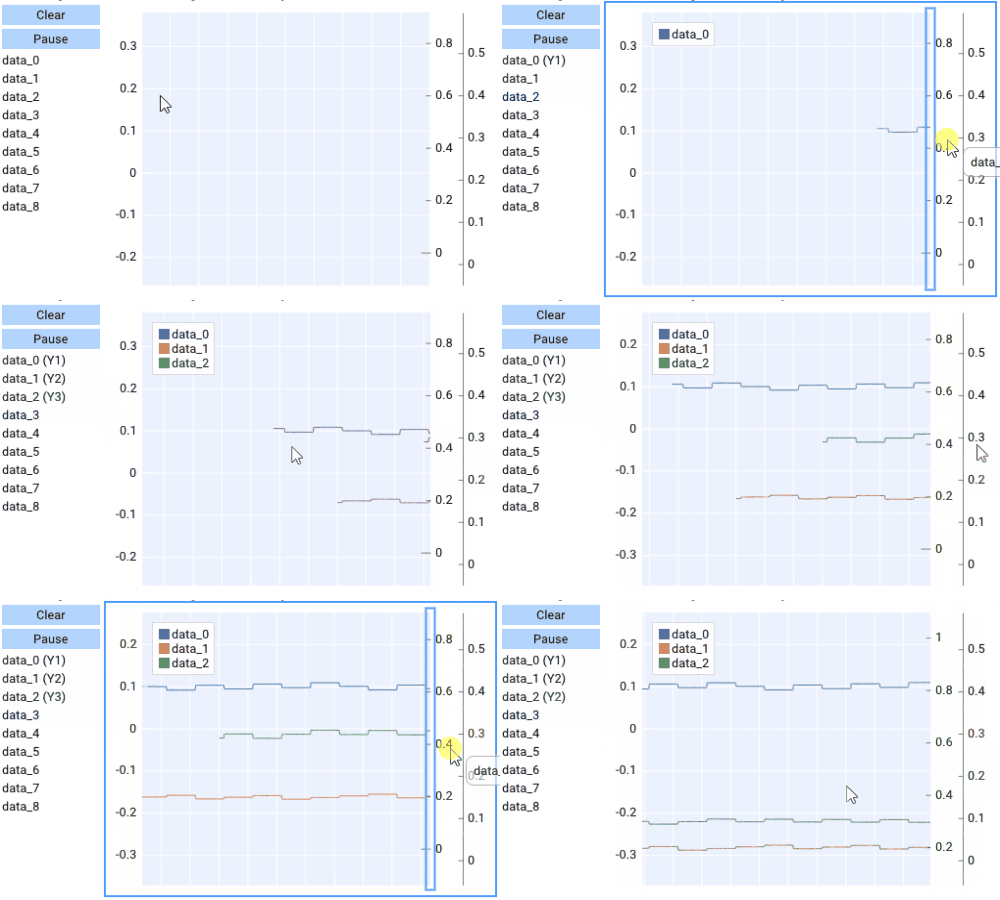
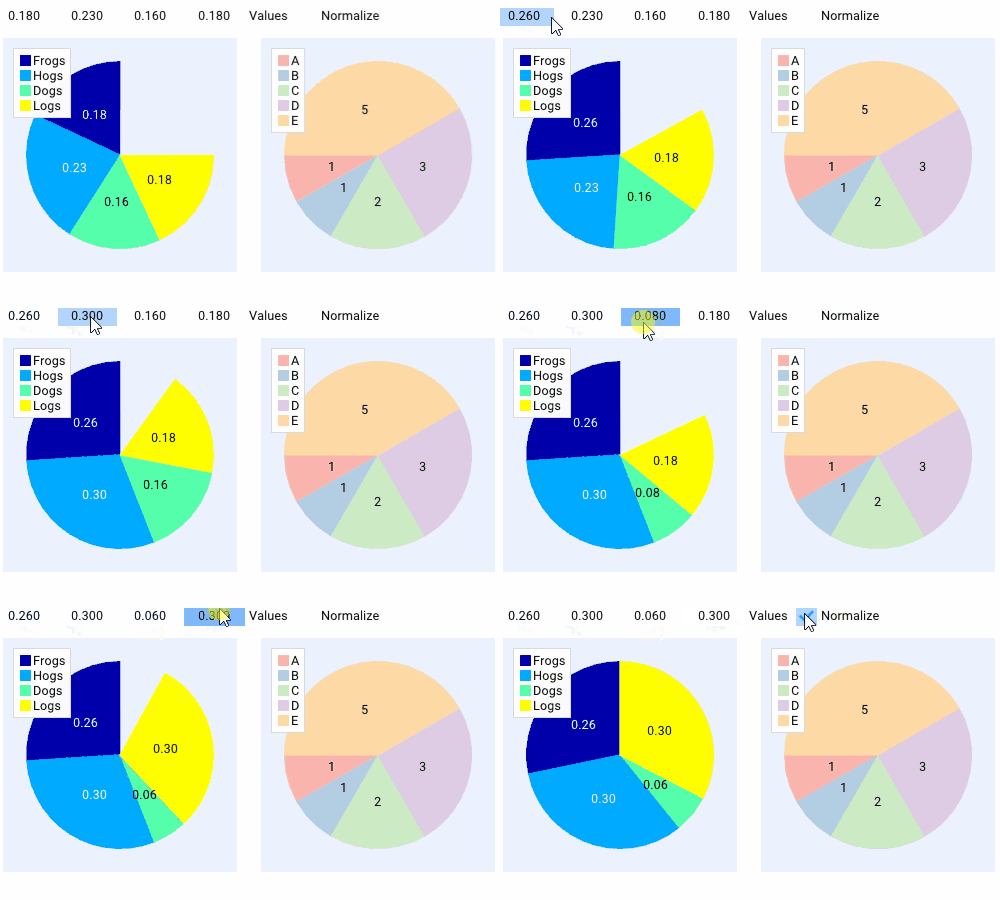
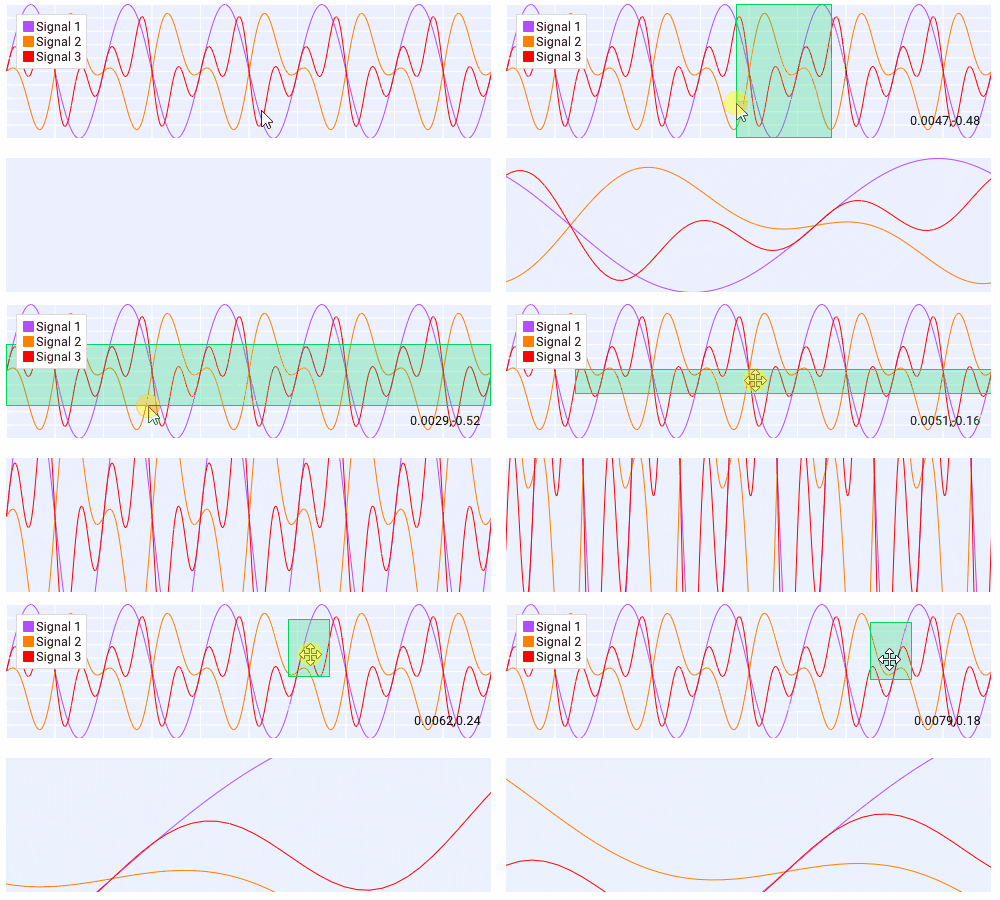
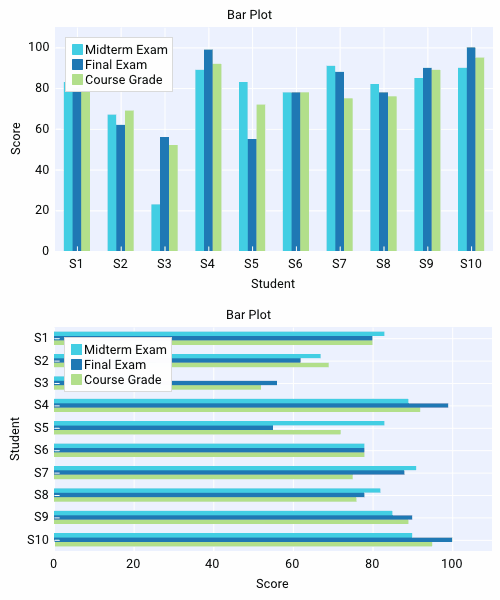
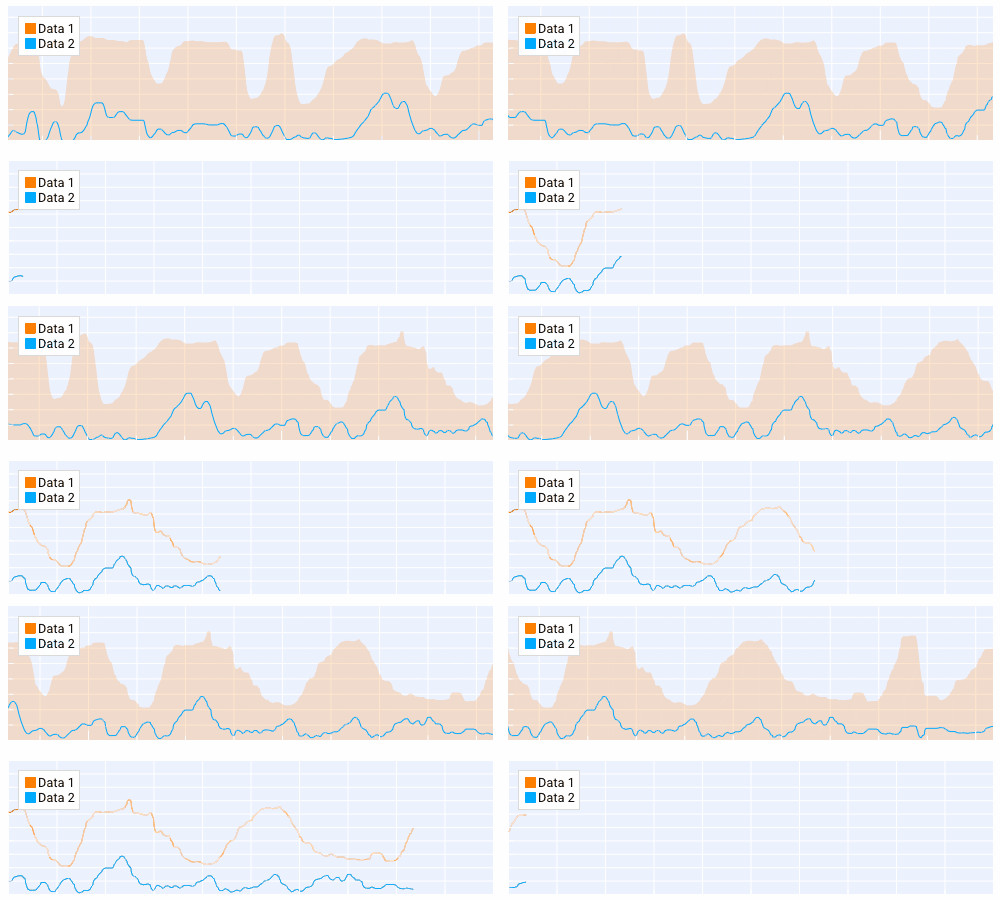
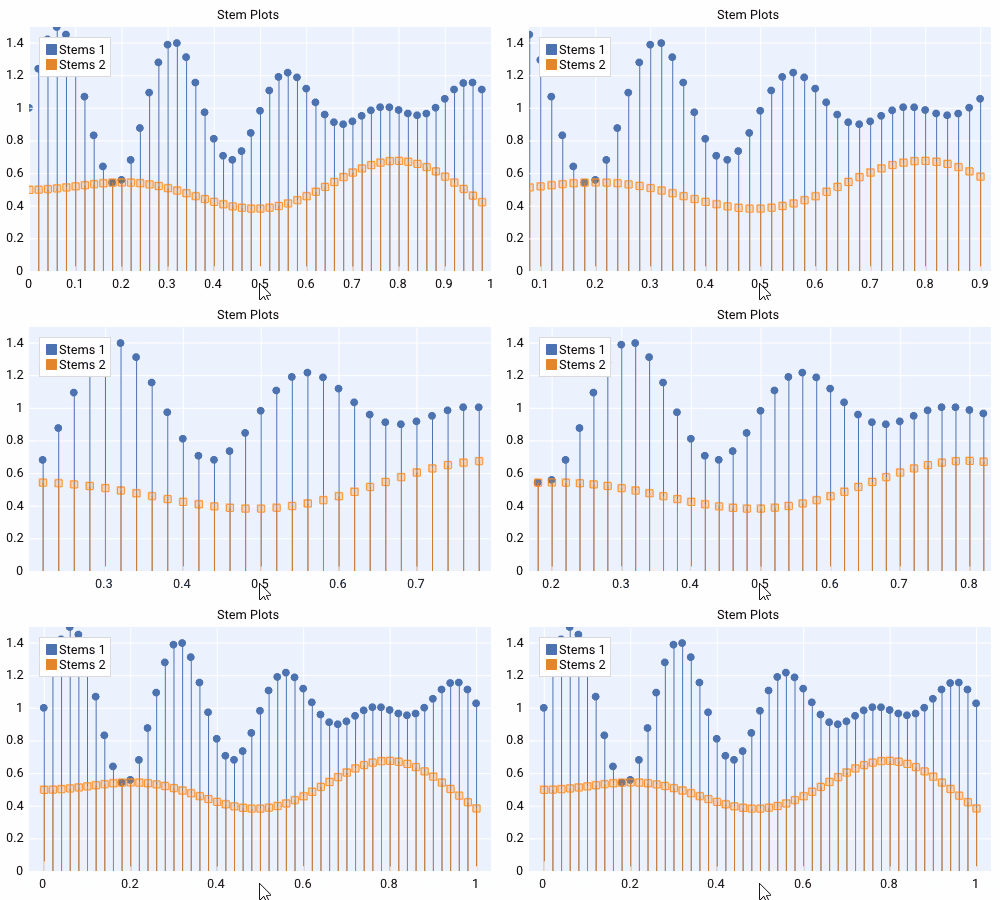
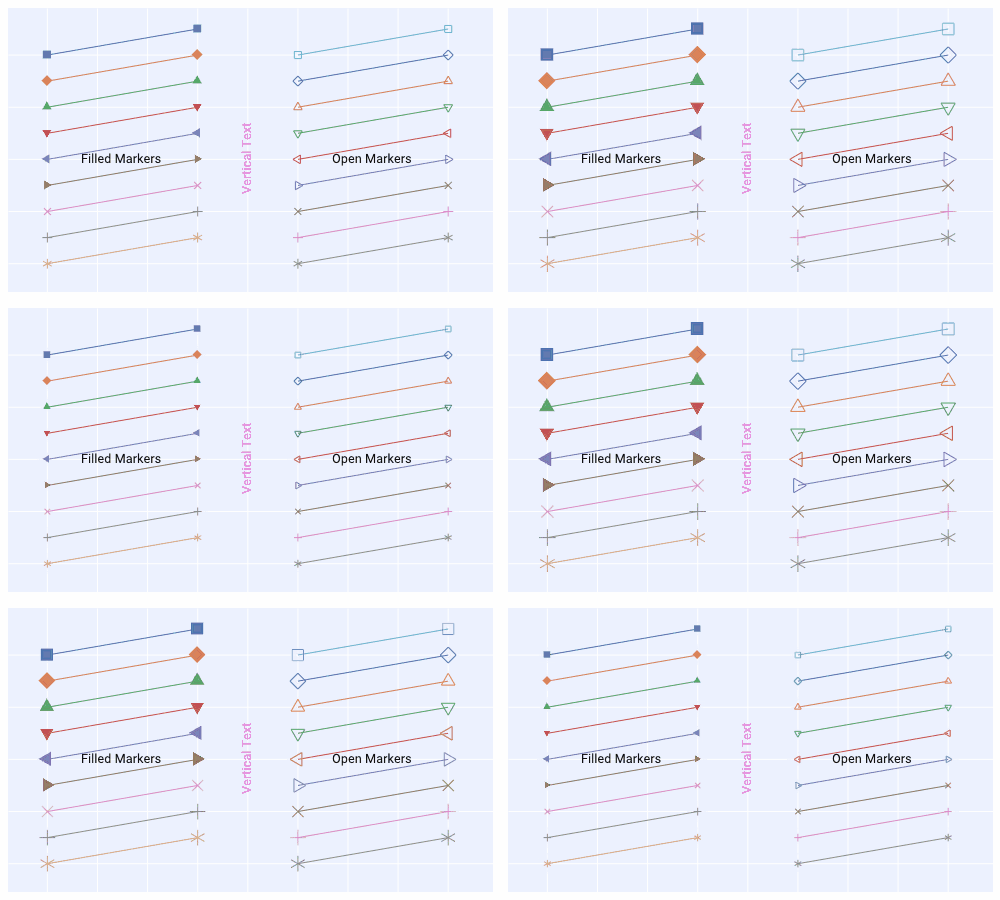
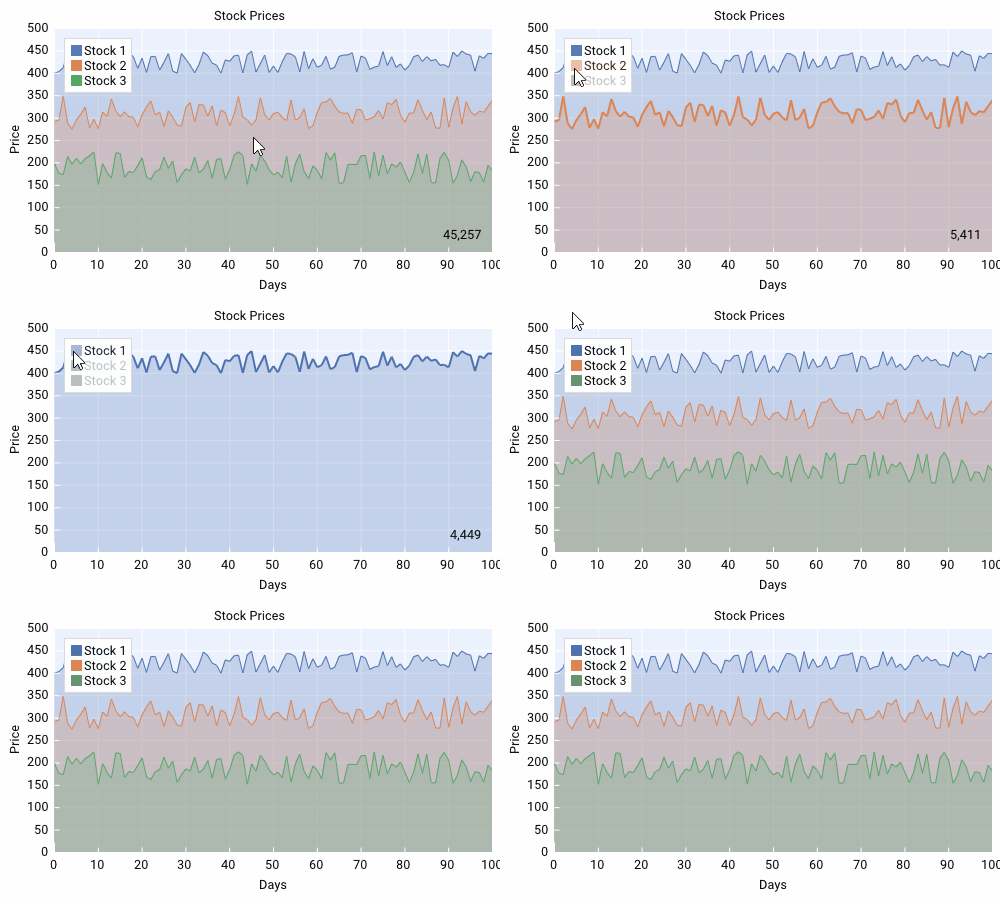
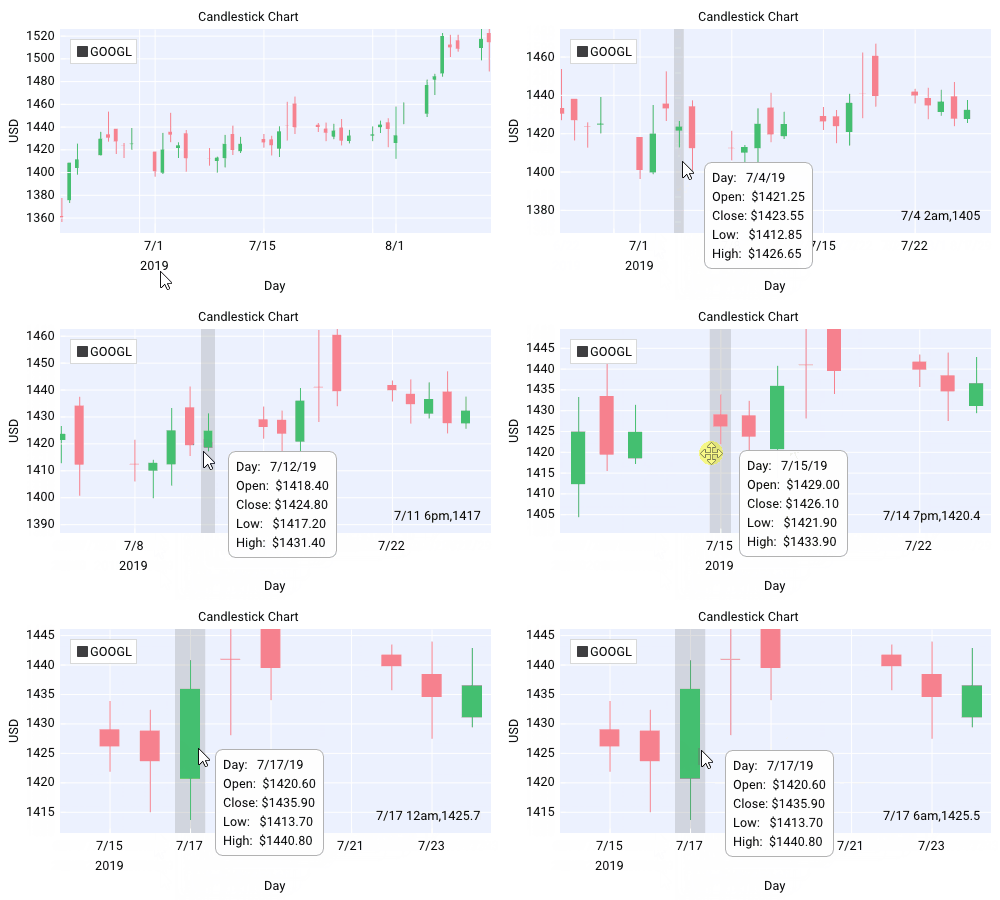
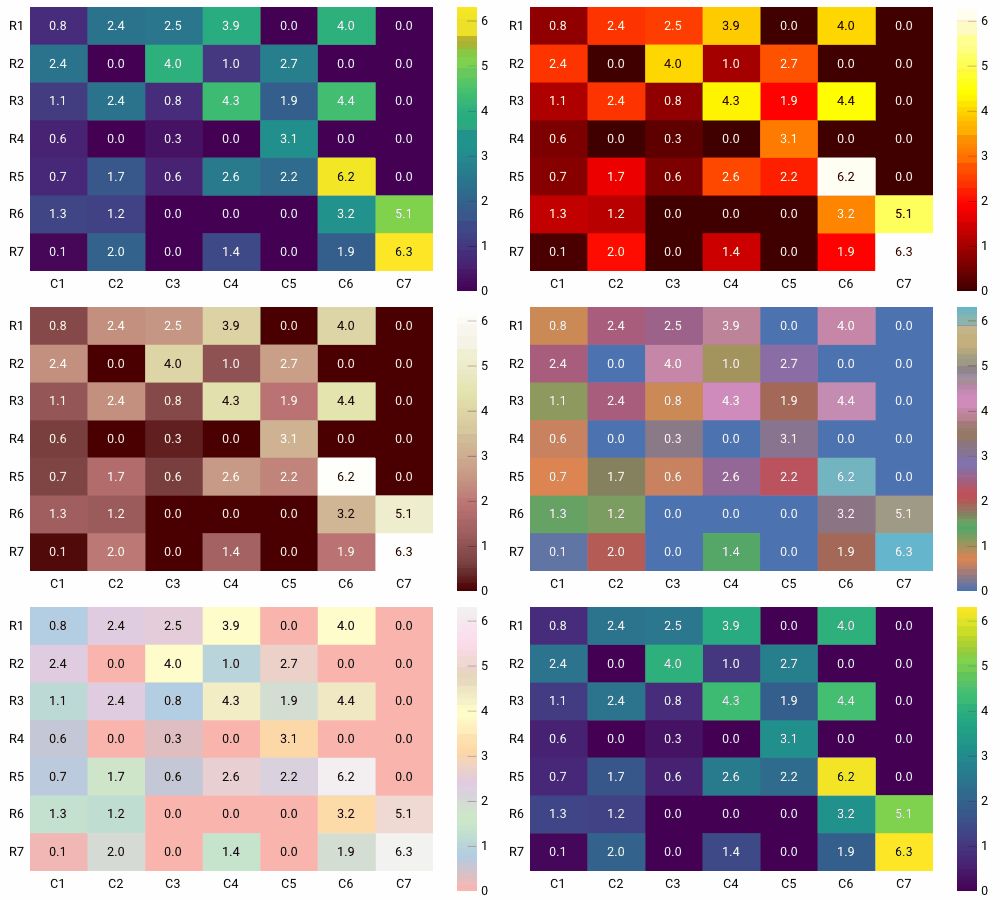
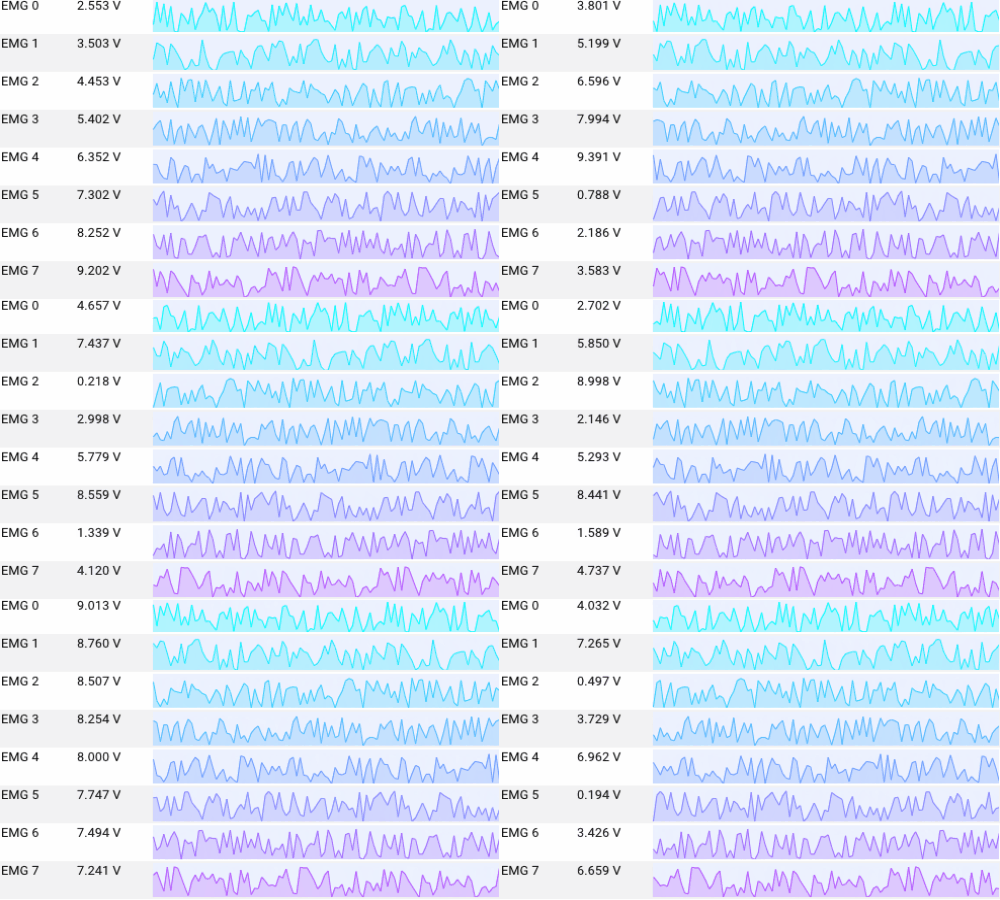
#### Plotting/Graphing
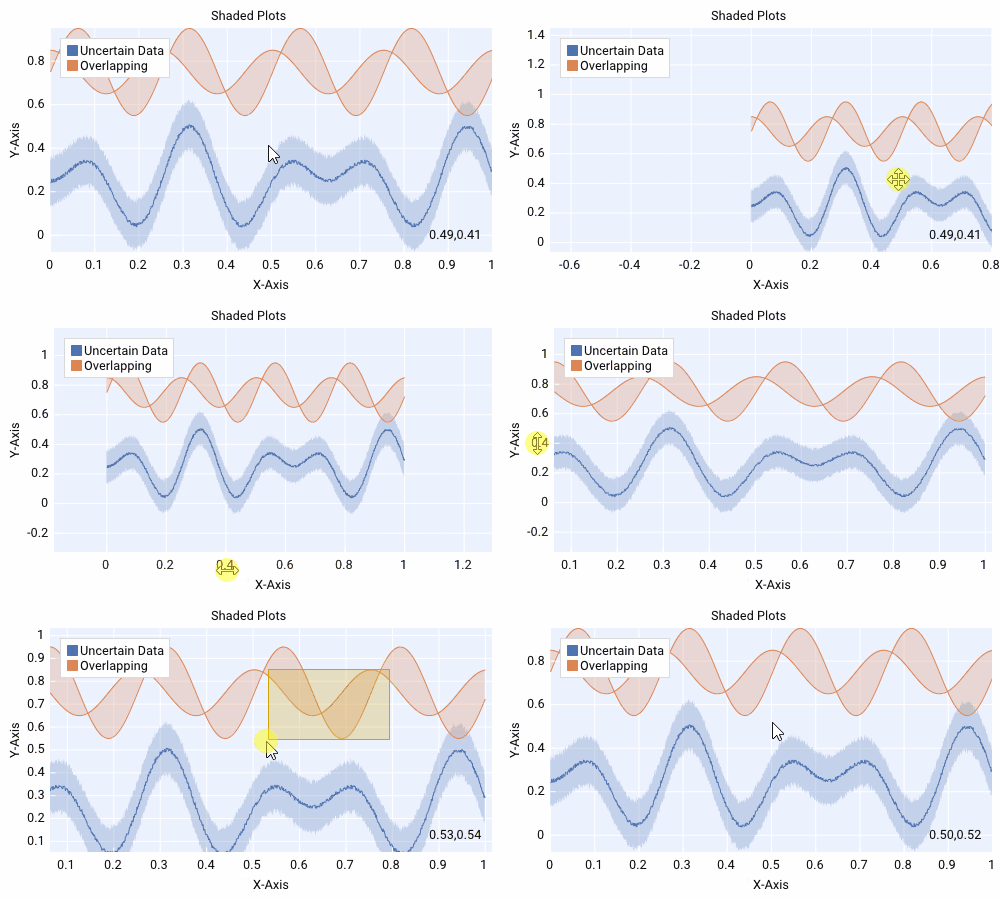
_Dear PyGui_ includes a plotting API built with [ImPlot](https://github.com/epezent/implot)
 #### Node Editor
_Dear PyGui_ includes a node editor built with [imnodes](https://github.com/Nelarius/imnodes)

#### Canvas
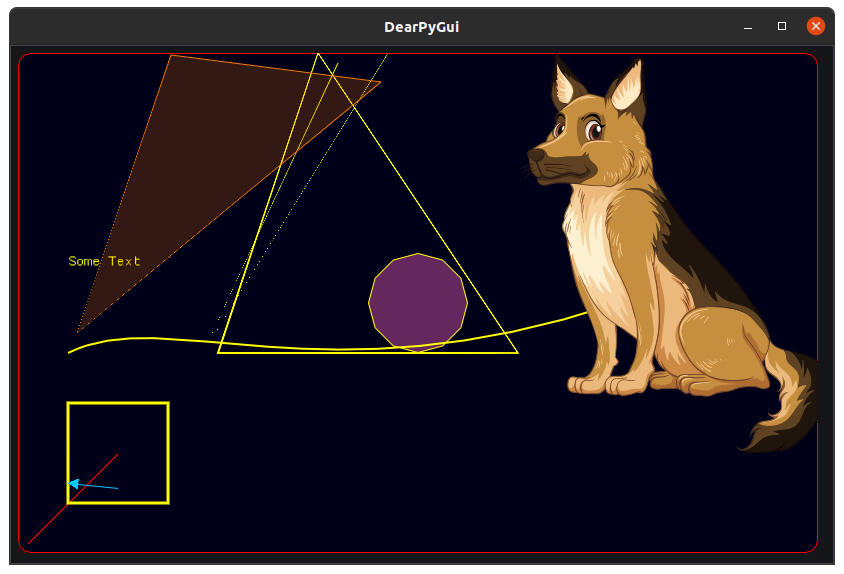
_Dear PyGui_ includes a drawing API to create custom drawings, plot, and even 2D games.

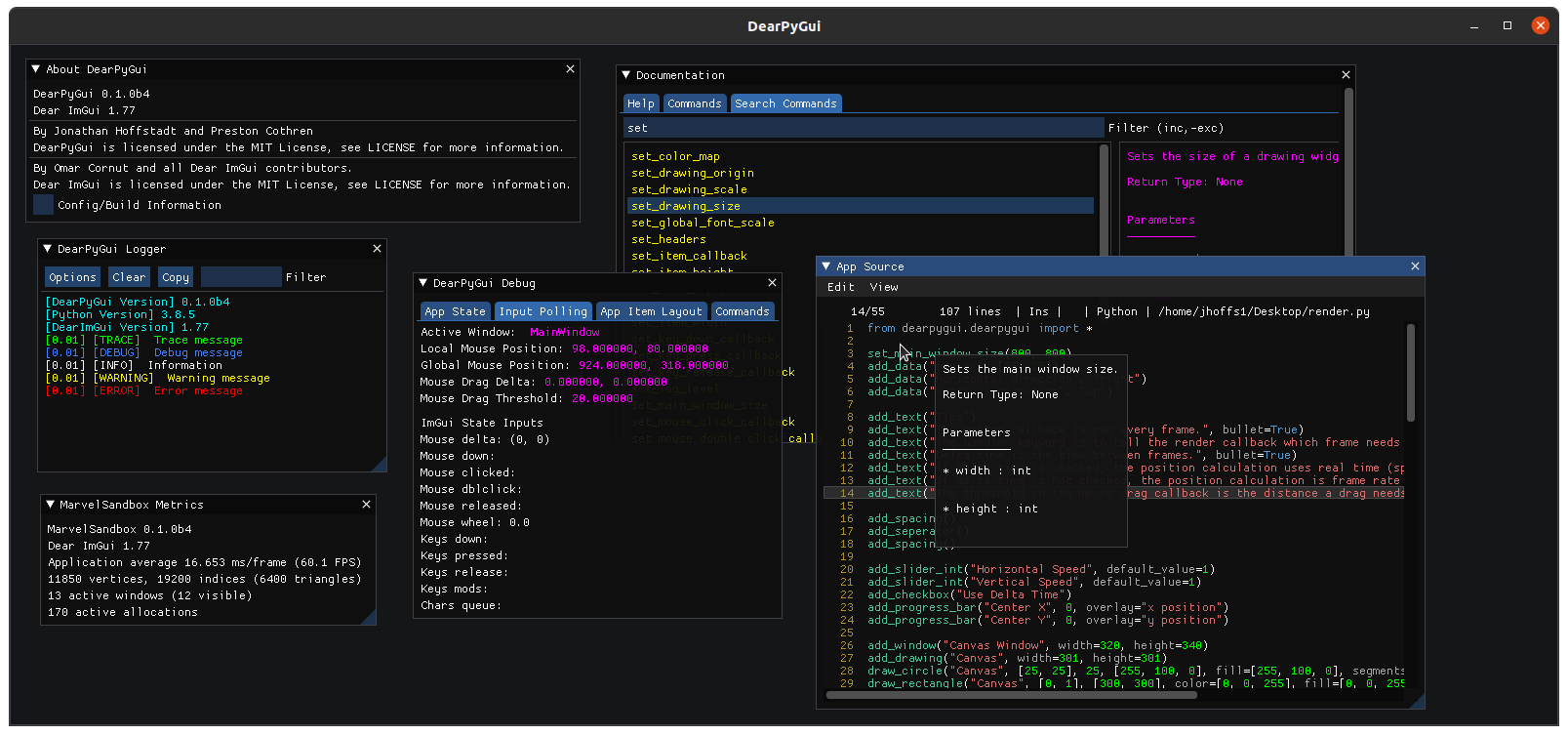
#### Tools
_Dear PyGui_ includes several tools to help developers with _DearPyGui_ app development:
#### Node Editor
_Dear PyGui_ includes a node editor built with [imnodes](https://github.com/Nelarius/imnodes)

#### Canvas
_Dear PyGui_ includes a drawing API to create custom drawings, plot, and even 2D games.

#### Tools
_Dear PyGui_ includes several tools to help developers with _DearPyGui_ app development:
## Support
If you are having issues or want to help, here are some places you can go:
- [Github Discussions](https://github.com/hoffstadt/DearPyGui/discussions/)
- [Discord Forum](https://discord.gg/tyE7Gu4)
- [Reddit](https://www.reddit.com/r/DearPyGui/)
## Sponsors


Ongoing _Dear PyGui_ development is financially supported by users and private sponsors.
If you enjoy _Dear PyGui_ please consider becoming a [sponsor](https://github.com/hoffstadt/DearPyGui/wiki/Sponsors).
 ## Credits
Developed by [Jonathan Hoffstadt](https://github.com/hoffstadt), [Preston Cothren](https://github.com/Pcothren), and every direct or indirect contributor.
[Omar Cornut](http://www.miracleworld.net/) for all his incredible work on [Dear ImGui](https://github.com/ocornut/imgui).
[Evan Pezent](http://evanpezent.com/) for all his work on [ImPlot](https://github.com/epezent/implot).
[Johann Muszynski](https://github.com/Nelarius) for all of his work on [imnodes](https://github.com/Nelarius/imnodes).
## License
_Dear PyGui_ is licensed under the [MIT License](https://github.com/hoffstadt/DearPyGui/blob/master/LICENSE).
## Gallery


## Credits
Developed by [Jonathan Hoffstadt](https://github.com/hoffstadt), [Preston Cothren](https://github.com/Pcothren), and every direct or indirect contributor.
[Omar Cornut](http://www.miracleworld.net/) for all his incredible work on [Dear ImGui](https://github.com/ocornut/imgui).
[Evan Pezent](http://evanpezent.com/) for all his work on [ImPlot](https://github.com/epezent/implot).
[Johann Muszynski](https://github.com/Nelarius) for all of his work on [imnodes](https://github.com/Nelarius/imnodes).
## License
_Dear PyGui_ is licensed under the [MIT License](https://github.com/hoffstadt/DearPyGui/blob/master/LICENSE).
## Gallery