
| Taobao | YouKu | QQ Video |
|---|---|---|
 |
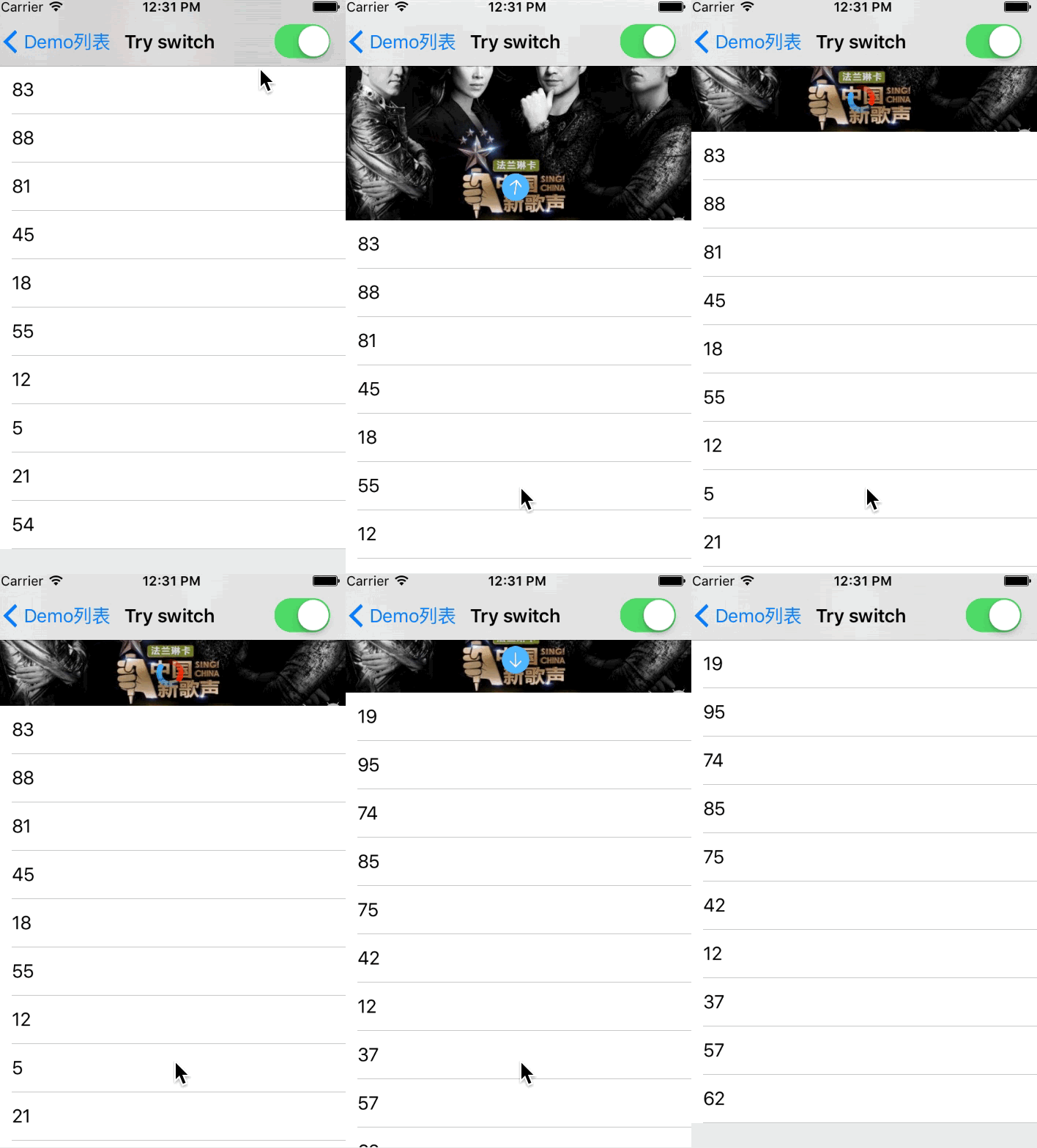 |
 |
| Yahoo Weather | Dian Ping | 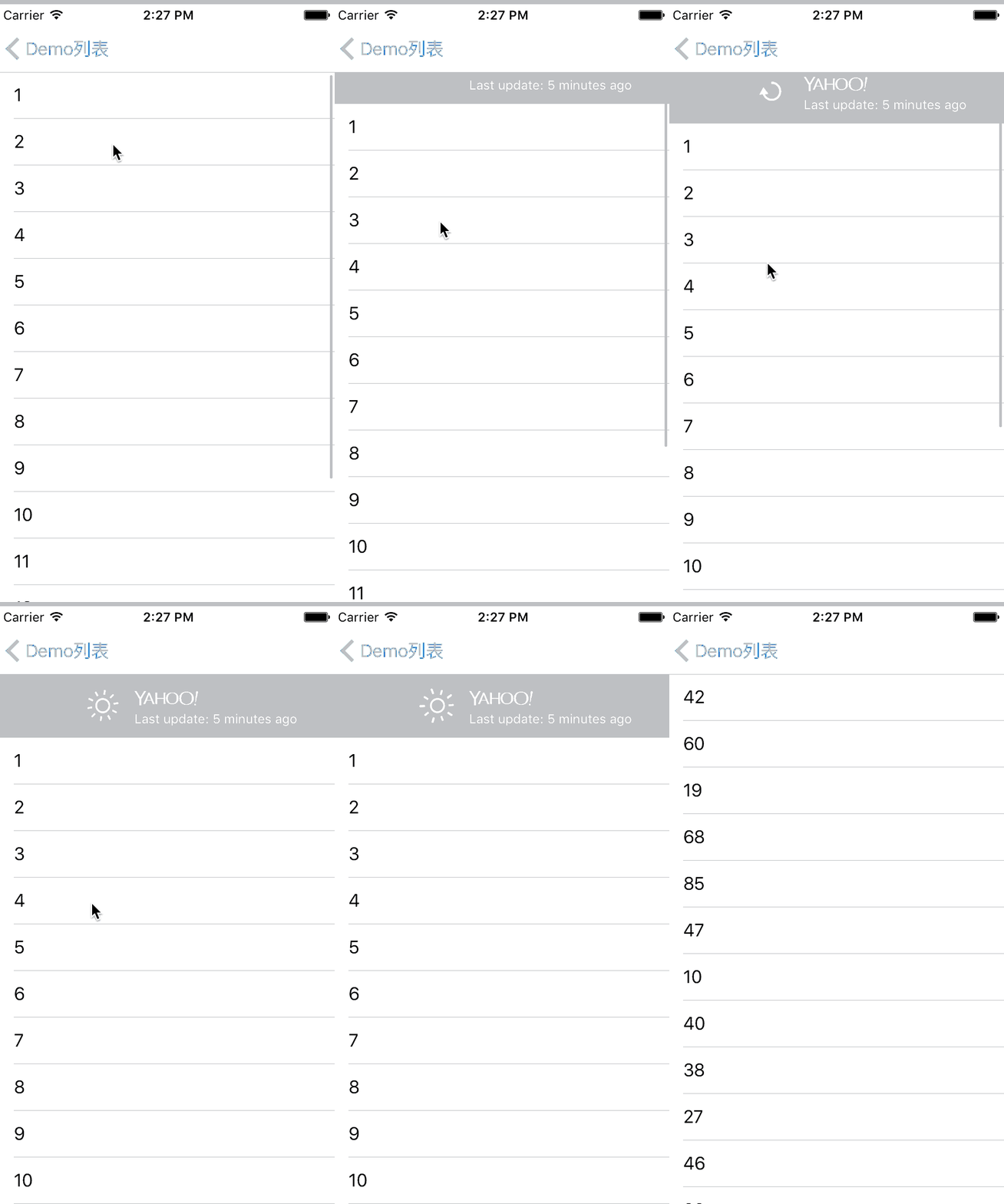 |
 |
 |
 ### Pull up to load more
Support three mode to fire refresh action
- [x] Tap
- [x] Scroll
- [x] Scroll and Tap
```
self.tableView.configRefreshFooter(container:self) { [weak self] in
delay(1.5, closure: {
self?.tableView.switchRefreshFooter(to: .normal)
})
};
```
### Pull up to load more
Support three mode to fire refresh action
- [x] Tap
- [x] Scroll
- [x] Scroll and Tap
```
self.tableView.configRefreshFooter(container:self) { [weak self] in
delay(1.5, closure: {
self?.tableView.switchRefreshFooter(to: .normal)
})
};
```
 Remove footer:
```
self.tableView.switchRefreshFooter(to: .removed)
```
No more Data
```
self.tableView.switchRefreshFooter(to: .noMoreData)
```
### Pull left to exit
```
scrollView.configSideRefresh(with: DefaultRefreshLeft.left(), container:self, at: .left) {
self.navigationController?.popViewController(animated: true)
};
```
Remove footer:
```
self.tableView.switchRefreshFooter(to: .removed)
```
No more Data
```
self.tableView.switchRefreshFooter(to: .noMoreData)
```
### Pull left to exit
```
scrollView.configSideRefresh(with: DefaultRefreshLeft.left(), container:self, at: .left) {
self.navigationController?.popViewController(animated: true)
};
```
 ### Pull right to Pop
```
let right = DefaultRefreshRight.right()
right.setText("👈滑动关闭", mode: .scrollToAction)
right.setText("松开关闭", mode: .releaseToAction)
right.textLabel.textColor = UIColor.orange
scrollView.configSideRefresh(with: right, container:self, at: .right) { [weak self] in
self?.navigationController?.popViewController(animated: true)
};
```
### Pull right to Pop
```
let right = DefaultRefreshRight.right()
right.setText("👈滑动关闭", mode: .scrollToAction)
right.setText("松开关闭", mode: .releaseToAction)
right.textLabel.textColor = UIColor.orange
scrollView.configSideRefresh(with: right, container:self, at: .right) { [weak self] in
self?.navigationController?.popViewController(animated: true)
};
```
 ### Config the default refresh text
PullToRefershKit offer `SetUp` operator,for example
```
let header = DefaultRefreshHeader.header()
header.setText("Pull to refresh", mode: .pullToRefresh)
header.setText("Release to refresh", mode: .releaseToRefresh)
header.setText("Success", mode: .refreshSuccess)
header.setText("Refreshing...", mode: .refreshing)
header.setText("Failed", mode: .refreshFailure)
header.tintColor = UIColor.orange
header.imageRenderingWithTintColor = true
header.durationWhenHide = 0.4
self.tableView.configRefreshHeader(with: header,container:self) { [weak self] in
delay(1.5, closure: {
self?.models = (self?.models.map({_ in random100()}))!
self?.tableView.reloadData()
self?.tableView.switchRefreshHeader(to: .normal(.success, 0.3))
})
};
```
### Customize
You just need to write a `UIView` sub class,and make it conforms to these protocols
- `RefreshableHeader`
- `RefreshableFooter`
- `RefreshableLeftRight`
For exmaple,to create a custom header
```
//Height of the refresh header
func heightForHeader()->CGFloat
//Distance from top when in refreshing state
func heightForRefreshingState()->CGFloat
//Will enter refreshing state,change view state to refreshing in this function
func didBeginrefreshingState()
//The refreshing task is end.Refresh header will hide.Tell user the refreshing result here.
func didBeginHideAnimation(result:RefreshResult)
//Refresh header is hidden,reset all to inital state here
func didCompleteHideAnimation(result:RefreshResult)
//Distance to drag to fire refresh action ,default is heightForRefreshingState
optional func heightForFireRefreshing()->CGFloat
//Percent change during scrolling
optional func percentUpdateDuringScrolling(percent:CGFloat)
//Duration of header hide animation
optional func durationOfHideAnimation()->Double
```
## Author
Leo, leomobiledeveloper@gmail.com
## License
PullToRefreshKit is available under the MIT license. See the LICENSE file for more info.
### Config the default refresh text
PullToRefershKit offer `SetUp` operator,for example
```
let header = DefaultRefreshHeader.header()
header.setText("Pull to refresh", mode: .pullToRefresh)
header.setText("Release to refresh", mode: .releaseToRefresh)
header.setText("Success", mode: .refreshSuccess)
header.setText("Refreshing...", mode: .refreshing)
header.setText("Failed", mode: .refreshFailure)
header.tintColor = UIColor.orange
header.imageRenderingWithTintColor = true
header.durationWhenHide = 0.4
self.tableView.configRefreshHeader(with: header,container:self) { [weak self] in
delay(1.5, closure: {
self?.models = (self?.models.map({_ in random100()}))!
self?.tableView.reloadData()
self?.tableView.switchRefreshHeader(to: .normal(.success, 0.3))
})
};
```
### Customize
You just need to write a `UIView` sub class,and make it conforms to these protocols
- `RefreshableHeader`
- `RefreshableFooter`
- `RefreshableLeftRight`
For exmaple,to create a custom header
```
//Height of the refresh header
func heightForHeader()->CGFloat
//Distance from top when in refreshing state
func heightForRefreshingState()->CGFloat
//Will enter refreshing state,change view state to refreshing in this function
func didBeginrefreshingState()
//The refreshing task is end.Refresh header will hide.Tell user the refreshing result here.
func didBeginHideAnimation(result:RefreshResult)
//Refresh header is hidden,reset all to inital state here
func didCompleteHideAnimation(result:RefreshResult)
//Distance to drag to fire refresh action ,default is heightForRefreshingState
optional func heightForFireRefreshing()->CGFloat
//Percent change during scrolling
optional func percentUpdateDuringScrolling(percent:CGFloat)
//Duration of header hide animation
optional func durationOfHideAnimation()->Double
```
## Author
Leo, leomobiledeveloper@gmail.com
## License
PullToRefreshKit is available under the MIT license. See the LICENSE file for more info.