# RuoYi-Cloud
**Repository Path**: chenQiqao/RuoYi-Cloud
## Basic Information
- **Project Name**: RuoYi-Cloud
- **Description**: 🎉 基于Spring Boot、Spring Cloud & Alibaba的分布式微服务架构权限管理系统,同时提供了 Vue3 的版本
- **Primary Language**: Java
- **License**: MIT
- **Default Branch**: beta1.0_version
- **Homepage**: http://ruoyi.vip
- **GVP Project**: No
## Statistics
- **Stars**: 1
- **Forks**: 16557
- **Created**: 2023-05-16
- **Last Updated**: 2024-11-25
## Categories & Tags
**Categories**: Uncategorized
**Tags**: None
## README

RuoYi v3.6.2
支持同一套业务代码内微服务和单体启动部署
## **支持同一套业务代码内微服务和单体启动部署**
#### 为什么要同时支持微服务和单体启动部署呢,主要原因满足开发环境电脑性能和启动各种插件,满足正式发布环境中根据客户体量选择单体还是微服务,降低性能浪费和交付成本,那么我们开始使用ruoyi微服务版本做以下功能适配
1. 第一步拆分模块粒度,能够满足正常微服务和单体启动
* 拆分模块
~~~
├──web 单体启动模块
├──model
├── model-service 业务模块
├── model-api 对内外api模块
├── model-client 服务远程调用模块
├── model-boot 微服务启动聚合模块
~~~
* 使用自动配置扫描,配置模块类,在spring.factories注册暴露
~~~
/**
* @description 接口实现工程自动配置
* @author CHENQIAO
* @date 2019年6月25日 下午12:01:41
* @Copyright 版权所有 (c) CHENQIAO
* @memo 无备注说明
*/
@Configuration
@MapperScan(value = "com.ruoyi.gen.impl.mapper")
@ComponentScan({ "com.ruoyi.gen.impl" })
@EntityScan({ "com.ruoyi.gen.impl" })
public class SystemImplAutoConfiguration {
}
~~~
2. 适配权鉴过滤器
AuthFilter
3. 适配模块路由,由于getway网关 给我们访问服务加了服务前缀导致前端无法访问,做以下适配
* 继承RequestMappingHandlerMapping重写访问前缀,根据配置模块包路径和访问前缀名称
~~~
# Tomcat
server:
port: 8080
mode:
enabled: true #开启单机模式
modeDefinitions:
- packageInfo: com.ruoyi.system.impl
path: system
- packageInfo: com.ruoyi.auth.impl
path: auth
- packageInfo: com.ruoyi.gen.impl
path: code
- packageInfo: com.ruoyi.file.impl
path: file
- packageInfo: com.ruoyi.schedule.impl
path: job
~~~
~~~
public class ModeControlRequestMappingHandlerMapping extends RequestMappingHandlerMapping implements EnvironmentAware {
private Environment environment;
private ModeProperties modeProperties;
@Override
public void afterPropertiesSet() {
// 初始化版本控制器类型集合
super.afterPropertiesSet();
}
@Override
protected RequestMappingInfo getMappingForMethod(Method method, Class handlerType) {
RequestMappingInfo info = super.getMappingForMethod(method, handlerType);
if(modeProperties.getEnabled()) {
if (info == null) return null;
for (ModeDefinition modeDefinition : modeProperties.getModeDefinitions()) {
boolean b = handlerType.getPackage().getName().startsWith(modeDefinition.getPackageInfo());
if (handlerType.getPackage().getName().startsWith(modeDefinition.getPackageInfo())) {
RequestMappingInfo.Builder mutateBuilder = info.mutate();
info = mutateBuilder.paths(
info.getPatternValues().stream()
.map(path -> modeDefinition.getPath() + path)
.toArray(String[]::new)).build();
}
}
}
return info;
}
@Override
public void setEnvironment(Environment environment) {
this.environment = environment;
ConfigurationProperties annotation = ModeProperties.class.getAnnotation(ConfigurationProperties.class);
Assert.notNull(annotation, "can not find annotation ConfigurationProperties");
this.modeProperties = Binder.get(environment).bind(annotation.prefix(), ModeProperties.class).get();
}
}
~~~
4. 适配图片验证码
* 使用tomcat的 Filter实现图片验证 源码查看 ValidateCodeFilter
5. 适配swagger模块分组
* 根据模块配置路径和前缀分组手动注入Docket的bean对象,由于Docket采用spring Plugin
获取Docket配置bean是异步的 ,所以使用BeanDefinitionRegistryPostProcessor提前注入Docket 的bean对象 ,随便学习一下[spring Plugin](https://www.cnblogs.com/dreamroute/p/16276146.html)
~~~
@EnableConfigurationProperties(SwaggerProperties.class)
@ConditionalOnProperty(name = "swagger.enabled", matchIfMissing = true)
@Configuration
public class AutoBeanDefinitionRegistryPostProcessor implements EnvironmentAware, BeanDefinitionRegistryPostProcessor {
private ModeProperties modeProperties;
@Autowired
private SwaggerProperties swaggerProperties;
private Environment environment;
@Override
public void postProcessBeanDefinitionRegistry(BeanDefinitionRegistry registry) throws BeansException {
DefaultListableBeanFactory factory = (DefaultListableBeanFactory) registry;
List modeDefinitions1 = modeProperties.getModeDefinitions();
swaggerProperties = factory.getBean(SwaggerProperties.class);
List modeDefinitions = modeProperties.getModeDefinitions();
if(modeDefinitions==null||modeDefinitions.isEmpty()){
modeDefinitions=new ArrayList<>();
ModeDefinition p=new ModeDefinition();
p.setPackageInfo("");
p.setPath("default");
modeDefinitions.add(p);
}
for (ModeDefinition modeConfig : modeDefinitions) {
BeanDefinitionBuilder builder = BeanDefinitionBuilder.genericBeanDefinition(Docket.class, () -> {
Docket autoFacDIBean = bulidDocket(modeConfig);
return autoFacDIBean;
});
BeanDefinition beanDefinition = builder.getRawBeanDefinition();
registry.registerBeanDefinition(modeConfig.getPath(), beanDefinition);
}
}
@Override
public void postProcessBeanFactory(ConfigurableListableBeanFactory factory) throws BeansException {
}
/**
* 默认的排除路径,排除Spring Boot默认的错误处理路径和端点
*/
private static final List DEFAULT_EXCLUDE_PATH = Arrays.asList("/error", "/actuator/**");
private static final String BASE_PATH = "/**";
// @Bean
public Docket bulidDocket(ModeDefinition modeConfig) {
String basePackage = swaggerProperties.getBasePackage();
String groupName = modeConfig.getPath();
;
if (!StringUtils.hasLength(modeConfig.getPackageInfo())) {
basePackage = modeConfig.getPackageInfo();
}
// base-path处理
if (swaggerProperties.getBasePath().isEmpty()) {
swaggerProperties.getBasePath().add(BASE_PATH);
}
// noinspection unchecked
List> basePath = new ArrayList>();
swaggerProperties.getBasePath().forEach(path -> basePath.add(PathSelectors.ant(path)));
// exclude-path处理
if (swaggerProperties.getExcludePath().isEmpty()) {
swaggerProperties.getExcludePath().addAll(DEFAULT_EXCLUDE_PATH);
}
List> excludePath = new ArrayList<>();
swaggerProperties.getExcludePath().forEach(path -> excludePath.add(PathSelectors.ant(path)));
ApiSelectorBuilder builder = new Docket(DocumentationType.SWAGGER_2).host(swaggerProperties.getHost())
.apiInfo(apiInfo(swaggerProperties)).select()
.apis(RequestHandlerSelectors.basePackage(basePackage));
swaggerProperties.getBasePath().forEach(p -> builder.paths(PathSelectors.ant(p)));
swaggerProperties.getExcludePath().forEach(p -> builder.paths(PathSelectors.ant(p).negate()));
Docket docket = builder.build().securitySchemes(securitySchemes()).securityContexts(securityContexts()).pathMapping("/");
if (StringUtils.hasLength(groupName)) {
docket.groupName(groupName);
}
return docket;
}
/**
* 安全模式,这里指定token通过Authorization头请求头传递
*/
private List securitySchemes() {
List apiKeyList = new ArrayList();
apiKeyList.add(new ApiKey("Authorization", "Authorization", "header"));
return apiKeyList;
}
/**
* 安全上下文
*/
private List securityContexts() {
List securityContexts = new ArrayList<>();
securityContexts.add(
SecurityContext.builder()
.securityReferences(defaultAuth())
.operationSelector(o -> o.requestMappingPattern().matches("/.*"))
.build());
return securityContexts;
}
/**
* 默认的全局鉴权策略
*
* @return
*/
private List defaultAuth() {
AuthorizationScope authorizationScope = new AuthorizationScope("global", "accessEverything");
AuthorizationScope[] authorizationScopes = new AuthorizationScope[1];
authorizationScopes[0] = authorizationScope;
List securityReferences = new ArrayList<>();
securityReferences.add(new SecurityReference("Authorization", authorizationScopes));
return securityReferences;
}
private ApiInfo apiInfo(SwaggerProperties swaggerProperties) {
return new ApiInfoBuilder()
.title(swaggerProperties.getTitle())
.description(swaggerProperties.getDescription())
.license(swaggerProperties.getLicense())
.licenseUrl(swaggerProperties.getLicenseUrl())
.termsOfServiceUrl(swaggerProperties.getTermsOfServiceUrl())
.contact(new Contact(swaggerProperties.getContact().getName(), swaggerProperties.getContact().getUrl(), swaggerProperties.getContact().getEmail()))
.version(swaggerProperties.getVersion())
.build();
}
public void bindModeProperties() {
ConfigurationProperties annotation = ModeProperties.class.getAnnotation(ConfigurationProperties.class);
Assert.notNull(annotation, "can not find annotation ConfigurationProperties");
this.modeProperties = Binder.get(environment).bind(annotation.prefix(), ModeProperties.class).get();
}
@Override
public void setEnvironment(Environment environment) {
this.environment = environment;
bindModeProperties();
}
}
~~~
6. 适配事务
待续................
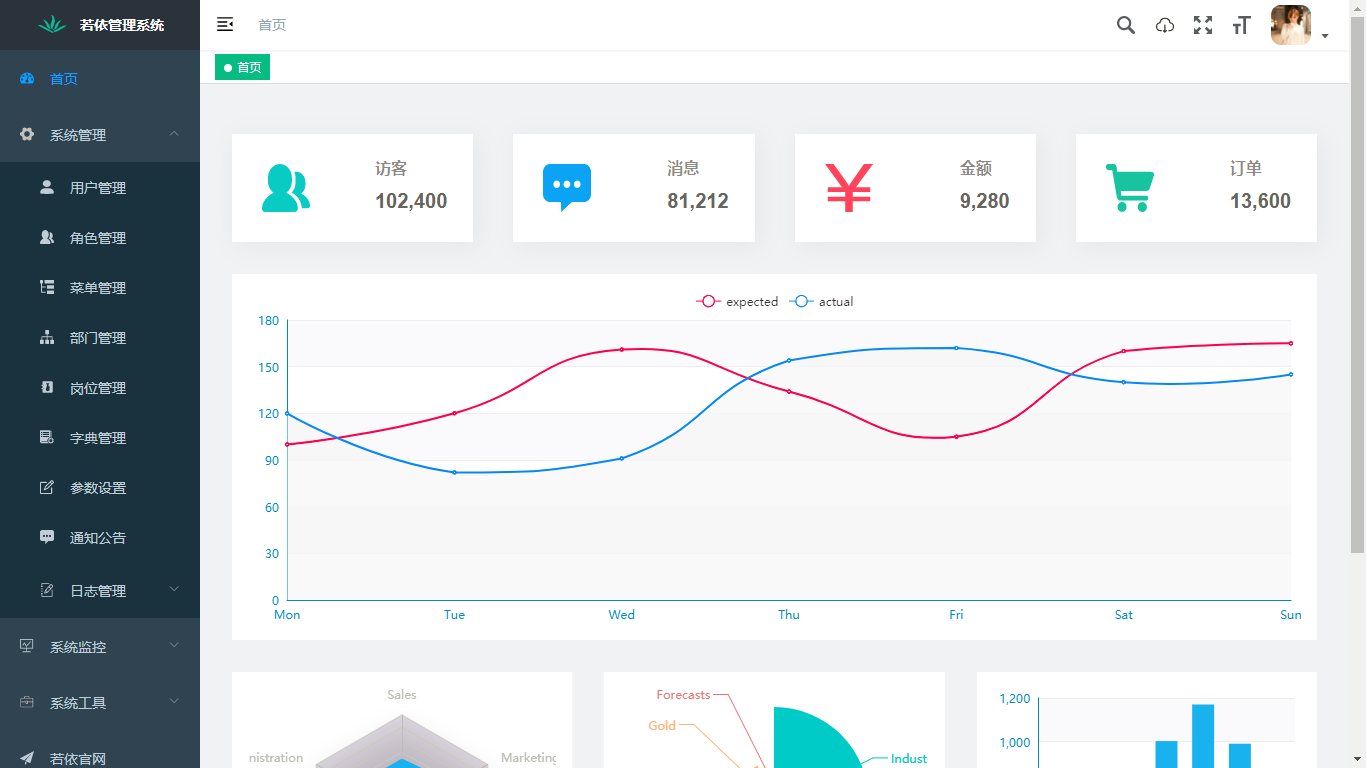
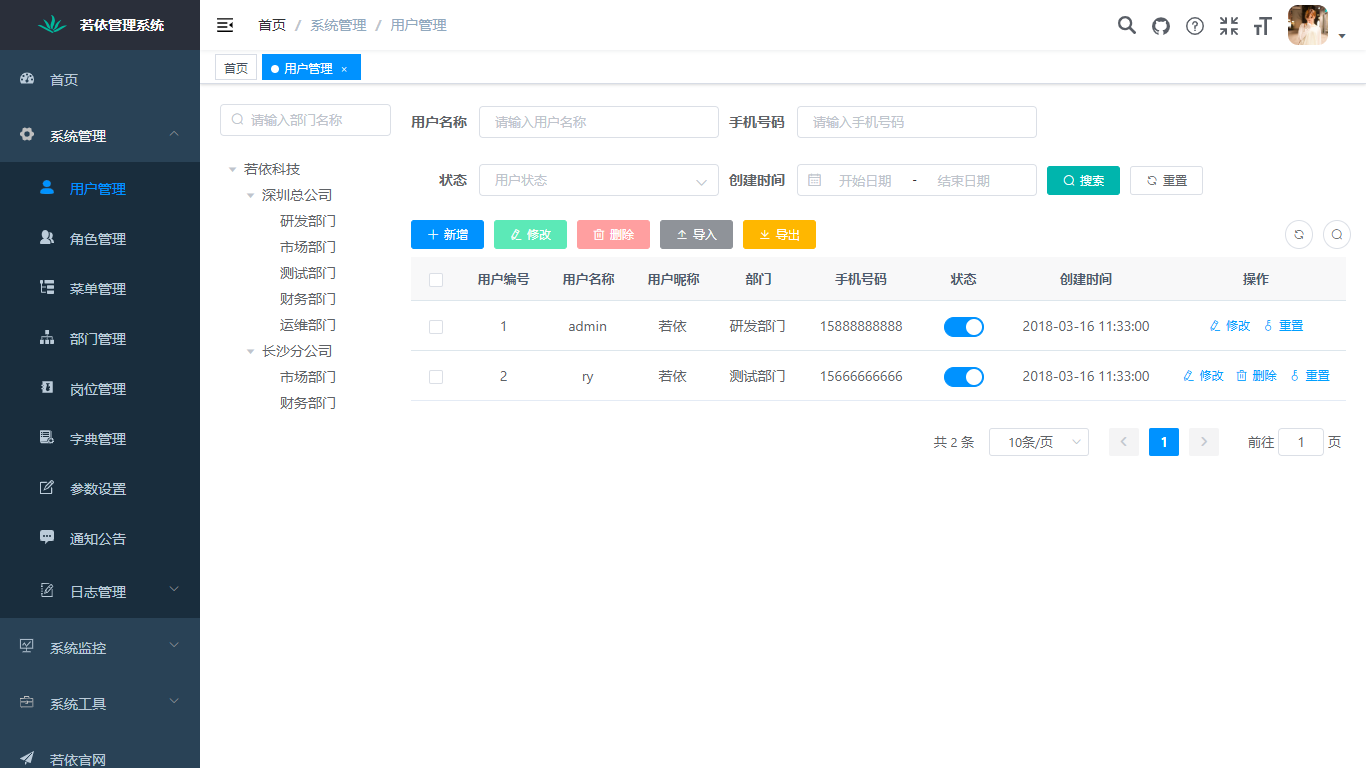
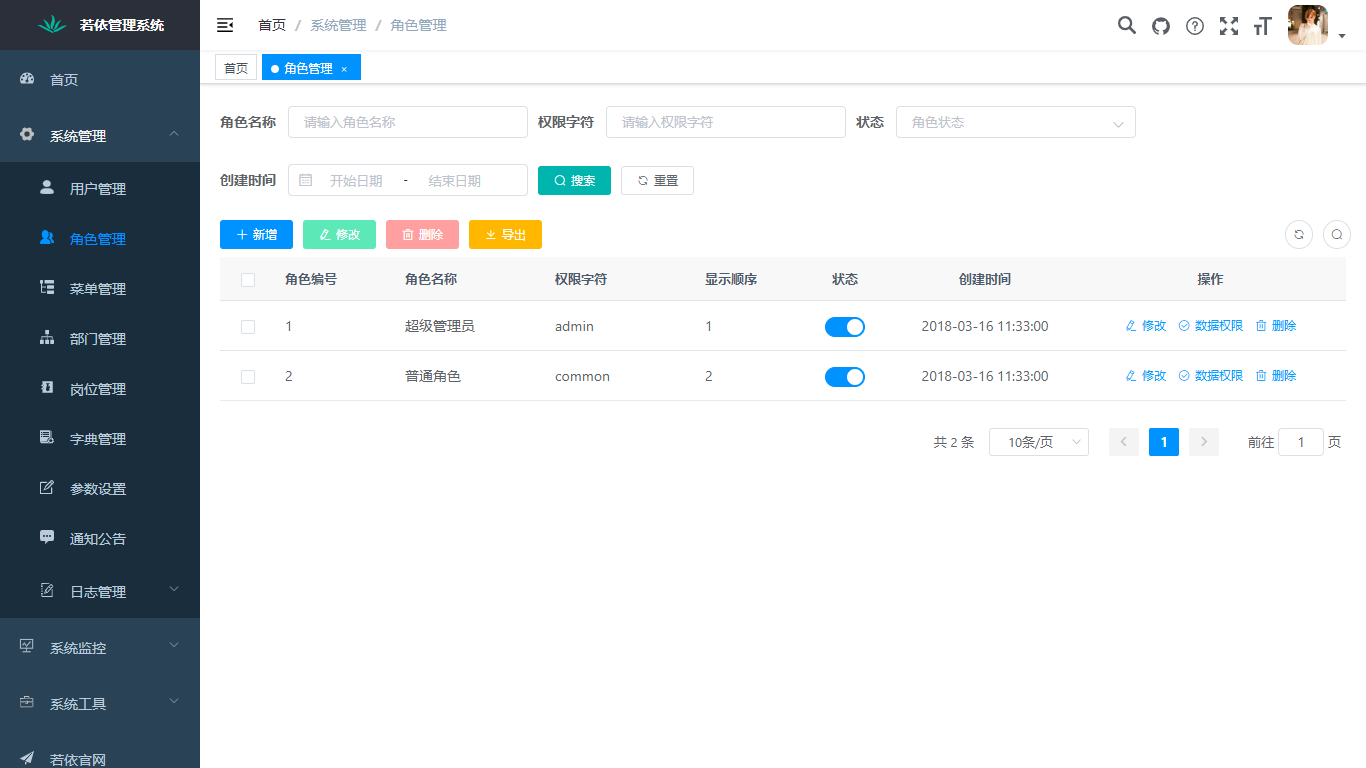
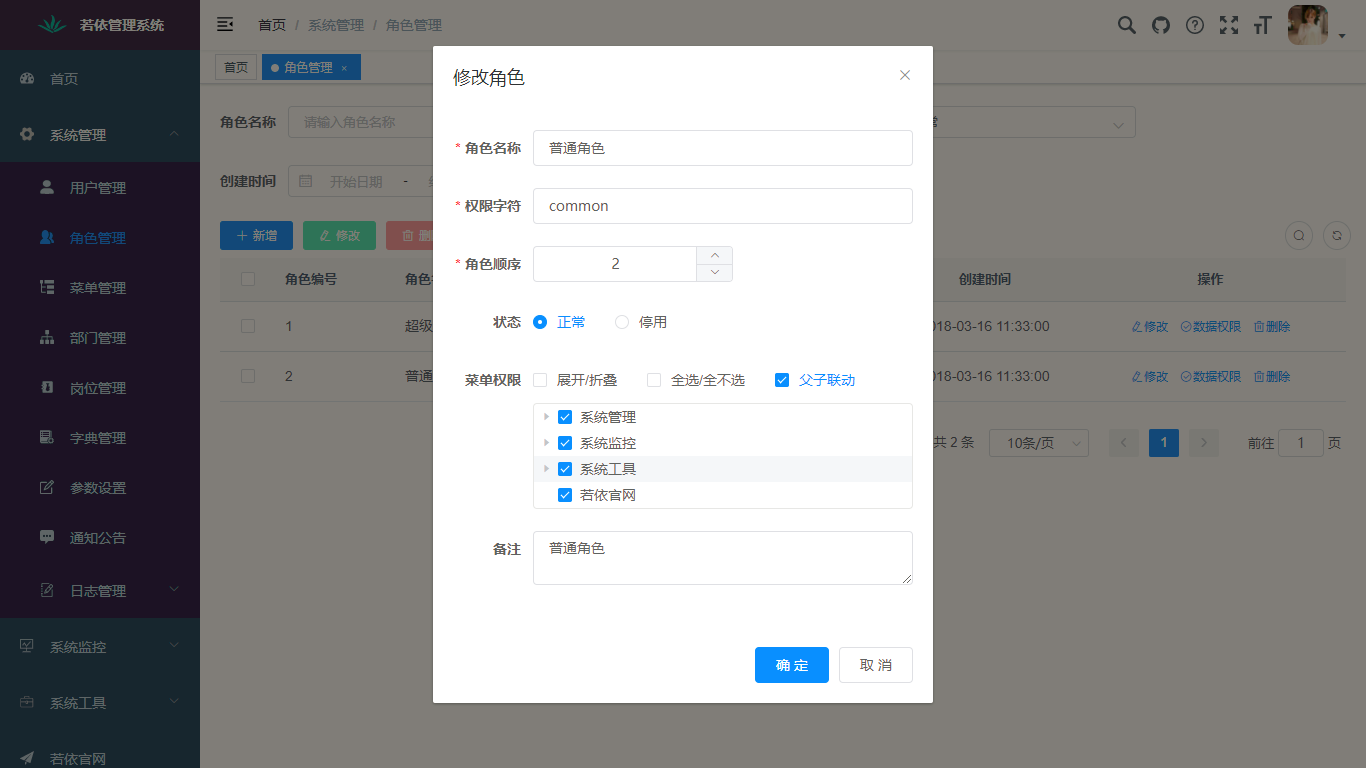
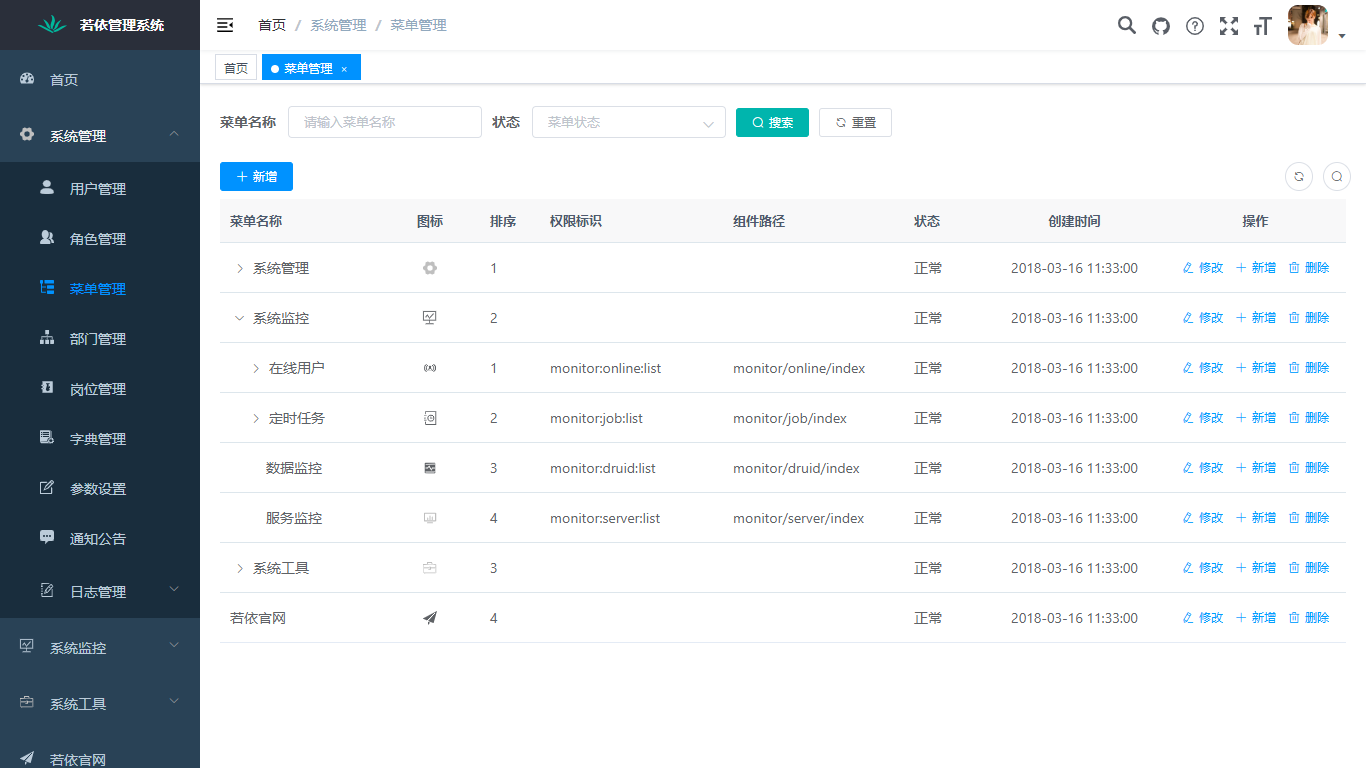
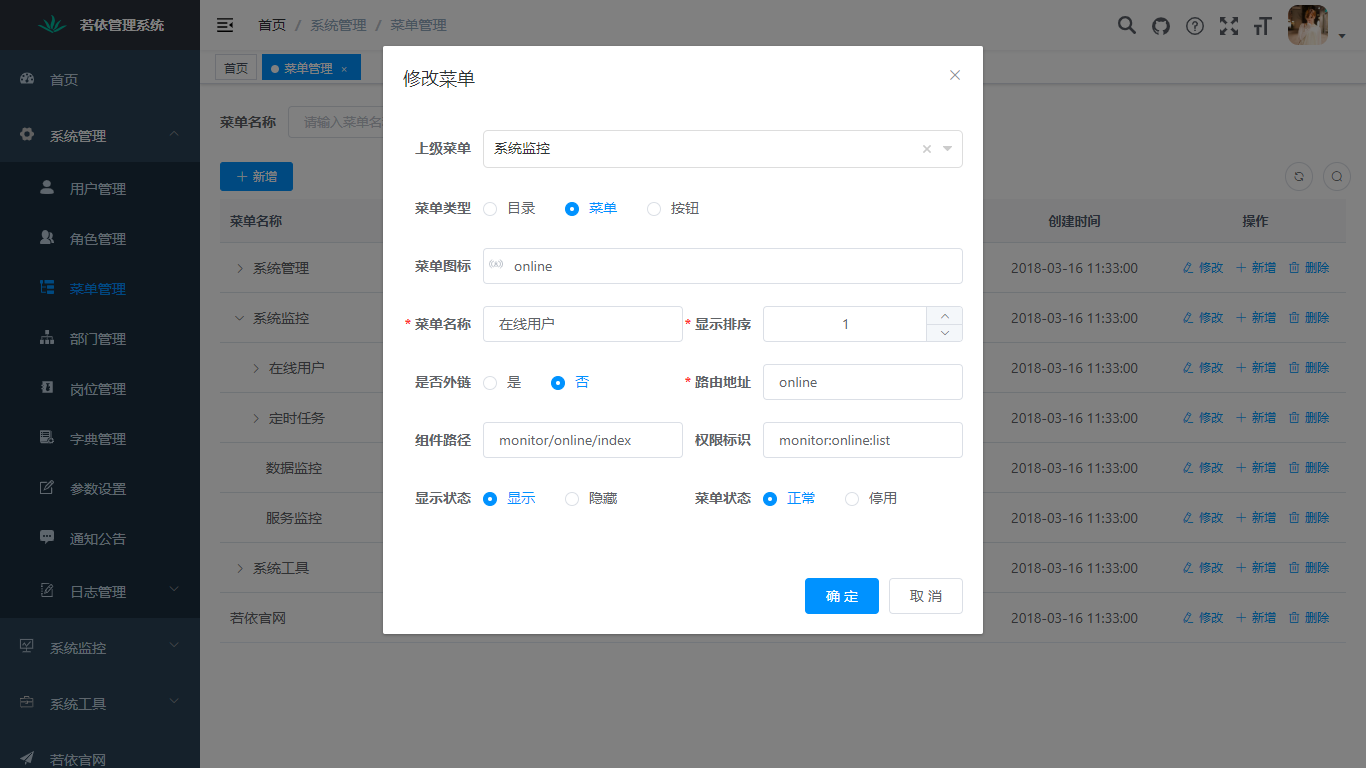
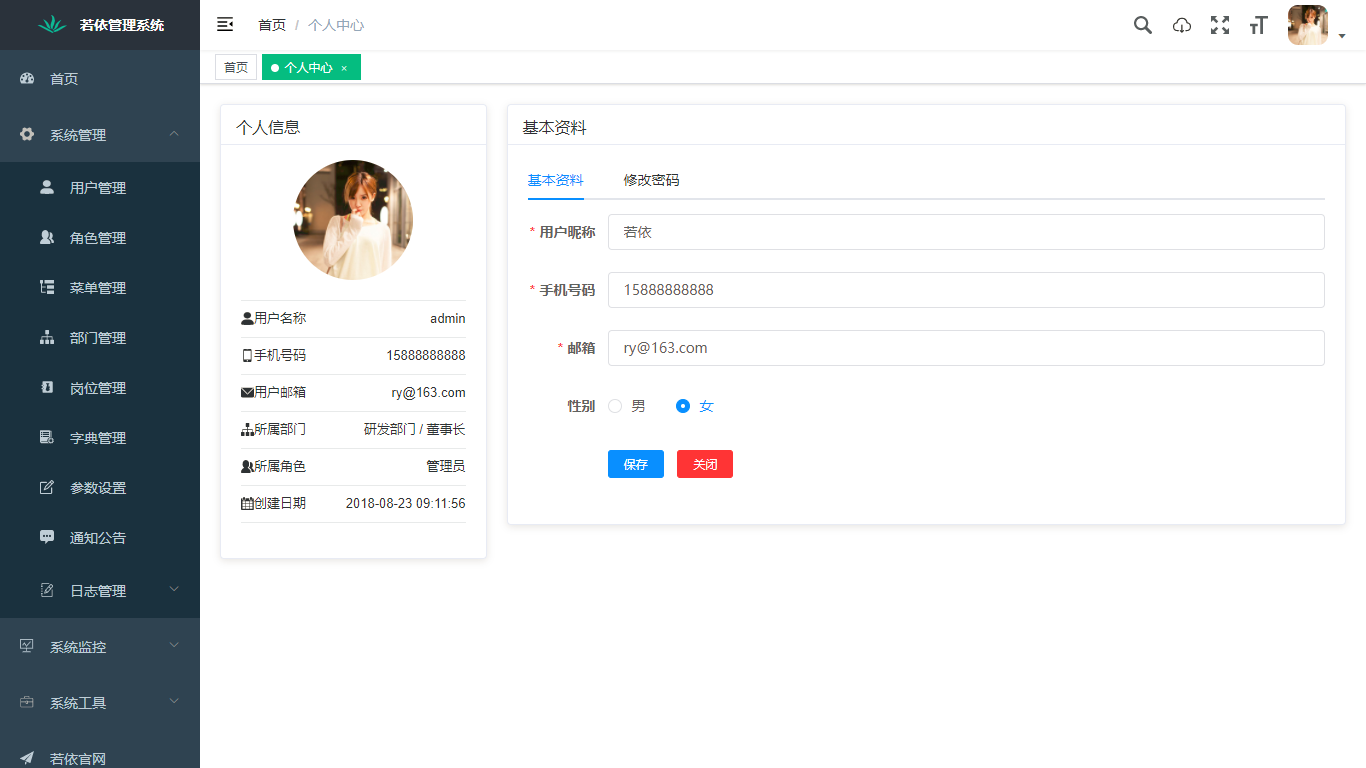
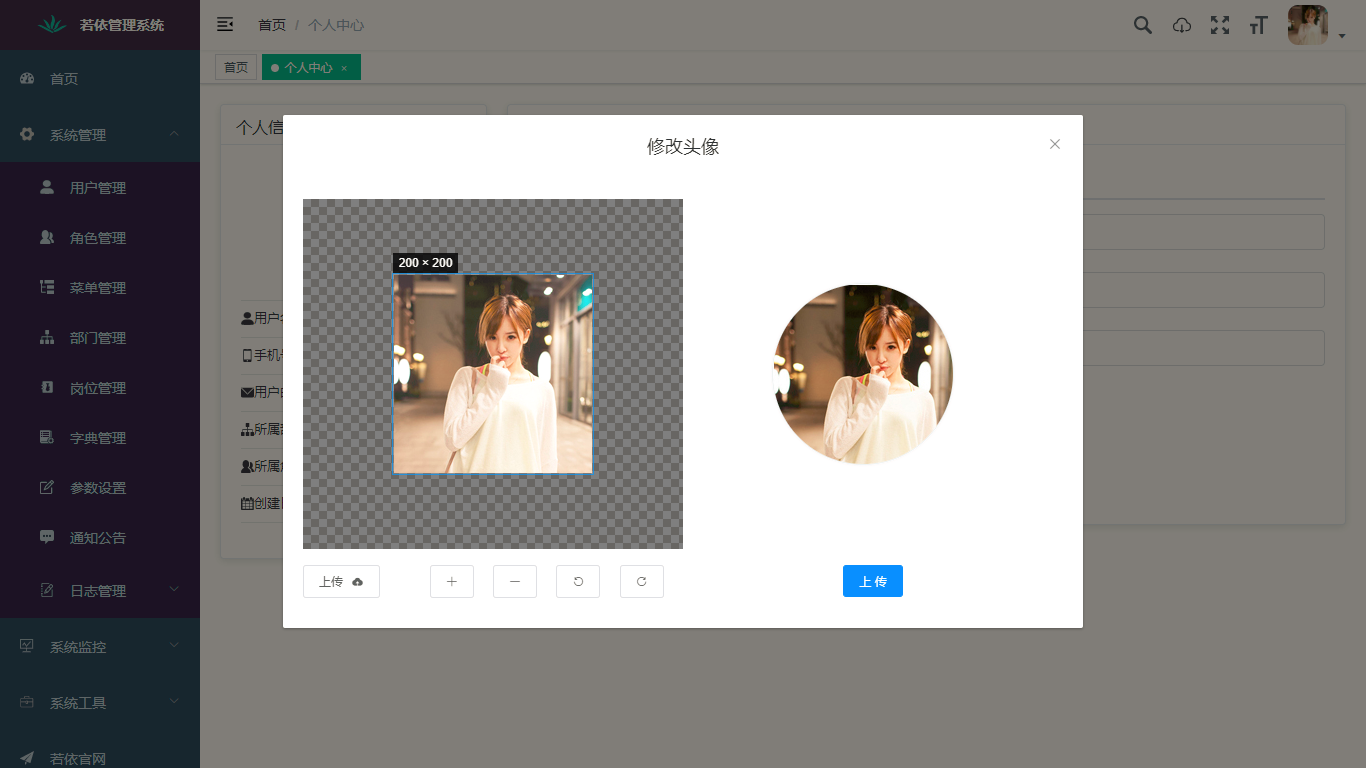
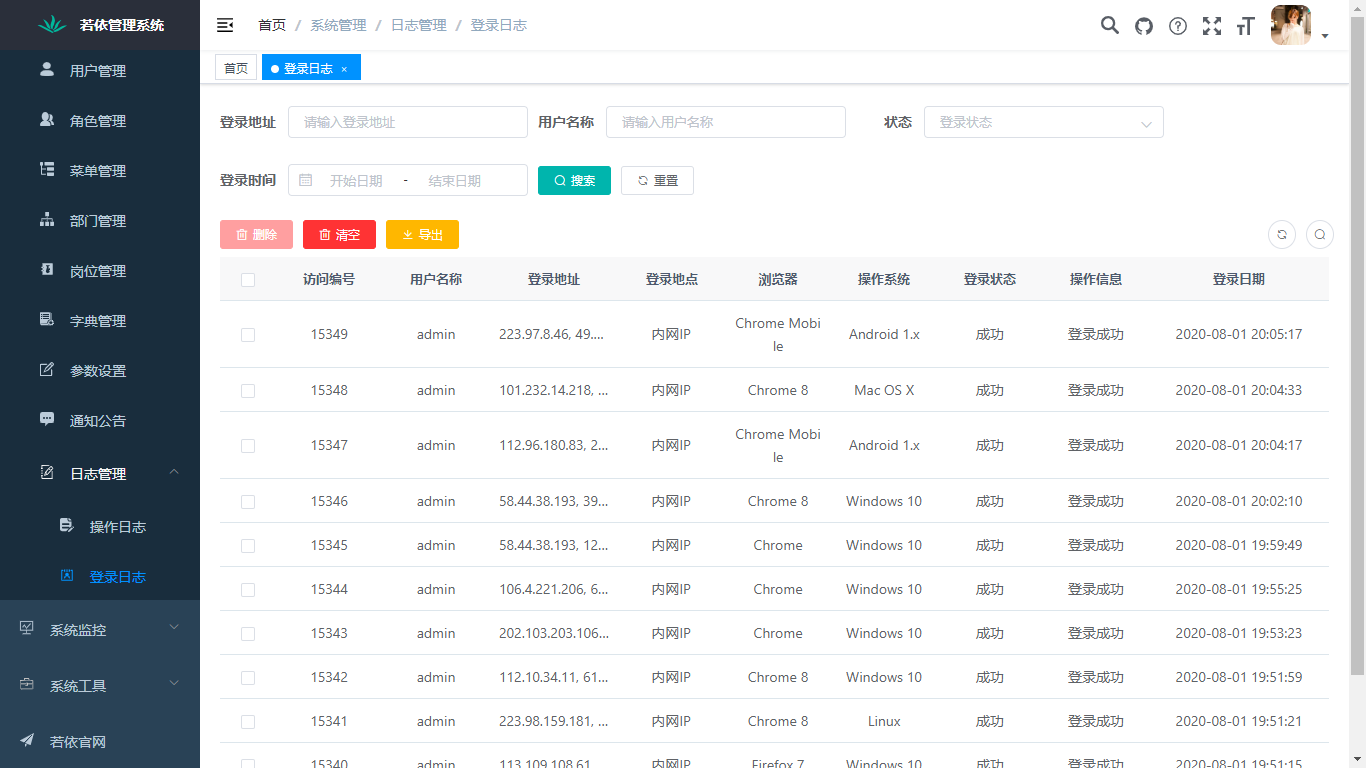
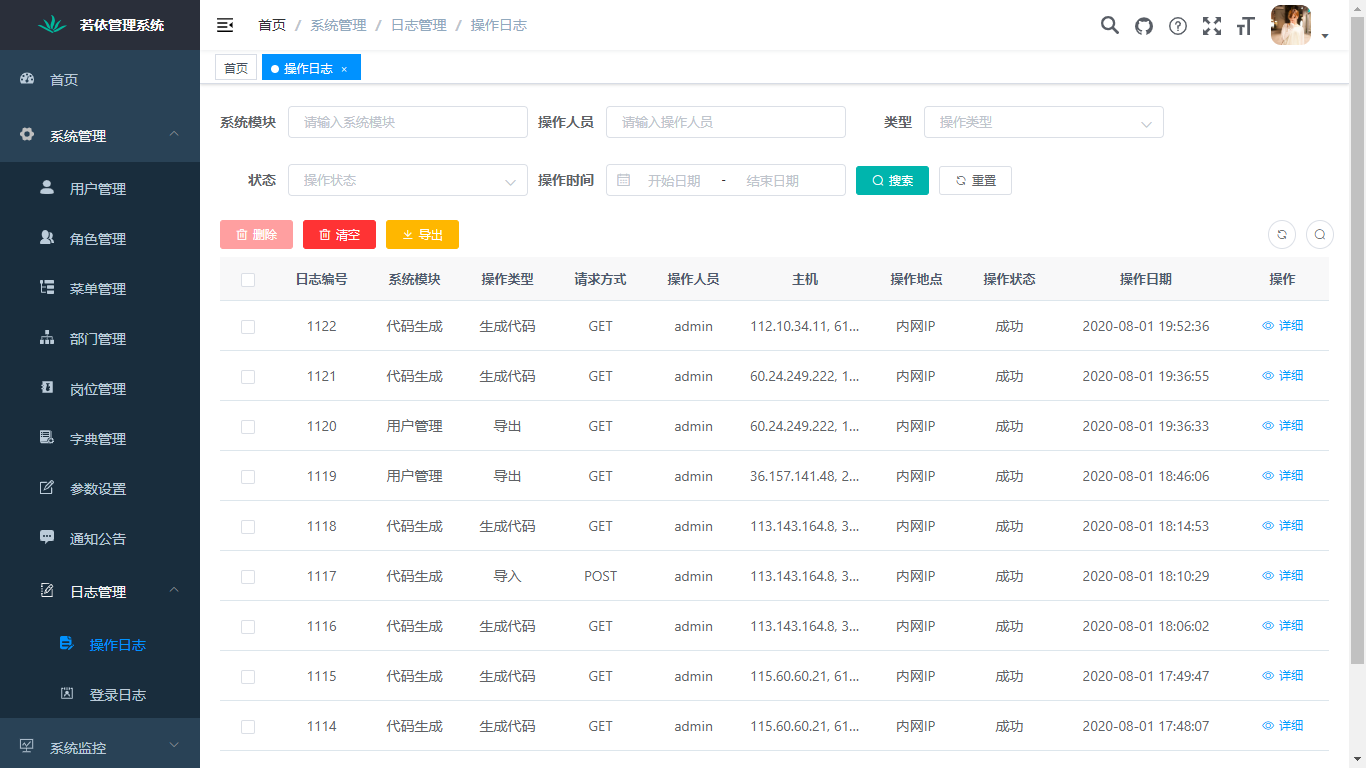
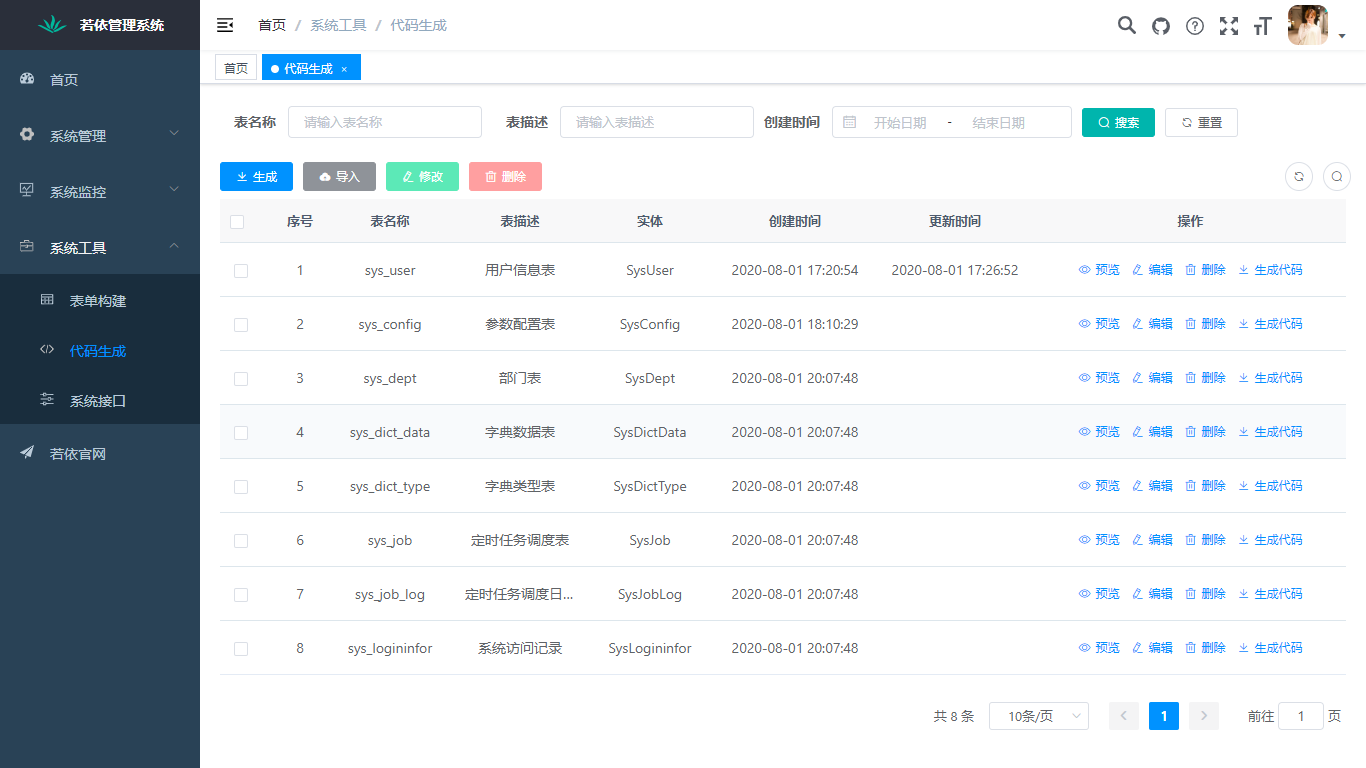
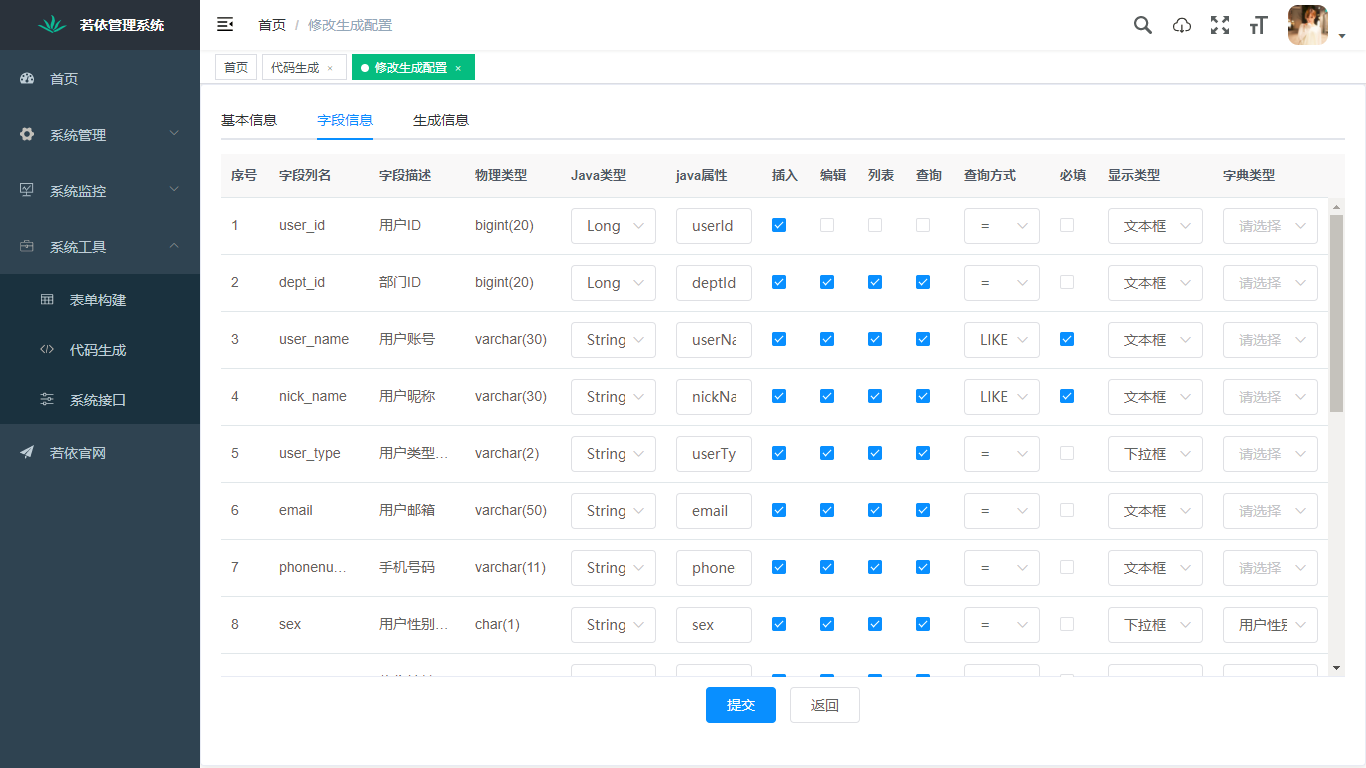
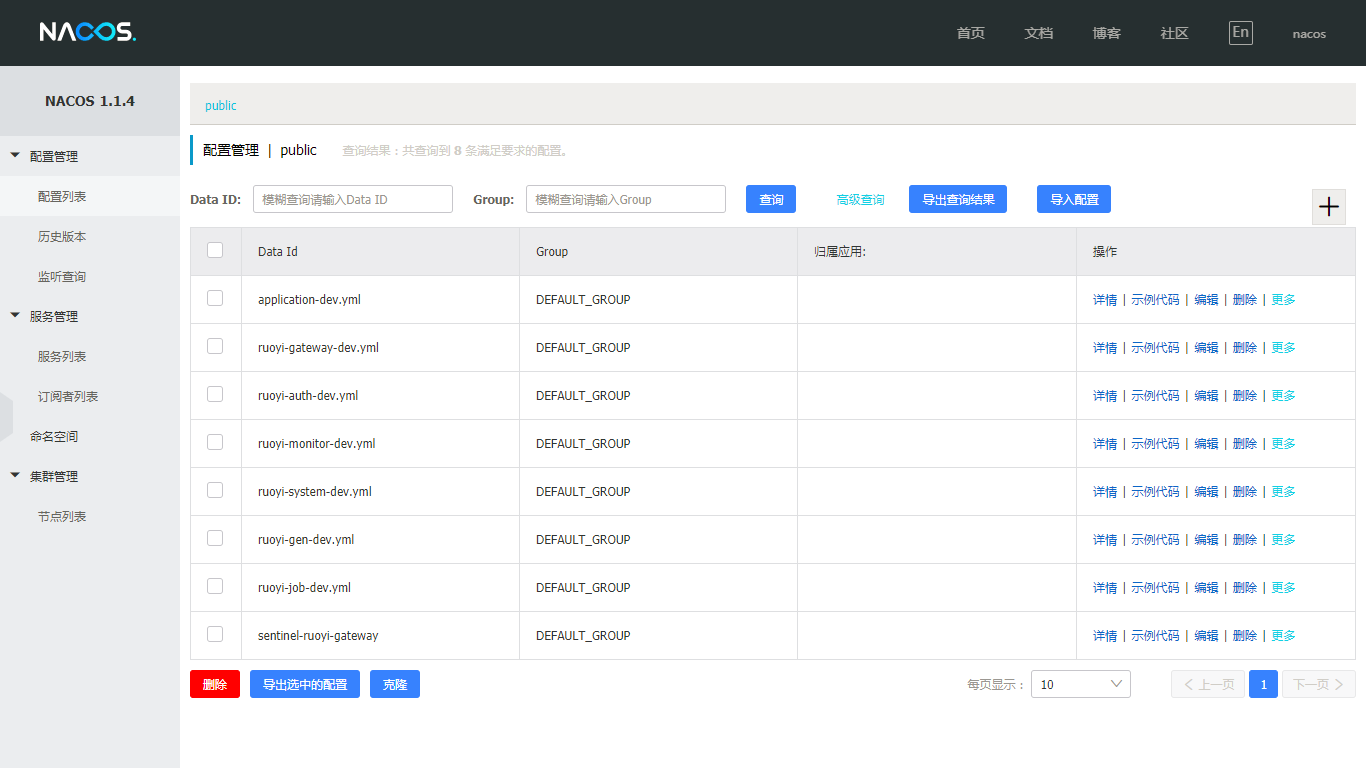
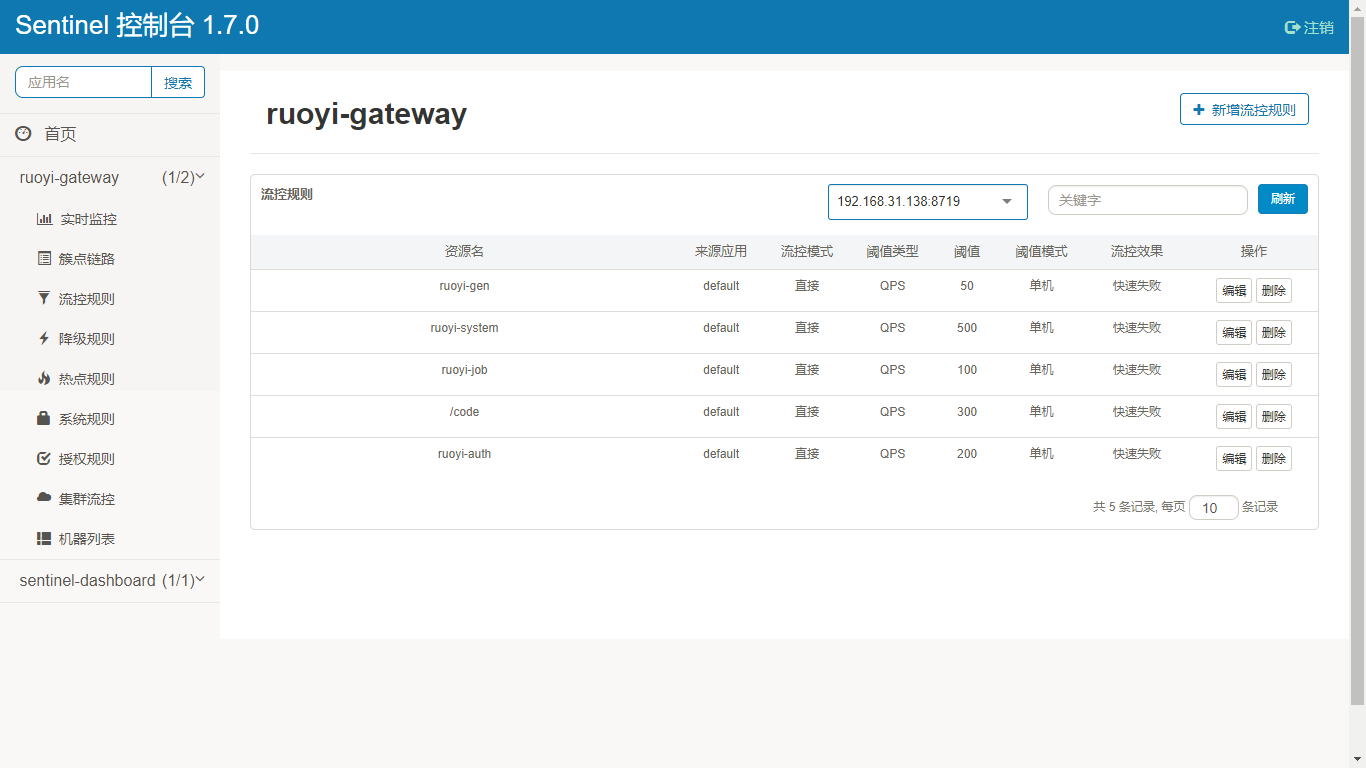
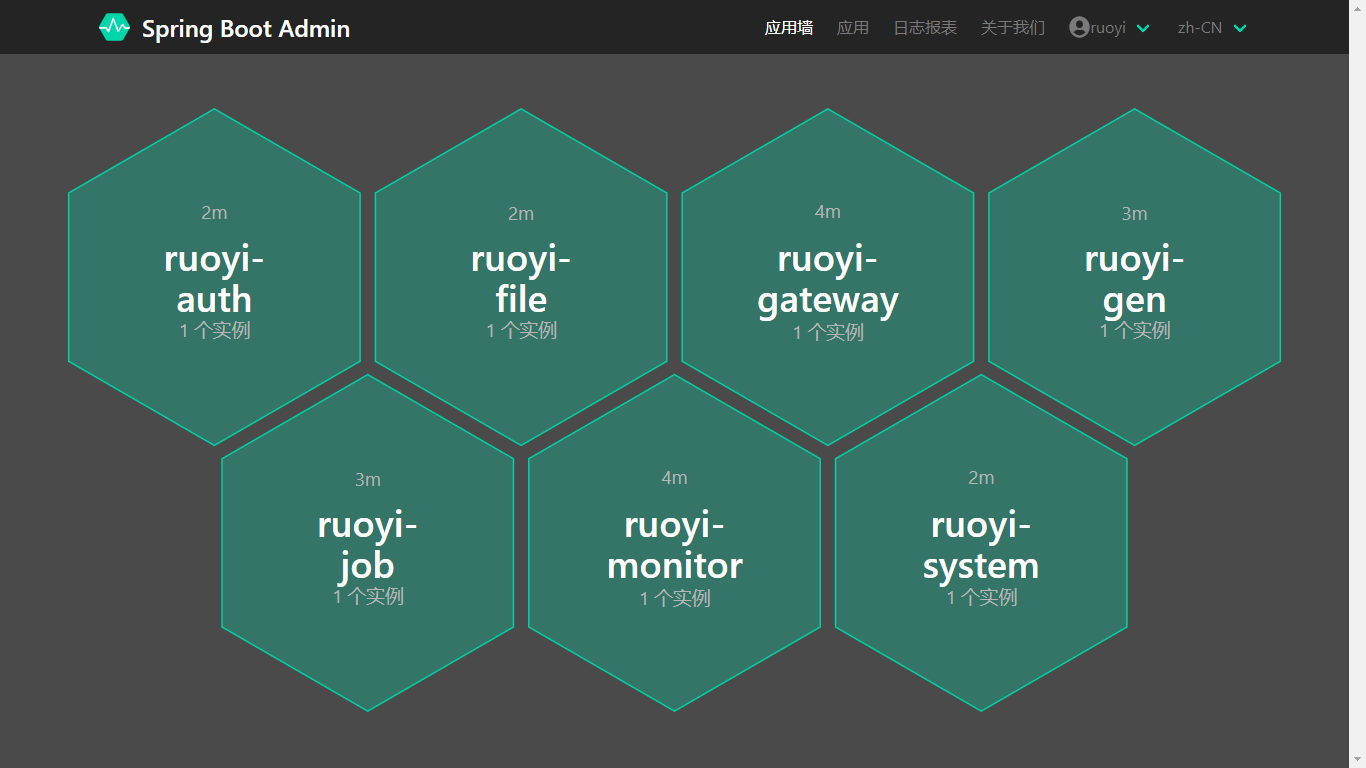
## 演示图