


Data visualization tools
light chaser is an open source free data visualization design tool based on React technology stack implementation . Through it you can simply and quickly produce data visualization related content. It can be used for large-screen data visualization display , data reports, data analysis and other scenes This project contains: - A standard component editing panel - An efficient blueprint editor for event interactions - Rich component library light chaser is built for data visualization and will continue to grow and improve! # Catalogs - [Document](#document) - [Example](#example) - [Usage & Deployment](#usage--deployment) - [Contributing](#contributing) - [License](#license) # Document For more information about the designer, please refer to it [Document](https://xiaopujun.github.io/light-chaser-doc/#/) # Example You can visit [LIGHT CHASER online](https://xiaopujun.github.io/light-chaser-app/#) to experience it online, or you can launch it locally with the code to experience it! preview image: 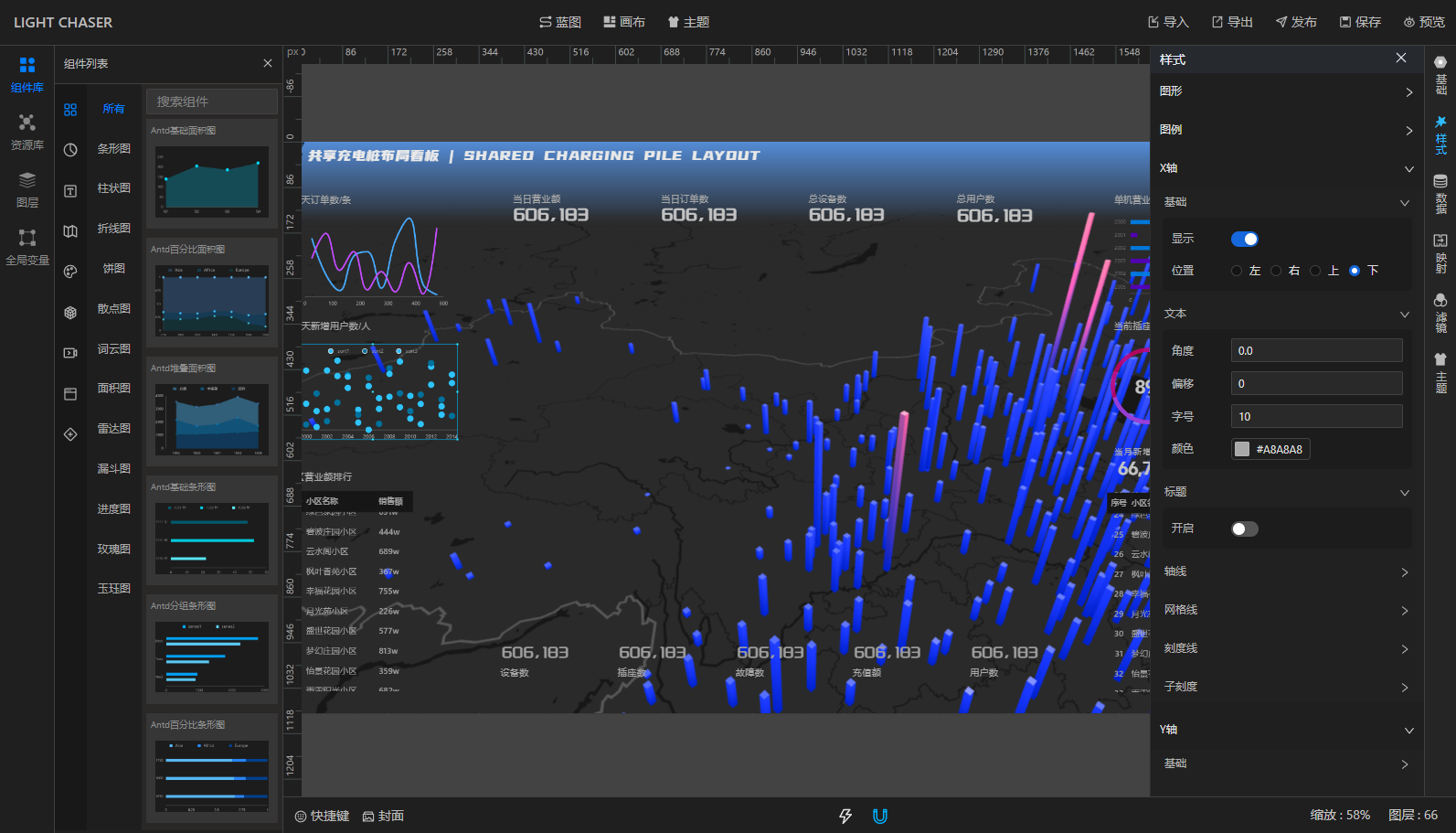 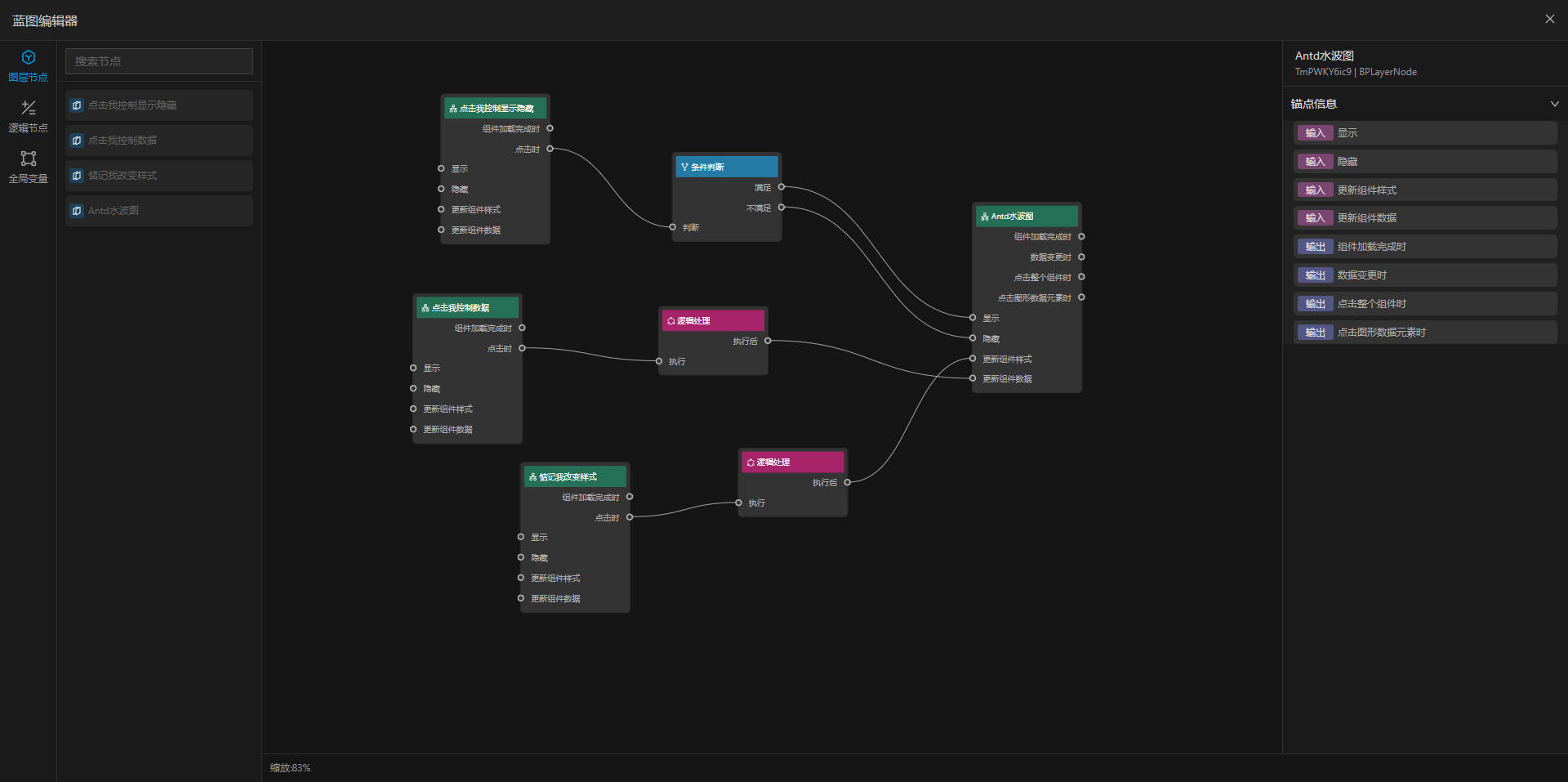 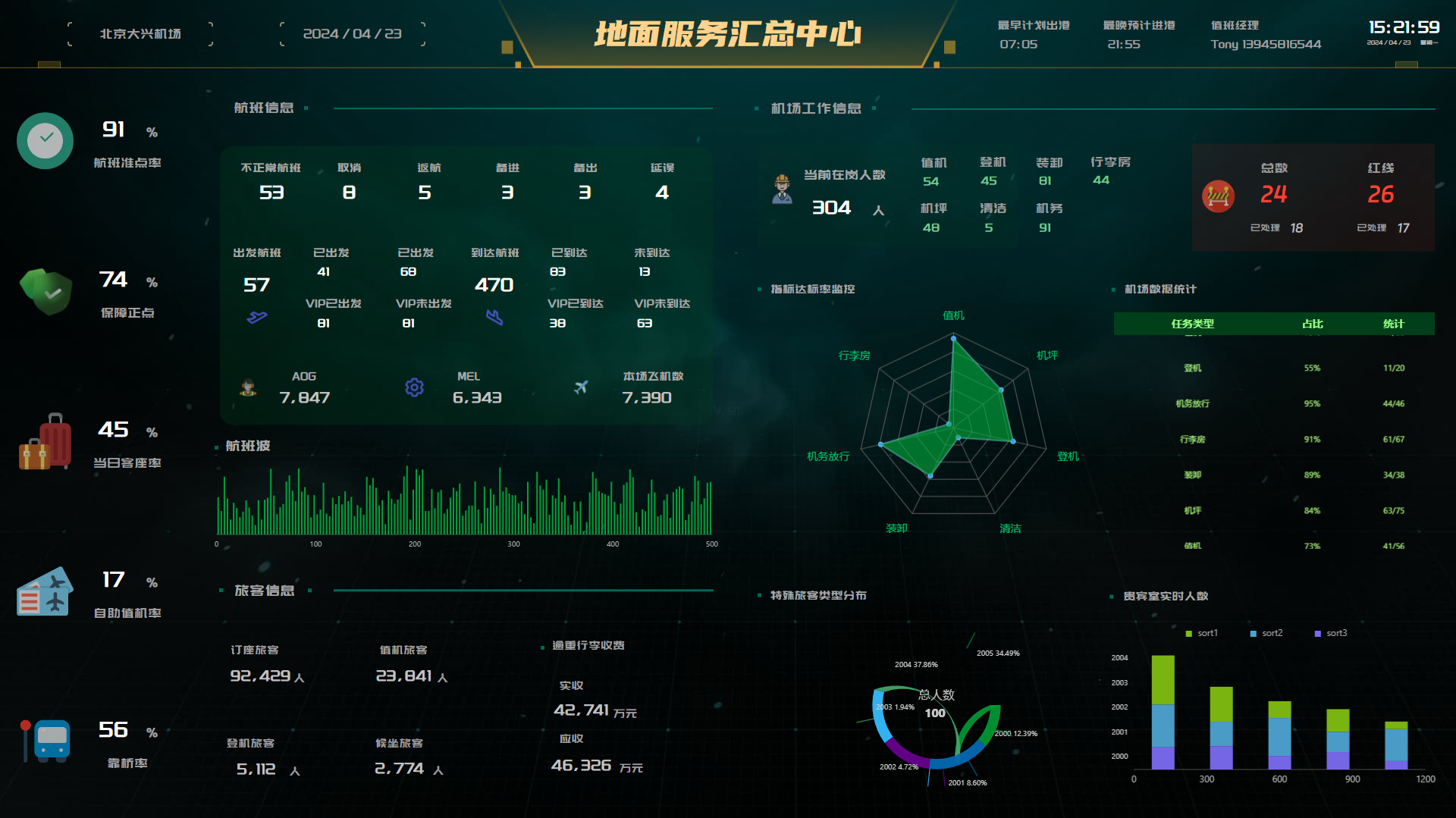 # Usage & Deployment If you need to start this project locally or build and deploy it to your own server, please refer to the following commands: - Clone the project to your local machine ```shell git clone https://gitee.com/xiaopujun/light-chaser.git ``` - Install project dependencies > Note: This project uses pnpm as the package management tool, so you need to install [pnpm](https://pnpm.io/) first > ,if you have installed pnpm, you can skip this step ```shell pnpm install ``` - Start the project ```shell pnpm dev ``` - Access the project ```shell http://localhost:5173 ``` - Build the project ```shell pnpm build ``` # Contributing Feel free to dive in! Open an issue or submit PRs. light chaser follows the Contributor Covenant Code of Conduct. # License [MIT](LICENSE) © xiaopujun Supplemental Terms Note: In the event of a conflict between the Supplemental Terms and the above Terms, the Supplemental Terms shall prevail 1. This project is open to individual and enterprise users, and is free of charge or commercial use within the scope permitted by this agreement 2. The author of the project retains all intellectual property rights of the project, and individuals or enterprises can use the software after the secondary development of the project for commercial use within the scope permitted by this agreement, but shall not use the source code of the project for copyright declaration or confirmation 3. The scope of commercial use by individuals or enterprises using this project or software developed based on this project is limited to their own business. They shall not directly sell the software built from this project, the project source code, derivatives based on this project, binary files, documents, images, etc. For commercialization, please contact the author to obtain authorization. 4. This project has applied for software copyright, we respect the concept of open source products, and at the same time call on users to respect the results of the author's labor. 5. All legal disputes and liabilities arising from the use of this software have nothing to do with the author, and the user shall bear the corresponding consequences. Thank you to every developer and person who contributed to this project!