# arviz
**Repository Path**: epool/arviz
## Basic Information
- **Project Name**: arviz
- **Description**: 搬运,修复其中计算 waic 和 loo 的 warning 和 bug
- **Primary Language**: Unknown
- **License**: Apache-2.0
- **Default Branch**: main
- **Homepage**: None
- **GVP Project**: No
## Statistics
- **Stars**: 0
- **Forks**: 0
- **Created**: 2023-09-21
- **Last Updated**: 2023-09-22
## Categories & Tags
**Categories**: Uncategorized
**Tags**: None
## README

 [](https://badge.fury.io/py/arviz)
[](https://dev.azure.com/ArviZ/ArviZ/_build/latest?definitionId=1&branchName=main)
[](https://codecov.io/gh/arviz-devs/arviz)
[](https://github.com/ambv/black)
[](https://gitter.im/arviz-devs/community)
[](https://doi.org/10.21105/joss.01143) [](https://doi.org/10.5281/zenodo.2540945)
[](https://numfocus.org)
ArviZ (pronounced "AR-_vees_") is a Python package for exploratory analysis of Bayesian models.
Includes functions for posterior analysis, data storage, model checking, comparison and diagnostics.
### ArviZ in other languages
ArviZ also has a Julia wrapper available [ArviZ.jl](https://julia.arviz.org/).
## Documentation
The ArviZ documentation can be found in the [official docs](https://python.arviz.org/en/latest/index.html).
First time users may find the [quickstart](https://python.arviz.org/en/latest/getting_started/Introduction.html)
to be helpful. Additional guidance can be found in the
[user guide](https://python.arviz.org/en/latest/user_guide/index.html).
## Installation
### Stable
ArviZ is available for installation from [PyPI](https://pypi.org/project/arviz/).
The latest stable version can be installed using pip:
```
pip install arviz
```
ArviZ is also available through [conda-forge](https://anaconda.org/conda-forge/arviz).
```
conda install -c conda-forge arviz
```
### Development
The latest development version can be installed from the main branch using pip:
```
pip install git+git://github.com/arviz-devs/arviz.git
```
Another option is to clone the repository and install using git and setuptools:
```
git clone https://github.com/arviz-devs/arviz.git
cd arviz
python setup.py install
```
-------------------------------------------------------------------------------
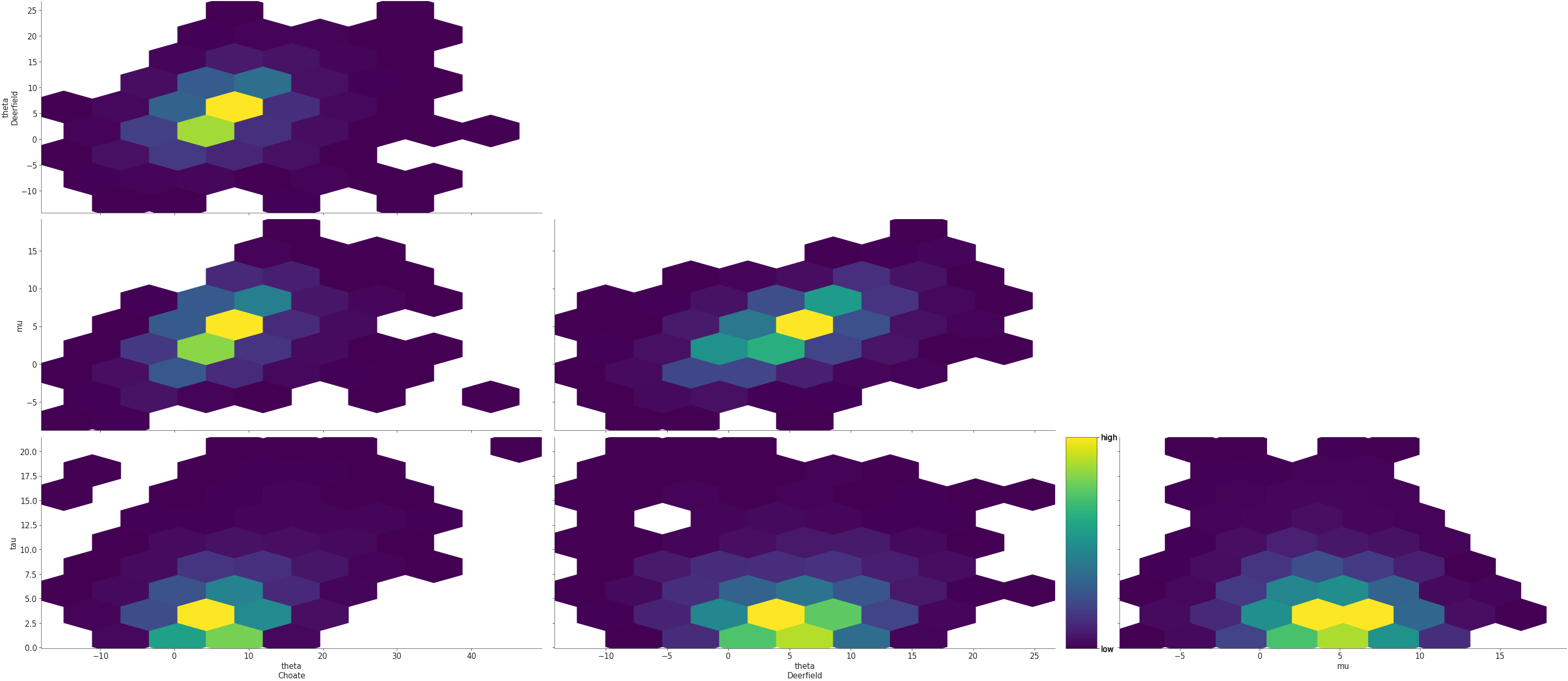
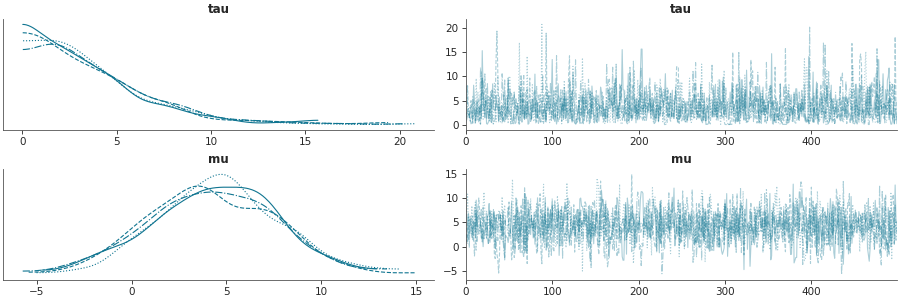
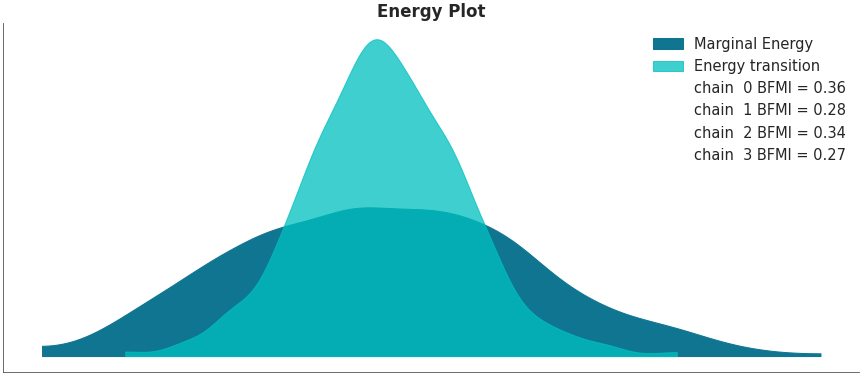
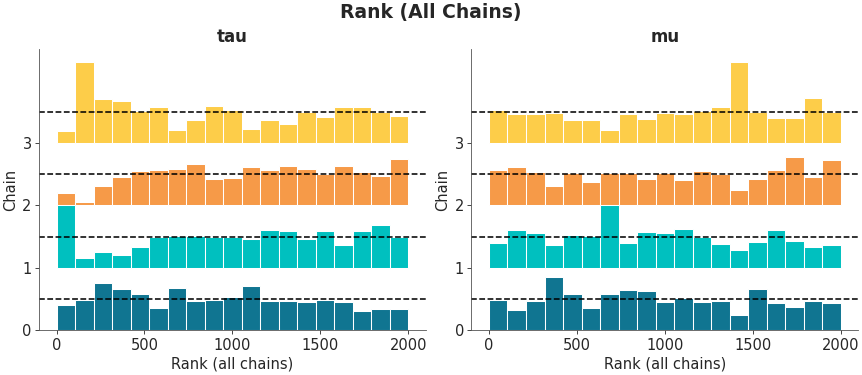
## [Gallery](https://python.arviz.org/en/latest/examples/index.html)
[](https://badge.fury.io/py/arviz)
[](https://dev.azure.com/ArviZ/ArviZ/_build/latest?definitionId=1&branchName=main)
[](https://codecov.io/gh/arviz-devs/arviz)
[](https://github.com/ambv/black)
[](https://gitter.im/arviz-devs/community)
[](https://doi.org/10.21105/joss.01143) [](https://doi.org/10.5281/zenodo.2540945)
[](https://numfocus.org)
ArviZ (pronounced "AR-_vees_") is a Python package for exploratory analysis of Bayesian models.
Includes functions for posterior analysis, data storage, model checking, comparison and diagnostics.
### ArviZ in other languages
ArviZ also has a Julia wrapper available [ArviZ.jl](https://julia.arviz.org/).
## Documentation
The ArviZ documentation can be found in the [official docs](https://python.arviz.org/en/latest/index.html).
First time users may find the [quickstart](https://python.arviz.org/en/latest/getting_started/Introduction.html)
to be helpful. Additional guidance can be found in the
[user guide](https://python.arviz.org/en/latest/user_guide/index.html).
## Installation
### Stable
ArviZ is available for installation from [PyPI](https://pypi.org/project/arviz/).
The latest stable version can be installed using pip:
```
pip install arviz
```
ArviZ is also available through [conda-forge](https://anaconda.org/conda-forge/arviz).
```
conda install -c conda-forge arviz
```
### Development
The latest development version can be installed from the main branch using pip:
```
pip install git+git://github.com/arviz-devs/arviz.git
```
Another option is to clone the repository and install using git and setuptools:
```
git clone https://github.com/arviz-devs/arviz.git
cd arviz
python setup.py install
```
-------------------------------------------------------------------------------
## [Gallery](https://python.arviz.org/en/latest/examples/index.html)
## Dependencies
ArviZ is tested on Python 3.9, 3.10 and 3.11, and depends on NumPy, SciPy, xarray, and Matplotlib.
## Citation
If you use ArviZ and want to cite it please use [](https://doi.org/10.21105/joss.01143)
Here is the citation in BibTeX format
```
@article{arviz_2019,
doi = {10.21105/joss.01143},
url = {https://doi.org/10.21105/joss.01143},
year = {2019},
publisher = {The Open Journal},
volume = {4},
number = {33},
pages = {1143},
author = {Ravin Kumar and Colin Carroll and Ari Hartikainen and Osvaldo Martin},
title = {ArviZ a unified library for exploratory analysis of Bayesian models in Python},
journal = {Journal of Open Source Software}
}
```
## Contributions
ArviZ is a community project and welcomes contributions.
Additional information can be found in the [Contributing Readme](https://github.com/arviz-devs/arviz/blob/main/CONTRIBUTING.md)
## Code of Conduct
ArviZ wishes to maintain a positive community. Additional details
can be found in the [Code of Conduct](https://github.com/arviz-devs/arviz/blob/main/CODE_OF_CONDUCT.md)
## Donations
ArviZ is a non-profit project under NumFOCUS umbrella. If you want to support ArviZ financially, you can donate [here](https://numfocus.org/donate-to-arviz).
## Sponsors
[](https://numfocus.org)