# quark-core
**Repository Path**: hellof2e/quark-core
## Basic Information
- **Project Name**: quark-core
- **Description**: quarkc 引擎,用于高效构建web components
- **Primary Language**: JavaScript
- **License**: MIT
- **Default Branch**: main
- **Homepage**: None
- **GVP Project**: No
## Statistics
- **Stars**: 0
- **Forks**: 1
- **Created**: 2023-03-29
- **Last Updated**: 2025-04-29
## Categories & Tags
**Categories**: Uncategorized
**Tags**: None
## README
Quarkc —— 无框架,跨框架!



简体中文 |
English

## 介绍
Quarkc(Quark core缩写) 是一个拥有完美开发体验的 web components 工具(jsx + web components)。通过它,您可以开发 [跨框架组件](https://github.com/hellof2e/quark-core/tree/main/packages/create-quarkc/template-quarkc-component-ts) 或 [独立页面](https://github.com/hellof2e/quark-core/tree/main/packages/create-quarkc/template-quarkc-app-ts)。
## 特性
* 无框架,组件可以在任何框架或无框架的环境下使用,让你的代码更具复用性
* 产物体积极小,性能接近浏览器原生元素
* Web Components, Simple, Fast!
* 浏览器原生API,组件可以跨技术栈使用
* 没有前端框架 Runtime,Web 组件体积小到极致
* Shadow DOM 与 Virtual DOM 的完美融合
* 组件直接解耦,独立打磨,按需引用
## 使用
### 1、创建组件构建模版工程
创建模版
```bash
npm create quarkc@latest
```
启动工程
```bash
npm install
npm start
```
### 2、自定义你的 Custom Elements(组件/元素)
```jsx
import { QuarkElement, property, customElement } from "quarkc"
import style from "./index.less?inline"
@customElement({ tag: "my-element", style }) // 自定义标签/组件、CSS
export default class MyElement extends QuarkElement {
@property() // 外部属性
count
add = () => {
this.count += 1
}
render() {
return (
)
}
}
```
### 3、Build 打包
打包默认输出为 UMD / ESM 格式
```bash
npm run build
```
此时,构建产物 `lib/` 下的资源可以直接被任何框架的前端项目中使用。
### 4、使用
#### 场景1:含有工程管理的前端项目(含有package.json/node_modules等文件)
```jsx
import "./lib/your-element"
// vue
//
// react
//
// svelte
//
// angular
//
```
#### 场景2:无工程管理的前端项目(不含有package.json/node_modules等文件,纯HTML+CSS+JS文件)
单个 quarkc 组件,可以直接使用:
```html
```
多个 quarkc 组件同时加载,为了共用 quarkc 核心库,您可以选择开启了 `external`:
```diff
// vite.config.build.ts
export default defineConfig({
build: {
rollupOptions: {
+ external: ['quarkc'],
},
},
});
```
然后,用下面方式单独加载 `quarkc` 核心库:
```html
```
## 文档
完整文档,请访问 [https://quark-ecosystem.github.io/quarkc-docs](https://quark-ecosystem.github.io/quarkc-docs)
### 联系我们
添加微信:Sanqi9675
### 社区示例
| 作者 | github 地址 | 截图 / 链接
| ---- | ---- | ----- |
| @xsf0105 | https://xsf0105.github.io/piano/ | https://xsf0105.github.io/piano/ |
| @xsf0105 | https://github.com/xsf0105/dark-light-element | https://unpkg.com/dark-light-element@latest/demo.html |
| @hellof2e | https://github.com/hellof2e/quark-doc-header |  https://quarkc.hellobike.com/#/ |
| @yuhaiyang1 | https://github.com/yuhaiyang1/quarkc-time | https://unpkg.com/quark-timer@0.0.2/demo.html |
| @dyf19118 | https://github.com/dyf19118/quark-ui-rate |  |
| @hellof2e | https://github.com/hellof2e/quark-doc-home | 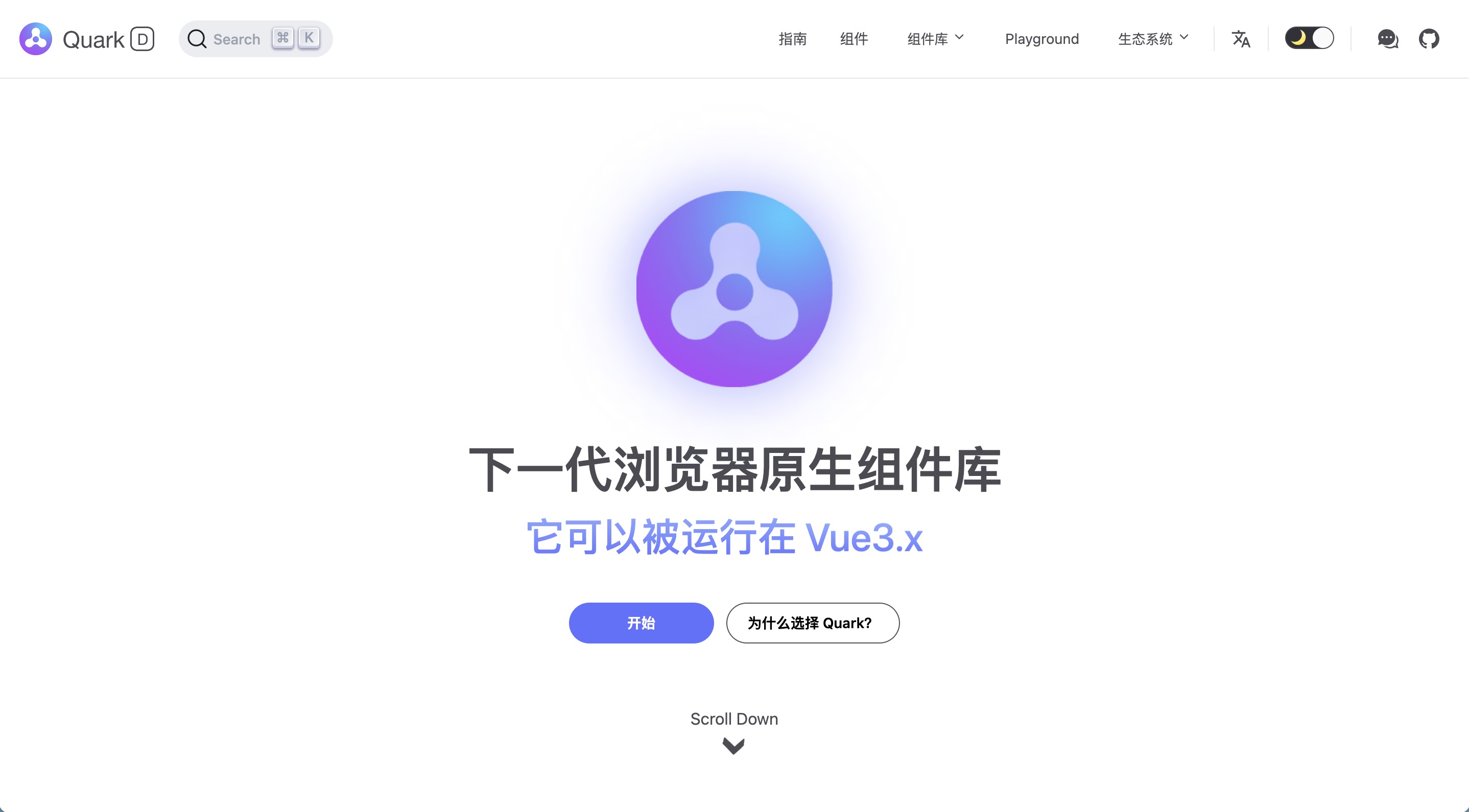 |
| @zhangfisher | https://github.com/zhangfisher/lite-tree/tree/master/packages/quark | [点击查看](https://github.com/zhangfisher/lite-tree/blob/master/docs/tree.png?raw=true) |
## License
[MIT LICENSE](./LICENSE)