# QAnything **Repository Path**: keepfree/QAnything ## Basic Information - **Project Name**: QAnything - **Description**: QAnything (Question and Answer based on Anything) 是致力于支持任意格式文件或数据库的本地知识库问答系统,可断网安装使用。 - **Primary Language**: Python - **License**: Apache-2.0 - **Default Branch**: master - **Homepage**: https://qanything.ai - **GVP Project**: No ## Statistics - **Stars**: 0 - **Forks**: 101 - **Created**: 2024-04-19 - **Last Updated**: 2024-04-19 ## Categories & Tags **Categories**: Uncategorized **Tags**: None ## README
Logo # **Q**uestion and **A**nswer based on **Anything**

English | 简体中文

                             
Table of Contents - [What is QAnything](#what-is-qanything) - [Key features](#key-features) - [Architecture](#architecture) - [Latest Updates](#-latest-updates) - [Before You Start](#before-you-start) - [Getting Started](#getting-started) - [Prerequisites](#prerequisites) - [Installation(Pure Python Environment)](#installationpure-python-environment) - [Installation(Docker)](#installationdocker) - [Offline Install](#offline-install) - [FAQ](#faq) - [Usage](#usage) - [API Document](#api-document) - [Roadmap & Feedback](#%EF%B8%8F-roadmap--feedback) - [Community & Support](#community--support) - [License](#license) - [Acknowledgements](#acknowledgments)
# What is QAnything? `QAnything`(**Q**uestion and **A**nswer based on **Anything**) is a local knowledge base question-answering system designed to support a wide range of file formats and databases, allowing for offline installation and use. With `QAnything`, you can simply drop any locally stored file of any format and receive accurate, fast, and reliable answers. Currently supported formats include: **PDF(pdf)**,**Word(docx)**,**PPT(pptx)**,**XLS(xlsx)**,**Markdown(md)**,**Email(eml)**,**TXT(txt)**,**Image(jpg,jpeg,png)**,**CSV(csv)**,**Web links(html)** and more formats coming soon… ## Key features - **Data Security**, supports installation and usage with network cable unplugged throughout the process. - **Cross-language QA support**, freely switch between Chinese and English QA, regardless of the language of the document. - **Supports massive data QA**, two-stage retrieval ranking, solving the degradation problem of large-scale data retrieval; the more data, the better the performance. - **High-performance production-grade system**, directly deployable for enterprise applications. - **User-friendly**, no need for cumbersome configurations, one-click installation and deployment, ready to use. - **Multi knowledge base QA** Support selecting multiple knowledge bases for Q&A ## Architecture
qanything_system
### Why 2 stage retrieval? In scenarios with a large volume of knowledge base data, the advantages of a two-stage approach are very clear. If only a first-stage embedding retrieval is used, there will be a problem of retrieval degradation as the data volume increases, as indicated by the green line in the following graph. However, after the second-stage reranking, there can be a stable increase in accuracy, **the more data, the better the performance**.
two stage retrievaal
QAnything uses the retrieval component [BCEmbedding](https://github.com/netease-youdao/BCEmbedding), which is distinguished for its bilingual and crosslingual proficiency. BCEmbedding excels in bridging Chinese and English linguistic gaps, which achieves - **A high performance on Semantic Representation Evaluations in MTEB**; - **A new benchmark in the realm of RAG Evaluations in LlamaIndex**. ### 1st Retrieval(embedding) | Model | Retrieval | STS | PairClassification | Classification | Reranking | Clustering | Avg | |:-------------------------------|:--------:|:--------:|:--------:|:--------:|:--------:|:--------:|:--------:| | bge-base-en-v1.5 | 37.14 | 55.06 | 75.45 | 59.73 | 43.05 | 37.74 | 47.20 | | bge-base-zh-v1.5 | 47.60 | 63.72 | 77.40 | 63.38 | 54.85 | 32.56 | 53.60 | | bge-large-en-v1.5 | 37.15 | 54.09 | 75.00 | 59.24 | 42.68 | 37.32 | 46.82 | | bge-large-zh-v1.5 | 47.54 | 64.73 | **79.14** | 64.19 | 55.88 | 33.26 | 54.21 | | jina-embeddings-v2-base-en | 31.58 | 54.28 | 74.84 | 58.42 | 41.16 | 34.67 | 44.29 | | m3e-base | 46.29 | 63.93 | 71.84 | 64.08 | 52.38 | 37.84 | 53.54 | | m3e-large | 34.85 | 59.74 | 67.69 | 60.07 | 48.99 | 31.62 | 46.78 | | ***bce-embedding-base_v1*** | **57.60** | **65.73** | 74.96 | **69.00** | **57.29** | **38.95** | ***59.43*** | - More evaluation details please check [Embedding Models Evaluation Summary](https://github.com/netease-youdao/BCEmbedding/blob/master/Docs/EvaluationSummary/embedding_eval_summary.md)。 ### 2nd Retrieval(rerank) | Model | Reranking | Avg | |:-------------------------------|:--------:|:--------:| | bge-reranker-base | 57.78 | 57.78 | | bge-reranker-large | 59.69 | 59.69 | | ***bce-reranker-base_v1*** | **60.06** | ***60.06*** | - More evaluation details please check [Reranker Models Evaluation Summary](https://github.com/netease-youdao/BCEmbedding/blob/master/Docs/EvaluationSummary/reranker_eval_summary.md) ### RAG Evaluations in LlamaIndex(embedding and rerank) ***NOTE:*** - In `WithoutReranker` setting, our `bce-embedding-base_v1` outperforms all the other embedding models. - With fixing the embedding model, our `bce-reranker-base_v1` achieves the best performance. - **The combination of `bce-embedding-base_v1` and `bce-reranker-base_v1` is SOTA**. - If you want to use embedding and rerank separately, please refer to [BCEmbedding](https://github.com/netease-youdao/BCEmbedding) ### LLM The open source version of QAnything is based on QwenLM and has been fine-tuned on a large number of professional question-answering datasets. It greatly enhances the ability of question-answering. If you need to use it for commercial purposes, please follow the license of QwenLM. For more details, please refer to: [QwenLM](https://github.com/QwenLM/Qwen) # 🚀 Latest Updates - ***2024-04-03***: **Support installation in a pure Python environment.Support hybrid search.** - See More👉 [v1.3.0](https://github.com/netease-youdao/QAnything/releases/tag/v1.3.0) - ***2024-01-29***: **Support for custom large models, including OpenAI API and other open-source large models, with a minimum GPU requirement of GTX 1050Ti, greatly improving deployment, debugging, and user experience.** - See More👉 [v1.2.0](https://github.com/netease-youdao/QAnything/releases/tag/v1.2.0) - ***2024-01-23***: **Enable rerank by default and fix various issues when starting on Windows.** - See More👉 [v1.1.1](https://github.com/netease-youdao/QAnything/releases/tag/v1.1.1) - ***2024-01-18***: **Support one-click startup, support Windows deployment, improve PDF, XLSX, HTML parsing efficiency.** - See More👉 [v1.1.0](https://github.com/netease-youdao/QAnything/releases/tag/v1.1.0) # Before You Start **Star us on GitHub, and be instantly notified for new release!** ![star_us](https://github.com/netease-youdao/QAnything/assets/29041332/fd5e5926-b9b2-4675-9f60-6cdcaca18e14) * [🏄 Try QAnything Online](https://qanything.ai) * [📚 Try read.youdao.com | 有道速读](https://read.youdao.com) * [🛠️ Only use our BCEmbedding(embedding & rerank)](https://github.com/netease-youdao/BCEmbedding) * [📖 FAQ](FAQ_zh.md) * [👂️Let me hear your voice](https://qanything.canny.io/feature-requests) # Getting Started ## Installation Methods We provide three installation methods: - [Pure Python Environment Installation](#installationpure-python-environment) - [Installation whith Docker](#installationdocker) - [Offline installation](#offline-install) The features corresponding to different installation methods are as follows: | features | [Installation(Pure Python Environment)](#installationpure-python-environment) | [Installation(Docker)](#installationdocker) | [Offline Install](#offline-install) | |:-------------------------------|:----------------------:|:----------------------:|:-------------------------:| | for production environment | ❌ | ✅ | ✅ | | support offline installation | ❌ | ❌ | ✅ | | support Mac | ✅ | ❌ | ❌ | | support Linux | ✅ | ✅ | ✅ | | support Windows WSL | ✅ | ✅ | ✅ | | support CPU only | ✅ | ❌ | ❌ | | support hybrid search | ❌ | ✅ | ✅ | ## Installation(Pure Python environment) If you prefer not to use Docker for installation, we provide a [Pure Python Installation Guide](https://github.com/netease-youdao/QAnything/tree/qanything-python-v1.3.1?tab=readme-ov-file#pure-python-environment-installation-guide). The installation of a pure Python environment is intended for demo purposes only and is not recommended for deployment in a production environment. - Support installation on CPU only (Retrieval run on CPU, while LLMs calls online API). - Support installation on Mac. ## Installation(Docker) ### Prerequisites #### **For Linux** |**System**| **Required item** | **Minimum Requirement** | **Note** | |---------------------------|--------------------|-------------------------|------------------------------------------------------------------| |Linux | NVIDIA GPU Memory | >= 4GB (use OpenAI API) | Minimum: GTX 1050Ti(use OpenAI API)
Recommended: RTX 3090 | | | NVIDIA Driver Version | >= 525.105.17 | | | | Docker version | >= 20.10.5 | [Docker install](https://docs.docker.com/engine/install/) | | | docker compose version | >= 2.23.3 | [docker compose install](https://docs.docker.com/compose/install/) | | | git-lfs | | [git-lfs install](https://git-lfs.com/) | #### **For Windows with WSL Ubuntu Subsystem** | **System** | **Required item** | **Minimum Requirement** | **Note** | |-------------------------------|--------------------------|-------------------------|---------------------------------------------------------------------------------------------------------------------------| | Windows with WSL Ubuntu Subsystem | NVIDIA GPU Memory | >= 4GB (use OpenAI API) | Minimum: GTX 1050Ti(use OpenAI API)
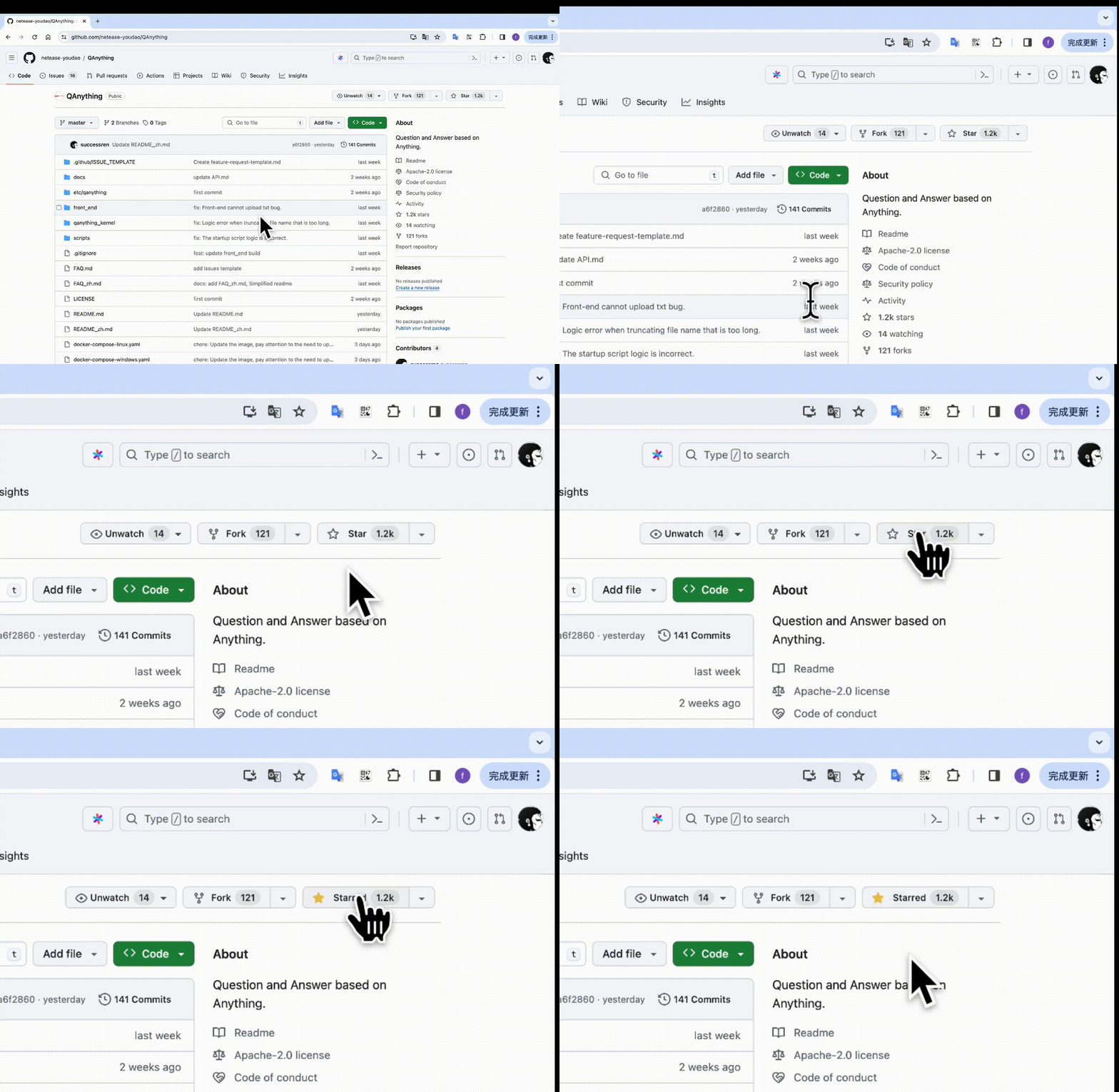
Recommended: RTX 3090 | | | | GEFORCE EXPERIENCE | >= 546.33 | [GEFORCE EXPERIENCE download](https://us.download.nvidia.com/GFE/GFEClient/3.27.0.120/GeForce_Experience_v3.27.0.120.exe) | | | | Docker Desktop | >= 4.26.1(131620) | [Docker Desktop for Windows](https://docs.docker.com/desktop/install/windows-install/) | | | git-lfs | | [git-lfs install](https://git-lfs.com/) | ### step1: pull qanything repository ```shell git clone https://github.com/netease-youdao/QAnything.git ``` ### step2: Enter the project root directory and execute the startup script. * [📖 QAnything_Startup_Usage](docs/QAnything_Startup_Usage_README.md) * Get detailed usage of LLM interface by ```bash ./run.sh -h``` ```shell cd QAnything bash run.sh # Start on GPU 0 by default. ```
(Note) If automatic download fails, you can manually download the model from one of the three addresses below. modelscope: https://modelscope.cn/models/netease-youdao/QAnything wisemodel: https://wisemodel.cn/models/Netease_Youdao/qanything huggingfase: https://huggingface.co/netease-youdao/QAnything
(Optional) Specify GPU startup ```shell cd QAnything bash ./run.sh -c local -i 0 -b default # gpu id 0 ```
(Optional) Specify GPU startup - Recommended for Windows10/Windows11 WSL2 User ```shell # For Windows OS: Need to enter the **WSL2** environment. # Step 1. Download the public LLM model (e.g., Qwen-7B-QAnything) and save to "/path/to/QAnything/assets/custom_models" # (Optional) Download Qwen-7B-QAnything from ModelScope: https://www.modelscope.cn/models/netease-youdao/Qwen-7B-QAnything # (Optional) Download Qwen-7B-QAnything from Huggingface: https://huggingface.co/netease-youdao/Qwen-7B-QAnything cd QAnything/assets/custom_models git clone https://huggingface.co/netease-youdao/Qwen-7B-QAnything # Step 2. Execute the service startup command. Here we use "-b hf" to specify the Huggingface transformers backend. cd ../../ bash ./run.sh -c local -i 0 -b hf -m Qwen-7B-QAnything -t qwen-7b-qanything ```
(Optional) Specify GPU startup - Recommended for GPU Compute Capability >= 8.6 and VRAM >= 24GB ```shell # GPU Compute Capability: https://developer.nvidia.com/cuda-gpus # Step 1. Download the public LLM model (e.g., Qwen-7B-QAnything) and save to "/path/to/QAnything/assets/custom_models" # (Optional) Download Qwen-7B-QAnything from ModelScope: https://www.modelscope.cn/models/netease-youdao/Qwen-7B-QAnything # (Optional) Download Qwen-7B-QAnything from Huggingface: https://huggingface.co/netease-youdao/Qwen-7B-QAnything cd QAnything/assets/custom_models git clone https://huggingface.co/netease-youdao/Qwen-7B-QAnything # Step 2. Execute the service startup command. Here we use "-b vllm" to specify the vllm backend. cd ../../ bash ./run.sh -c local -i 0 -b vllm -m Qwen-7B-QAnything -t qwen-7b-qanything -p 1 -r 0.85 ```
(Optional) Specify multi-GPU startup ```shell cd QAnything bash ./run.sh -c local -i 0,1 -b default # gpu ids: 0,1, Please confirm how many GPUs are available. Supports up to two cards for startup. ```
### step3: start to experience #### Front end After successful installation, you can experience the application by entering the following addresses in your web browser. - Front end address: http://`your_host`:5052/qanything/ #### API If you want to visit API, please refer to the following address: - API address: http://`your_host`:8777/api/ - For detailed API documentation, please refer to [QAnything API documentation](docs/API.md) #### DEBUG If you want to view the relevant logs, please check the log files in the `QAnything/logs/debug_logs` directory. - **debug.log** - User request processing log - **sanic_api.log** - Backend service running log - **llm_embed_rerank_tritonserver.log**(Single card deployment) - LLM embedding and rerank tritonserver service startup log - **llm_tritonserver.log**(Multi-card deployment) - LLM tritonserver service startup log - **embed_rerank_tritonserver.log**(Multi-card deployment or use of the OpenAI interface.) - Embedding and rerank tritonserver service startup log - rerank_server.log - Rerank service running log - ocr_server.log - OCR service running log - npm_server.log - Front-end service running log - llm_server_entrypoint.log - LLM intermediate server running log - fastchat_logs/*.log - FastChat service running log ### Close service If you are in the Windows11 system: Need to enter the WSL environment. ```shell bash close.sh ``` ## offline install If you want to install QAnything offline, you can start the service using the following command. ### install offline for windows ```shell # Download the docker image on a networked machine docker pull quay.io/coreos/etcd:v3.5.5 docker pull minio/minio:RELEASE.2023-03-20T20-16-18Z docker pull milvusdb/milvus:v2.3.4 docker pull mysql:latest docker pull freeren/qanything-win:v1.2.x # From [https://github.com/netease-youdao/QAnything/blob/master/docker-compose-windows.yaml#L103] Get the latest version number. # pack image docker save quay.io/coreos/etcd:v3.5.5 minio/minio:RELEASE.2023-03-20T20-16-18Z milvusdb/milvus:v2.3.4 mysql:latest freeren/qanything-win:v1.2.1 -o qanything_offline.tar # download QAnything code wget https://github.com/netease-youdao/QAnything/archive/refs/heads/master.zip # Copy the image qanything_offline.tar and the code qany-master.zip to the offline machine cp QAnything-master.zip qanything_offline.tar /path/to/your/offline/machine # Load the image on the disconnected machine docker load -i qanything_offline.tar # Unzip the code and run it unzip QAnything-master.zip cd QAnything-master bash run.sh ``` ### install offline for linux ```shell # Download the docker image on a networked machine docker pull quay.io/coreos/etcd:v3.5.5 docker pull minio/minio:RELEASE.2023-03-20T20-16-18Z docker pull milvusdb/milvus:v2.3.4 docker pull mysql:latest docker pull freeren/qanything:v1.2.x # From [https://github.com/netease-youdao/qanything/blob/master/docker-compose-linux.yaml#L104] Get the latest version number. # pack image docker save quay.io/coreos/etcd:v3.5.5 minio/minio:RELEASE.2023-03-20T20-16-18Z milvusdb/milvus:v2.3.4 mysql:latest freeren/qanything:v1.2.1 -o qanything_offline.tar # download QAnything code wget https://github.com/netease-youdao/QAnything/archive/refs/heads/master.zip # Copy the image qanything_offline.tar and the code qany-master.zip to the offline machine cp QAnything-master.zip qanything_offline.tar /path/to/your/offline/machine # Load the image on the disconnected machine docker load -i qanything_offline.tar # Unzip the code and run it unzip QAnything-master.zip cd QAnything-master bash run.sh ``` ## FAQ [FAQ](FAQ_zh.md) ## Usage ### Cross-lingual: Multiple English paper Q&A [![](docs/videos/multi_paper_qa.mp4)](https://github.com/netease-youdao/QAnything/assets/141105427/8915277f-c136-42b8-9332-78f64bf5df22) ### Information extraction [![](docs/videos/information_extraction.mp4)](https://github.com/netease-youdao/QAnything/assets/141105427/b9e3be94-183b-4143-ac49-12fa005a8a9a ) ### Various files [![](docs/videos/various_files_qa.mp4)](https://github.com/netease-youdao/QAnything/assets/141105427/7ede63c1-4c7f-4557-bd2c-7c51a44c8e0b) ### Web Q&A [![](docs/videos/web_qa.mp4)](https://github.com/netease-youdao/QAnything/assets/141105427/d30942f7-6dbd-4013-a4b6-82f7c2a5fbee) ### API Document If you need to access the API, please refer to the [QAnything API documentation](docs/API.md). ## Contributing We appreciate your interest in contributing to our project. Whether you're fixing a bug, improving an existing feature, or adding something completely new, your contributions are welcome! ### Thanks to all contributors for their efforts # 🛣️ Roadmap & Feedback 🔎 To learn about QAnything's future plans and progress, please see here: [QAnything Roadmap](https://qanything.canny.io/) 🤬To provide feedback to QAnything, please see here: [QAnything Feedbak](https://qanything.canny.io/feature-requests) # Community & Support ## Discord Welcome to the QAnything [Discord](https://discord.gg/5uNpPsEJz8) community ## WeChat Welcome to follow QAnything WeChat Official Account to get the latest information. Welcome to scan the code to join the QAnything discussion group. ## Email If you need to contact our team privately, please reach out to us via the following email: qanything@rd.netease.com ## GitHub issues & discussions Reach out to the maintainer at one of the following places: - [Github issues](https://github.com/netease-youdao/QAnything/issues) - [Github discussions](https://github.com/netease-youdao/QAnything/discussions) - Contact options listed on [this GitHub profile](https://github.com/netease-youdao) Logo # Star History [![Star History Chart](https://api.star-history.com/svg?repos=netease-youdao/QAnything,netease-youdao/BCEmbedding&type=Date)](https://star-history.com/#netease-youdao/QAnything&netease-youdao/BCEmbedding&Date) # License `QAnything` is licensed under [Apache 2.0 License](./LICENSE) # Acknowledgments `QAnything` adopts dependencies from the following: - Thanks to our [BCEmbedding](https://github.com/netease-youdao/BCEmbedding) for the excellent embedding and rerank model. - Thanks to [Qwen](https://github.com/QwenLM/Qwen) for strong base language models. - Thanks to [Triton Inference Server](https://github.com/triton-inference-server/server) for providing great open source inference serving. - Thanks to [FastChat](https://github.com/lm-sys/FastChat) for providing a fully OpenAI-compatible API server. - Thanks to [FasterTransformer](https://github.com/NVIDIA/FasterTransformer) and [vllm](https://github.com/vllm-project/vllm) for highly optimized LLM inference backend. - Thanks to [Langchain](https://github.com/langchain-ai/langchain) for the wonderful llm application framework. - Thanks to [Langchain-Chatchat](https://github.com/chatchat-space/Langchain-Chatchat) for the inspiration provided on local knowledge base Q&A. - Thanks to [Milvus](https://github.com/milvus-io/milvus) for the excellent semantic search library. - Thanks to [PaddleOCR](https://github.com/PaddlePaddle/PaddleOCR) for its ease-to-use OCR library. - Thanks to [Sanic](https://github.com/sanic-org/sanic) for the powerful web service framework.




