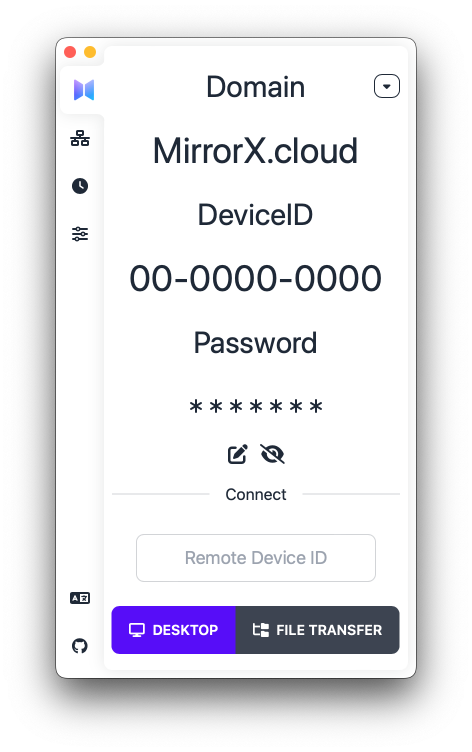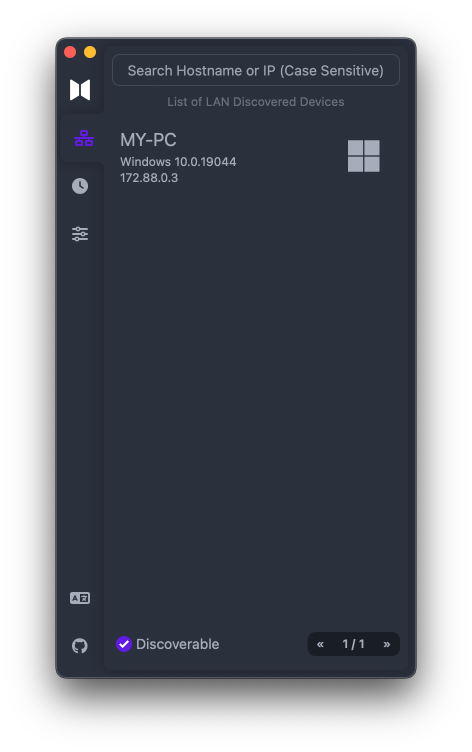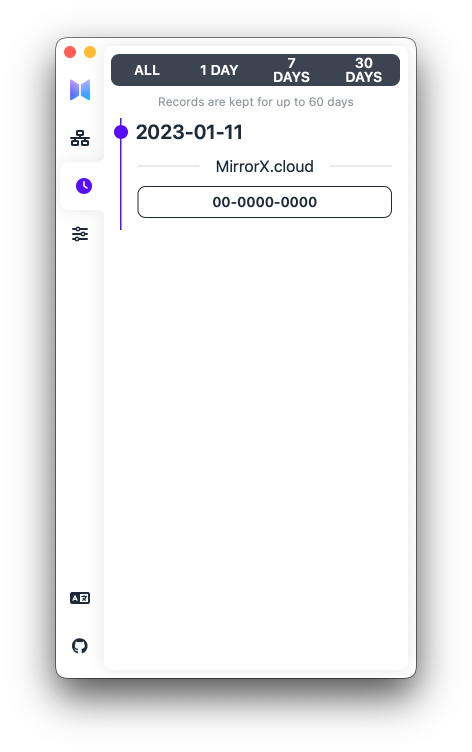



### **开放** MirrorX 是一套面向企业、团队与个人的开源远程桌面解决方案。 ### **安全** 所有东西都处于您的控制之下,您还可以选择在本地或云端部署,并且都支持端到端加密。 ### **高性能** GPU 加速、4K 分辨率、60 FPS 等等特性,让你像在使用本地桌面环境一样。 视频与音频的穿透、文件传送、跨平台、移动设备支持等必不可少的功能逐步支持中,还有更多即将到来的功能让你大开眼界。 > **Note: MirrorX 还处于开发的早期阶段, 请注意我们不保证任何向后兼容性** ## 组件 - [MirrorX Client](https://github.com/MirrorX-Desktop/MirrorX) - [MirrorX Portal Server](https://github.com/MirrorX-Desktop/portal) - [MirrorX Relay Server](https://github.com/MirrorX-Desktop/relay) ## 免费公共服务器 > 这台服务器是社区贡献的,所以请不要滥用它。 | 位置 | 配置 | | :--: | :------------: | | 首尔 | 1vCPU & 1G RAM | ## 可用平台 - [x] macOS - [x] Windows - [ ] Linux (WIP) - [ ] Android (WIP) - [ ] iOS (WIP) - [ ] Web (WIP) ## 如何构建 ### 先决条件 1. 已安装 `nodejs && yarn(v3)` 。 2. 安装 `tauri-cli` 。 ```console cargo install tauri-cli ``` ### 步骤 1. 从 [MirrorX-Desktop/media_libraries_auto_build](https://github.com/MirrorX-Desktop/media_libraries_auto_build) 下载预编译的多媒体库产物。 2. 解压多媒体库产物到任何你喜欢的路径。 3. **将刚才解压的多媒体库产物路径添加到环境变量中** - 对于 MacOS ```console $ export MIRRORX_MEDIA_LIBS_PATH=你的产物解压路径 ``` - 对于 Windows **(以管理员身份运行)** ```PowerShell PS > [Environment]::SetEnvironmentVariable('MIRRORX_MEDIA_LIBS_PATH', '你的产物解压路径' , 'Machine') ``` 4. 以 Debug 模式运行 ```console cargo tauri dev ``` ## 关于预编译的多媒体库 为了加速编译过程,我们建立了 [MirrorX-Desktop/media_libraries_auto_build](https://github.com/MirrorX-Desktop/media_libraries_auto_build) 来自动化和透明化构建这些依赖库。包括 [FFmpeg](https://git.ffmpeg.org/ffmpeg.git) 、libx264([Windows](https://github.com/ShiftMediaProject/x264.git), [MacOS](https://code.videolan.org/videolan/x264.git))、libx265([Windows](https://github.com/ShiftMediaProject/x265.git), [MacOS](https://bitbucket.org/multicoreware/x265_git.git))、libopus([Windows](https://github.com/ShiftMediaProject/opus.git), [MacOS](https://github.com/xiph/opus.git)) 和 MFXDispatch(只用于 [Windows](https://github.com/ShiftMediaProject/mfx_dispatch.git))。你可以在 [MirrorX-Desktop/media_libraries_auto_build](https://github.com/MirrorX-Desktop/media_libraries_auto_build) 浏览 [工作流](https://github.com/MirrorX-Desktop/media_libraries_auto_build/tree/main/.github/workflows) 以获取更多细节。 当然,你也完全可以根据我们的 [工作流](https://github.com/MirrorX-Desktop/media_libraries_auto_build/tree/main/.github/workflows) 来自行构建这些依赖库。 ## 截图