# agentscope-studio
**Repository Path**: mirrors/agentscope-studio
## Basic Information
- **Project Name**: agentscope-studio
- **Description**: AgentScope Studio 是一个强大的本地可视化工具包,用于开发代理应用程序,支持项目管理、运行时可视化、跟踪和代理评估
- **Primary Language**: Python
- **License**: Apache-2.0
- **Default Branch**: main
- **Homepage**: https://www.oschina.net/p/agentscope-studio
- **GVP Project**: No
## Statistics
- **Stars**: 3
- **Forks**: 2
- **Created**: 2025-09-04
- **Last Updated**: 2026-01-05
## Categories & Tags
**Categories**: Uncategorized
**Tags**: None
## README

AgentScope Studio: Development-Oriented Visualization Toolkit






AgentScope Studio is a powerful **local visualization toolkit** designed for developers working with [AgentScope](https://github.com/agentscope-ai/agentscope). It provides a **transparent**, **simple**, and **fun** way to develop, debug, and evaluate agent-based applications.
## Key Features
- **Project Management**: Organize and manage your AgentScope projects with Projects and Runs
- **Runtime Visualization**: Chatbot-style interface for real-time agent interaction
- **Tracing**: OpenTelemetry-based trace visualization for LLM calls, token usage, and agent invocations
- **Agent Evaluation**: Evaluation-oriented analysis from a statistical perspective
- **Built-in Copilot (Friday)**: A development assistant, playground for rapid secondary development, and integration hub for advanced features
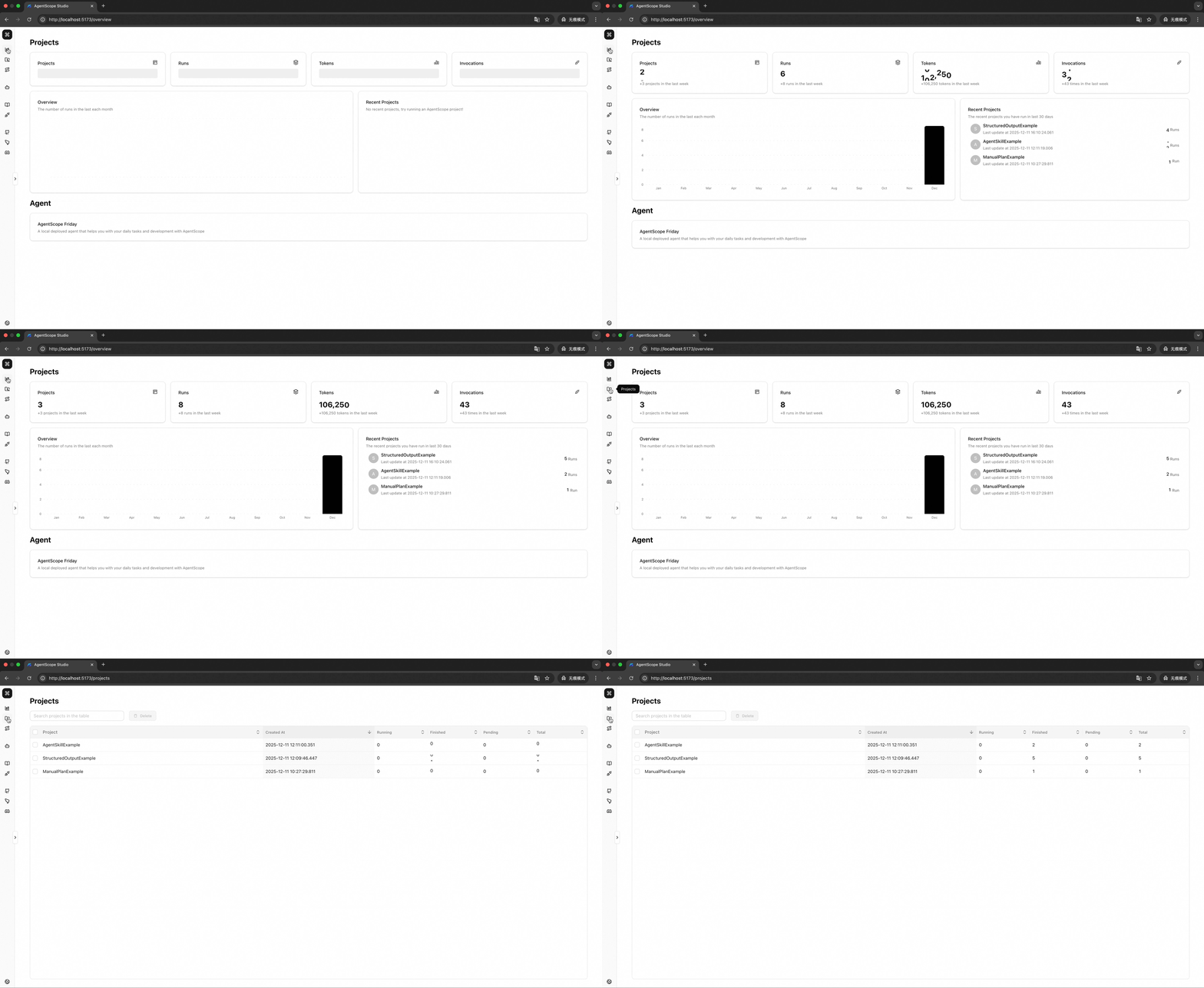
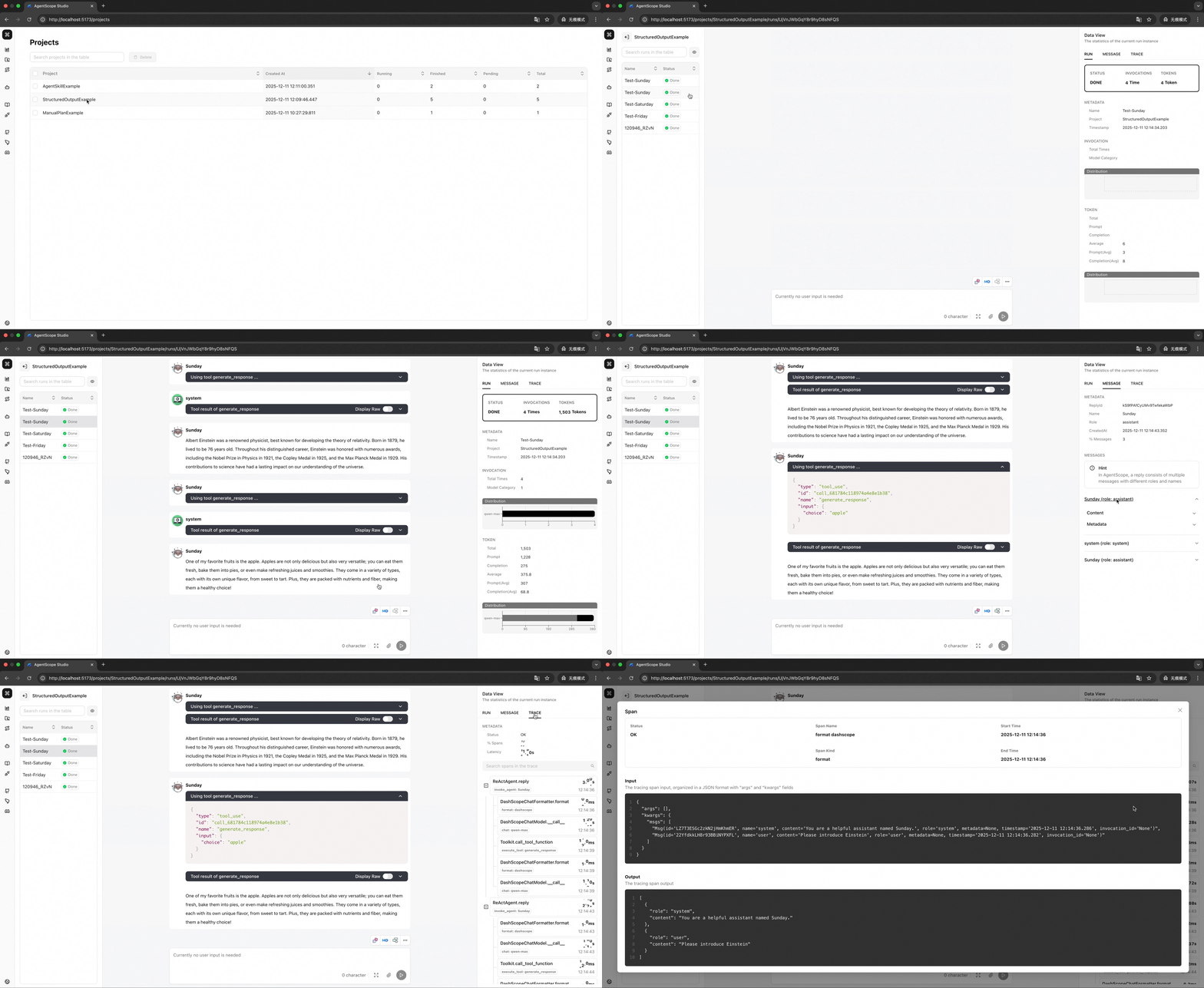
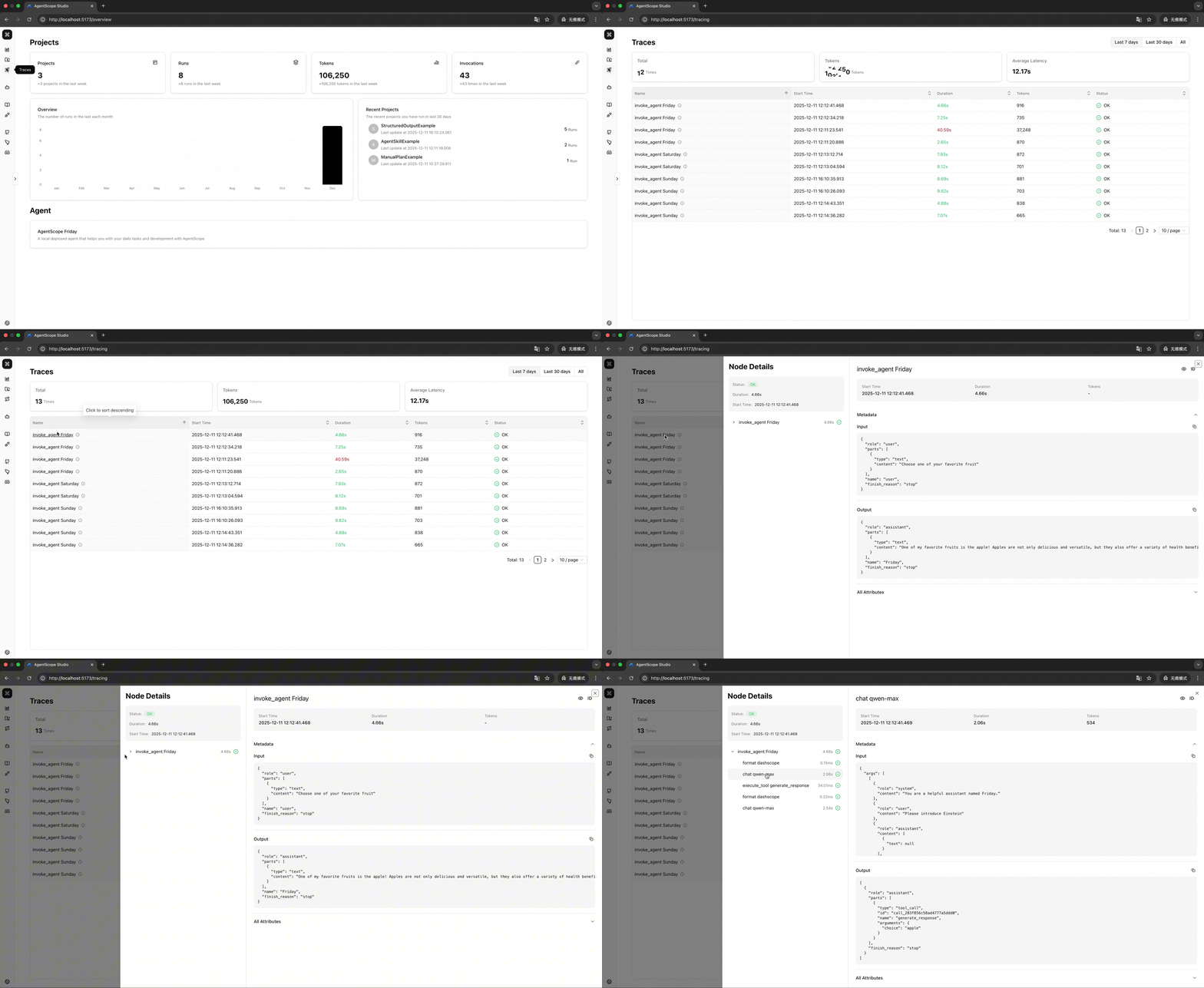
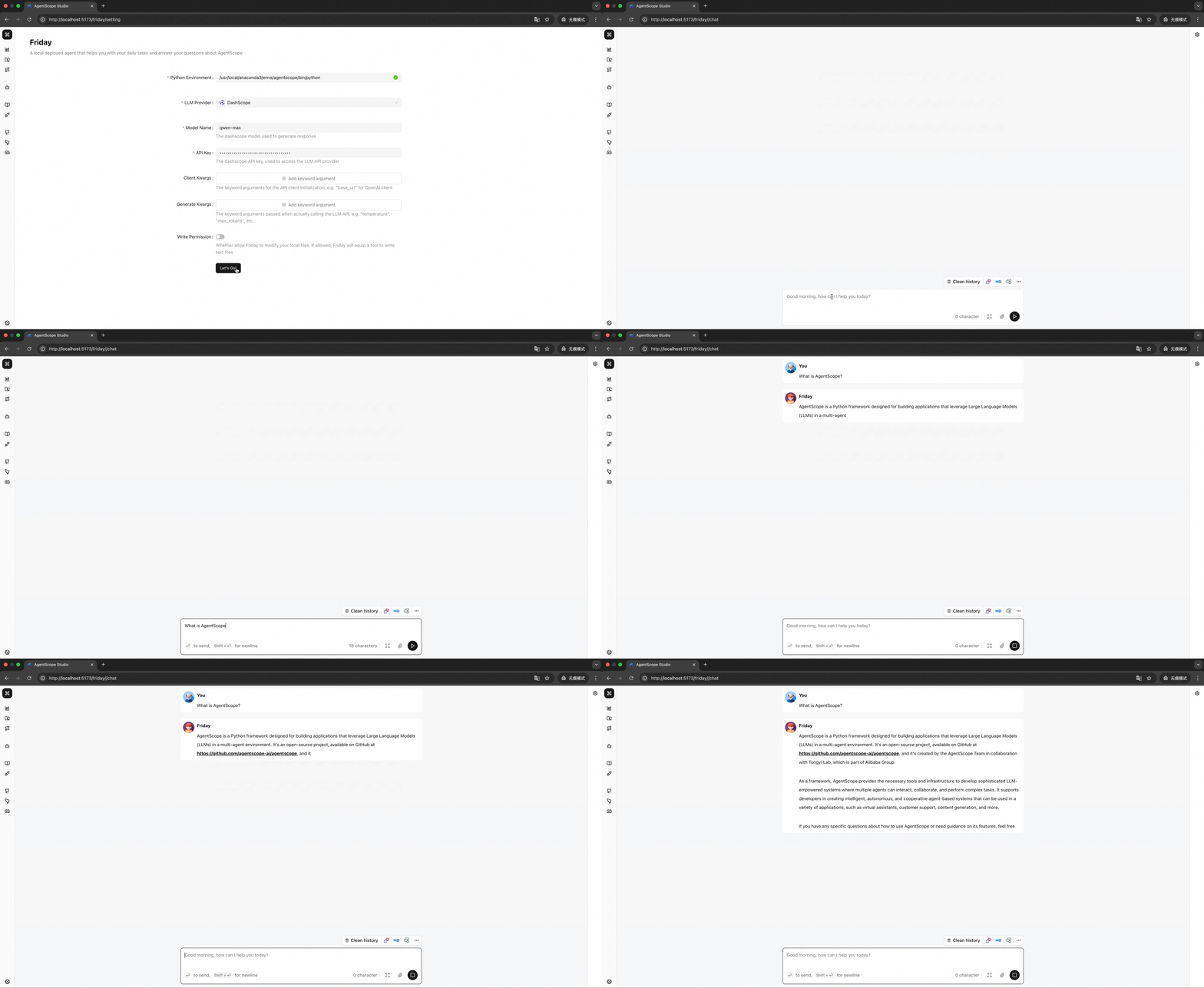
## 📢 News
- **[2025-08]** AgentScope Studio is now open-sourced! We will continue to improve it and welcome contributions from the community.
## 💻 Installation
### Prerequisites
- **Node.js >= 20.0.0**
- **npm >= 10.0.0**
> **💡 Tip**: If you're using [nvm](https://github.com/nvm-sh/nvm), you can run `nvm use` to automatically switch to the required Node.js version.
```bash
# How to check your version
node --version # Should show v20.x.x or higher
npm --version # Should show 10.x.x or higher
```
### From NPM (Recommended)
```bash
npm install -g @agentscope/studio
# Start AgentScope Studio
as_studio
```
### From Source
```bash
git clone https://github.com/agentscope-ai/agentscope-studio
cd agentscope-studio
npm install
# Start in development mode
npm run dev
```
## 🚀 QuickStart
To connect AgentScope applications, you need to set the `studio_url` field in the `AgentScope` initializer as follows:
```python
import agentscope
agentscope.init(
# ...
studio_url="http://localhost:3000"
)
# ...
```
## 📚 Documentation
For more details, please refer to our documentation:
- [Overview](./docs/tutorial/en/tutorial/overview.md) - What is AgentScope Studio and how it works
- [Quick Start](./docs/tutorial/en/tutorial/quick_start.md) - Installation and configuration guide
- [Project Management](./docs/tutorial/en/develop/project.md) - Managing projects and runs
- [Tracing](./docs/tutorial/en/develop/tracing.md) - OpenTelemetry integration and semantic conventions
- [Friday](./docs/tutorial/en/agent/friday.md) - Built-in Copilot guide
- [Contributing](./docs/tutorial/en/tutorial/contributing.md) - How to contribute
## ⚖️ License
AgentScope Studio is released under [Apache License 2.0](./LICENSE).
## ✨ Contributors
All thanks to our contributors:
