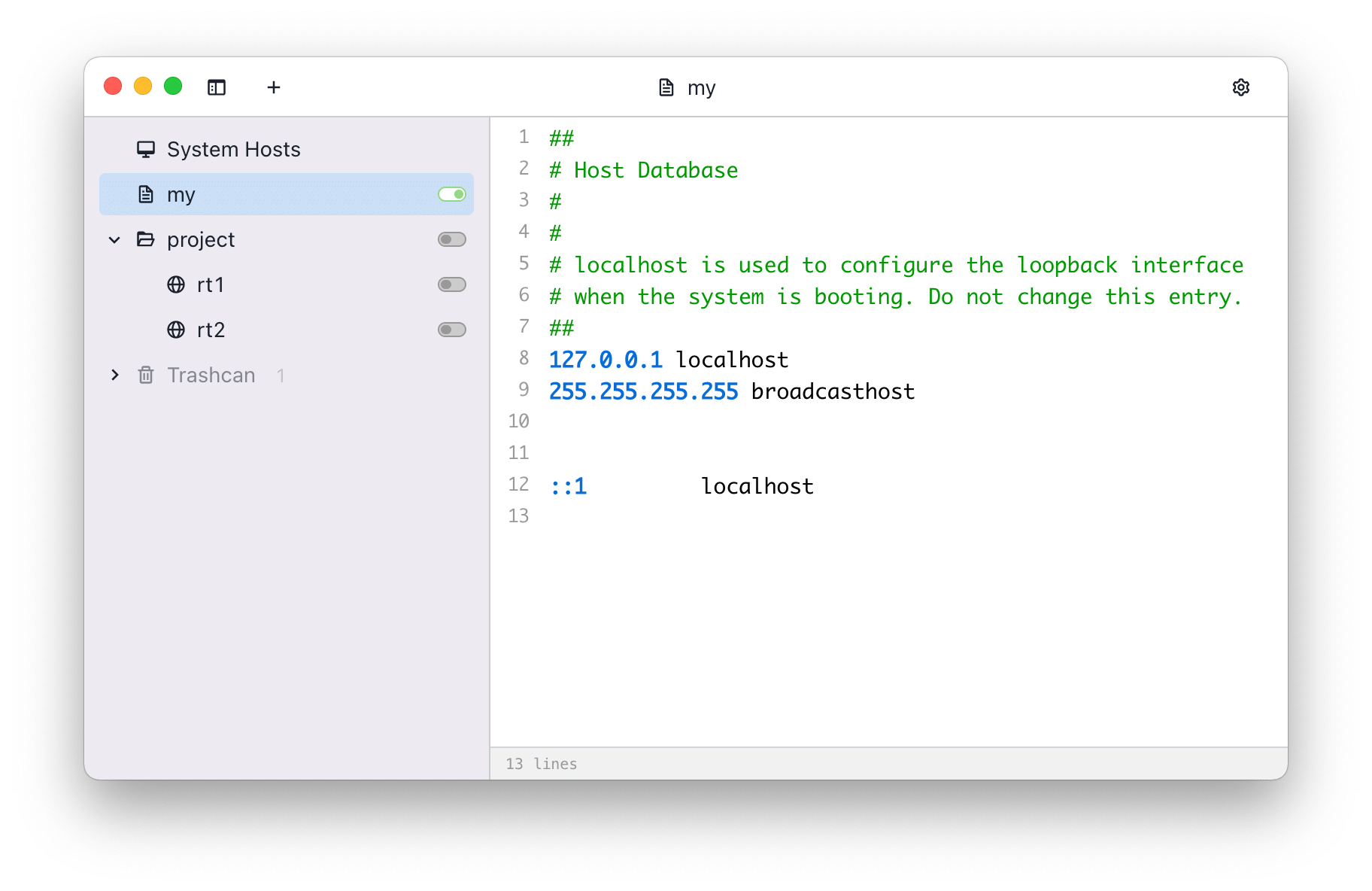
 ## Features
- Switch hosts quickly
- Syntax highlight
- Remote hosts
- Switch from system tray
## Install
### Download
You can download the source code and build it yourself, or download the built version from following
links:
- [SwitchHosts Download Page (GitHub release)](https://github.com/oldj/SwitchHosts/releases)
You can also install the built version using the [package manager Chocolatey](https://community.chocolatey.org/packages/switchhosts):
```powershell
choco install switchhosts
```
## Backup
SwitchHosts stores data at `~/.SwitchHosts` (Or folder `.SwitchHosts` under the current user's home
path on Windows), the `~/.SwitchHosts/data` folder contains data, while the `~/.SwitchHosts/config`
folder contains various configuration information.
## Develop and build
### Development
- Install [Node.js](https://nodejs.org/)
- Change to the folder `./`, run `npm install` to install dependented libraries
- Run `npm run dev` to start the development server
- Then run `npm run start` to start the app for developing or debuging
### Build and package
- It is recommended to use [electron-builder](https://github.com/electron-userland/electron-builder)
for packaging
- Go to the `./` folder
- Run `npm run build`
- Run `npm run make`, if everything goes well, the packaged files will be in the `./dist` folder.
- This command may take several minutes to finish when you run it the first time, as it needs time
to download dependent files. You can download the dependencies
manually [here](https://github.com/electron/electron/releases),
or [Taobao mirror](https://npmmirror.com/mirrors/electron/), then save the files to `~/.electron`
. You can check the [Electron Docs](http://electron.atom.io/docs/) for more infomation.
```bash
# build
npm run build
# make
npm run make # the packed files will be in ./dist
```
## Copyright
SwitchHosts is a free and open source software, it is released under the [Apache License](./LICENSE).
## Features
- Switch hosts quickly
- Syntax highlight
- Remote hosts
- Switch from system tray
## Install
### Download
You can download the source code and build it yourself, or download the built version from following
links:
- [SwitchHosts Download Page (GitHub release)](https://github.com/oldj/SwitchHosts/releases)
You can also install the built version using the [package manager Chocolatey](https://community.chocolatey.org/packages/switchhosts):
```powershell
choco install switchhosts
```
## Backup
SwitchHosts stores data at `~/.SwitchHosts` (Or folder `.SwitchHosts` under the current user's home
path on Windows), the `~/.SwitchHosts/data` folder contains data, while the `~/.SwitchHosts/config`
folder contains various configuration information.
## Develop and build
### Development
- Install [Node.js](https://nodejs.org/)
- Change to the folder `./`, run `npm install` to install dependented libraries
- Run `npm run dev` to start the development server
- Then run `npm run start` to start the app for developing or debuging
### Build and package
- It is recommended to use [electron-builder](https://github.com/electron-userland/electron-builder)
for packaging
- Go to the `./` folder
- Run `npm run build`
- Run `npm run make`, if everything goes well, the packaged files will be in the `./dist` folder.
- This command may take several minutes to finish when you run it the first time, as it needs time
to download dependent files. You can download the dependencies
manually [here](https://github.com/electron/electron/releases),
or [Taobao mirror](https://npmmirror.com/mirrors/electron/), then save the files to `~/.electron`
. You can check the [Electron Docs](http://electron.atom.io/docs/) for more infomation.
```bash
# build
npm run build
# make
npm run make # the packed files will be in ./dist
```
## Copyright
SwitchHosts is a free and open source software, it is released under the [Apache License](./LICENSE).