# Mobile-Mouse
**Repository Path**: stephen-zeng/Mobile-Mouse
## Basic Information
- **Project Name**: Mobile-Mouse
- **Description**: 将移动设备用作鼠标,但是release版本请到Github仓库下载
https://github.com/stephen-zeng/Mobile-Mouse
- **Primary Language**: C++
- **License**: GPL-3.0
- **Default Branch**: main
- **Homepage**: None
- **GVP Project**: No
## Statistics
- **Stars**: 0
- **Forks**: 0
- **Created**: 2024-11-27
- **Last Updated**: 2024-12-21
## Categories & Tags
**Categories**: Uncategorized
**Tags**: None
## README
Mobile Mouse
将手机当电脑鼠标操作
# 特色 #
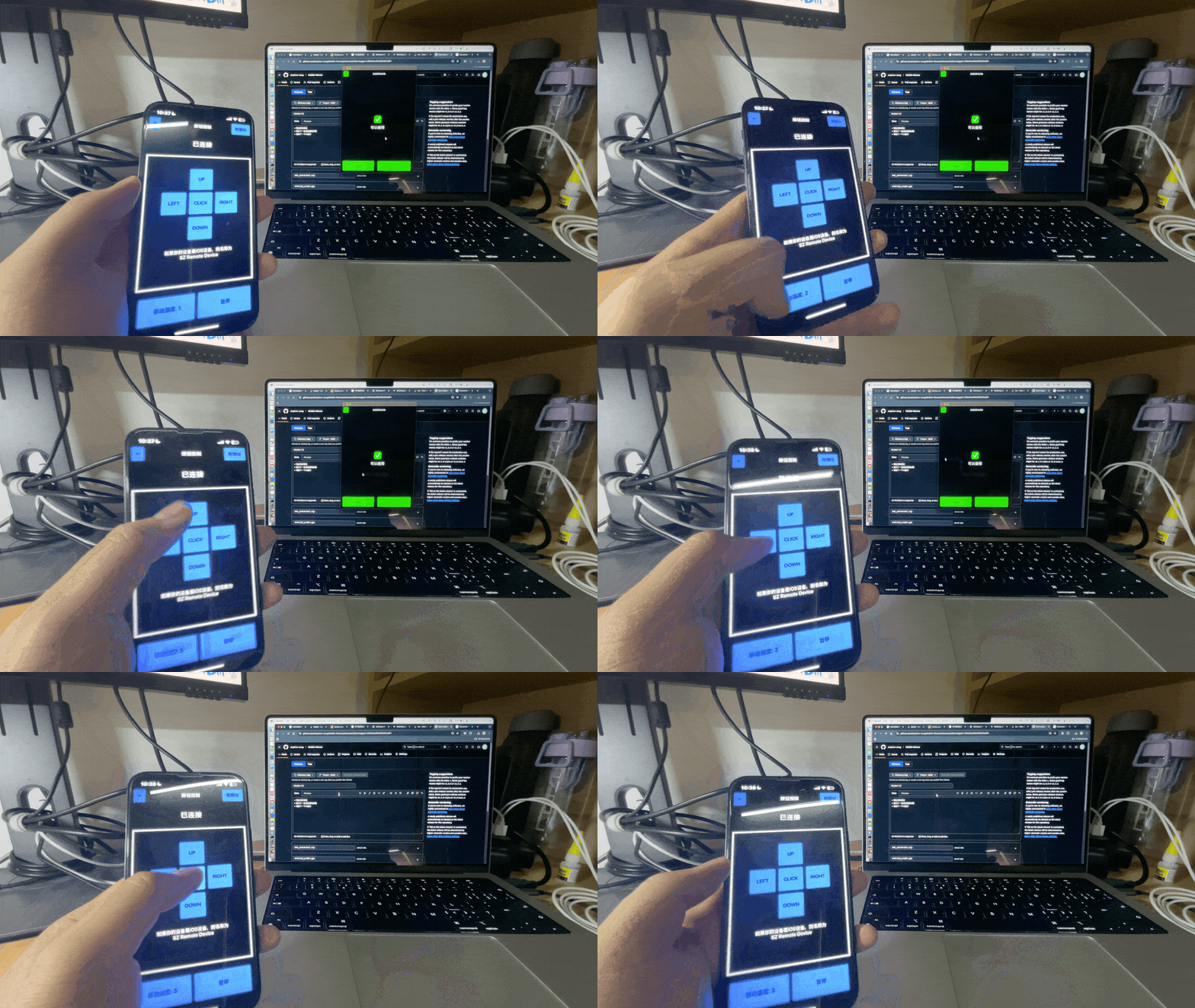
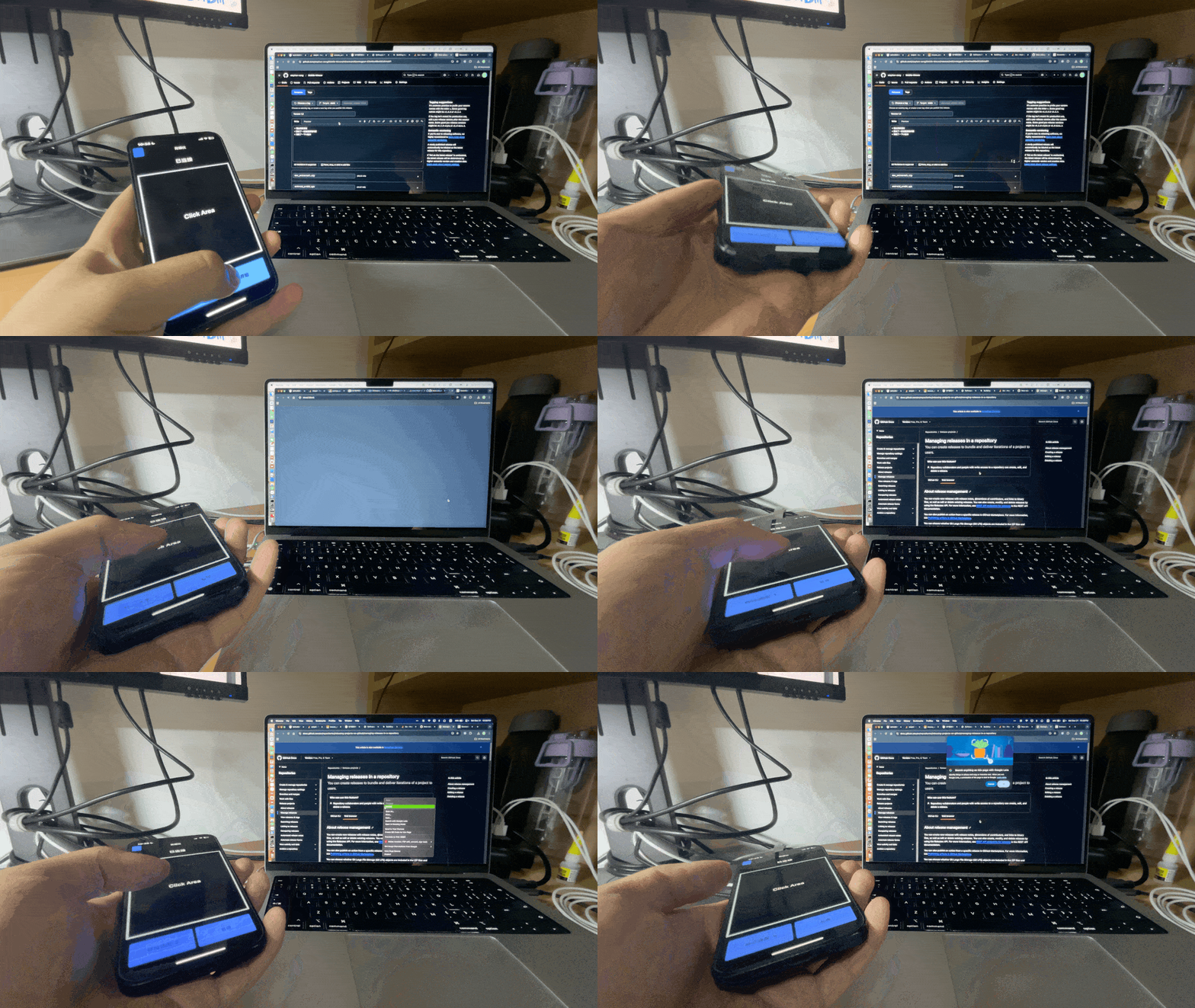
+ 两种操作方式:按钮操作和**陀螺仪操作**
+ 基于原生Qt开发,性能优秀
+ 基于蓝牙BLE,对网络没有要求,连接稳定
+ 多平台支持,支持Windows,macOS,Android
+ 多架构支持,支持arm64和x64双架构
# 效果 #
## 按钮控制 ##
## 陀螺仪控制 ##
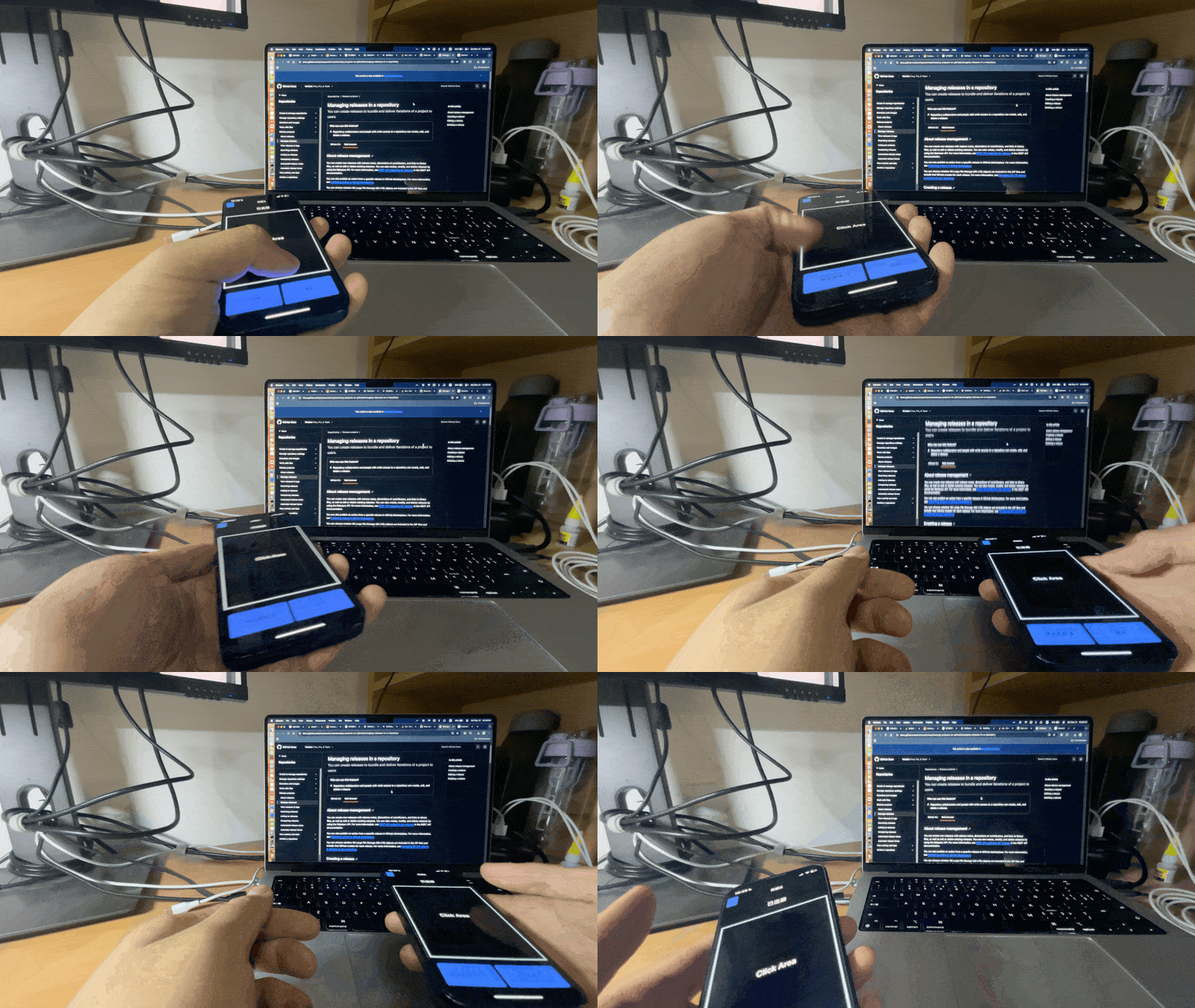
## 模拟滚轮 ##
# 使用 #
直接从[release页面](https://github.com/stephen-zeng/Mobile-Mouse/releases)下载对应版本,iOS版本需要自己签名(OACD)。使用方法在APP中均有体现。
+ 对于安卓设备,本机设备的名称在各系统的**关于本机**处查看。
+ Windows客户端扫描设备时会出现一堆`Bluetooth **:**:**:**`,不用管,找到自己的设备连接就好。
+ 移动端的连接状态可能会更新不及时,以电脑端的连接状态显示为准
# 二次开发 #
项目使用的Qt版本为**6.8.0 LTS**,在安装Qt时,需要安装一下组件(Additional Libraries):
+ Qt Sensors
+ Qt Connectivity
Windows则需要安装MSVC_2022编译器,不能使用MinGW编译,因为这样蓝牙无法使用。安卓可能有些设备无法正常使用,原因不详。Xcode项目可以直接由Qt项目生成,就不单独放上去了。包名叫`homework-qmake`,是因为这其实是我们期末作业🤣